Known Participant
May 14, 2019
Question

White text on colored background disappeared in pdf - ID2018

  • May 14, 2019
  • 2 replies
  • 5823 views

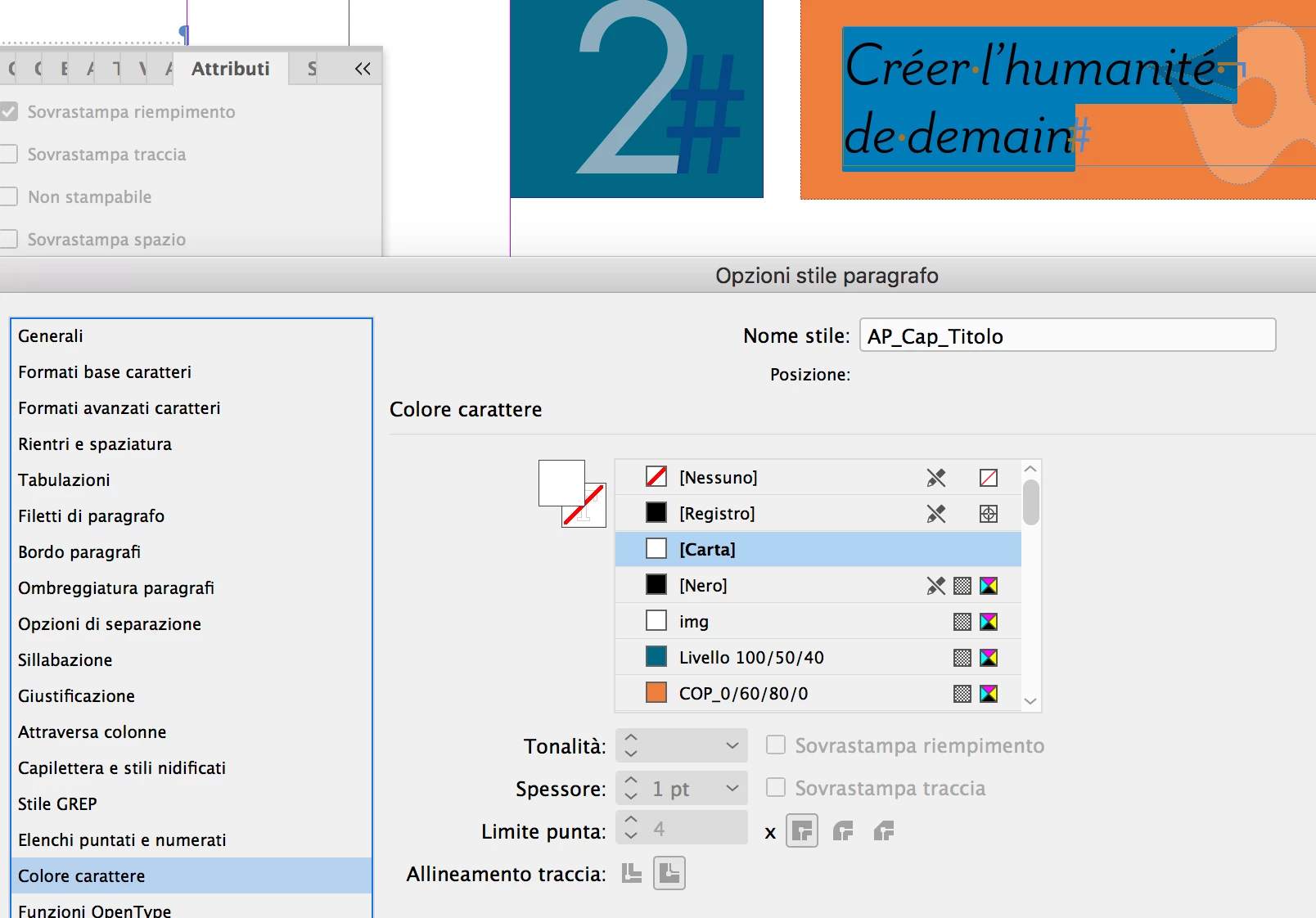
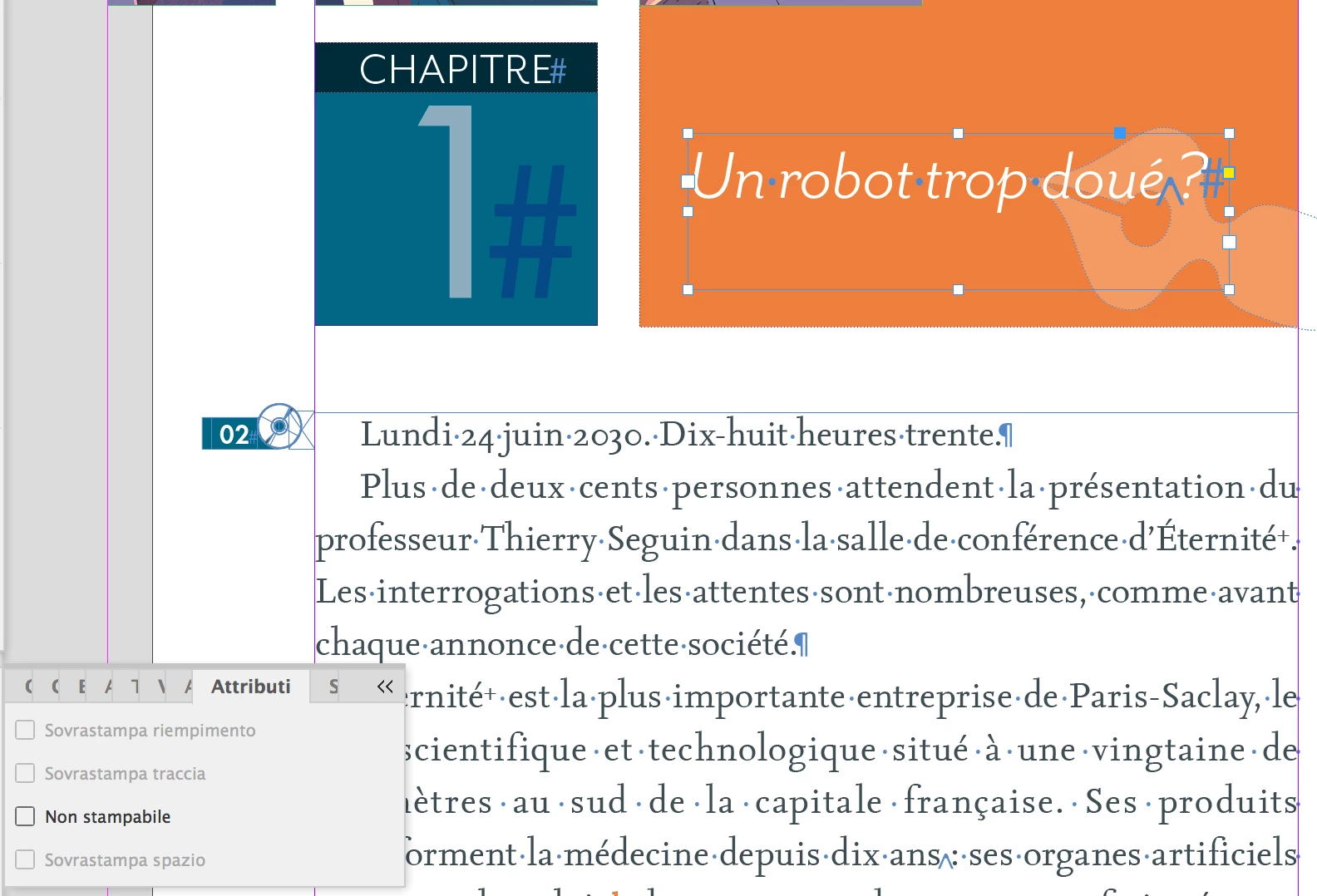
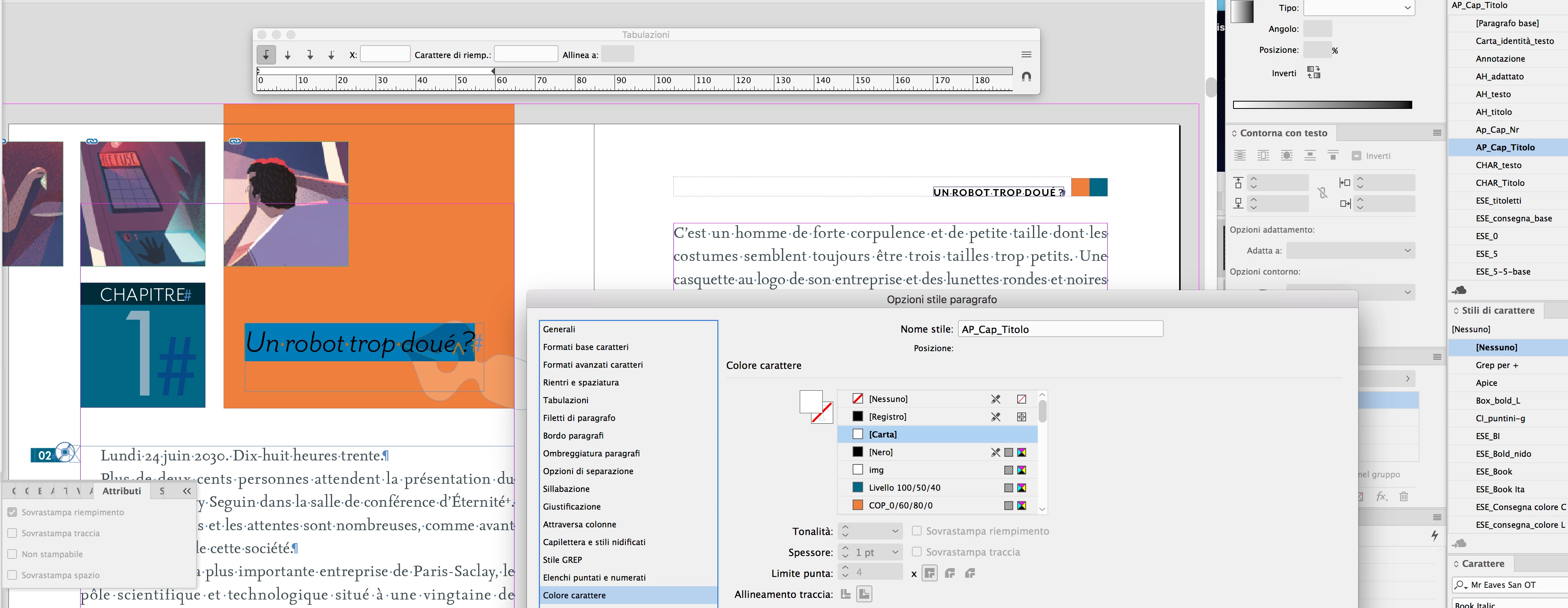
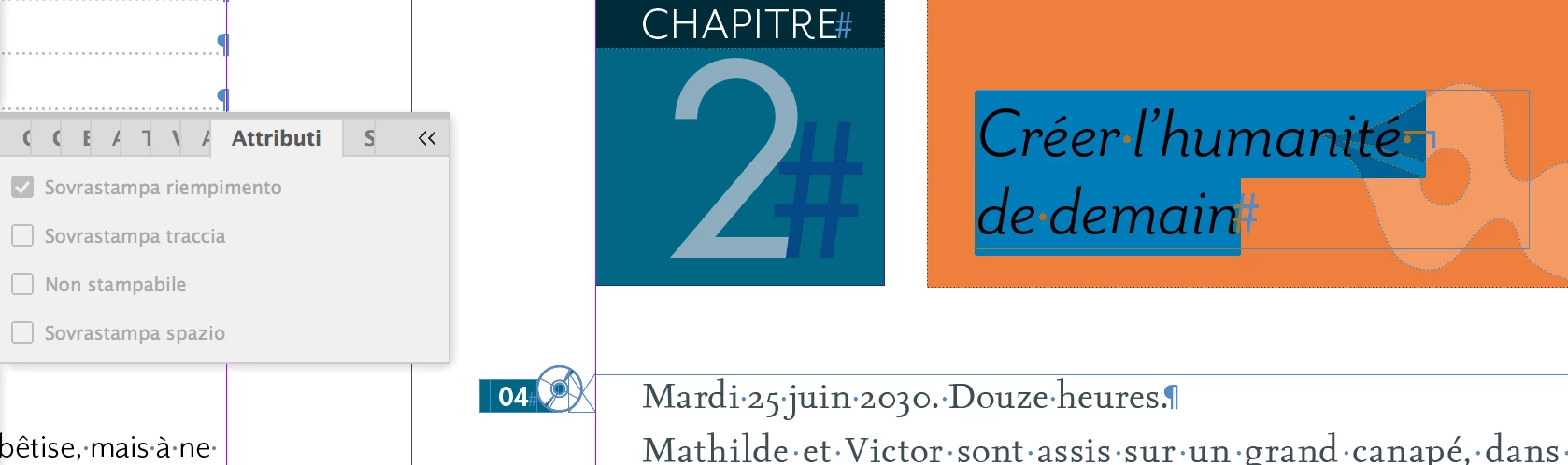
So, here is my (sad) story: a book printed with no titles at all, a second book printed with random words of the titles (white titles on an orange background). The paragraph style sheet has correct overprint settings, the text box in the master page has correct overprint settings. If I select the text box in the regular page the overprint settings are correct, but if I highlight the text, in the Attributes panel 'overprint filling' is checked in pale gray so that I can't change the attributes. If I select and move the box forth and back, the overprint check disappear. Any suggestions, except an exorcism? I have to explain to a customer why his production of graded readings, this year, would be taken to waste without losing his confidence.

Thanks

Style sheet
Text hilighted
This topic has been closed for replies.

2 replies

vinny38
Legend
May 14, 2019

Hi

I can recreate the issue by applying a character style where "overprint fill" is checked.

You can check that out.

Also, I would highly recommend using a preflight profile where "White or [paper] overprints" - or even "overprint applied in Indd" - is set up.

Community Expert
May 14, 2019

Hi Bpossum ,

change the view of the page to "Overprint Preview".

Can you still see the text?

If no, select the text frame and check the attributes of the text frame.

Window > Output > Attributes

Could be that it is set to "Non Printing".

EDITED:

Hm. Your screenshot is showing that "Non Stampabile" is not checked.

Maybe there is in an effect applied to the text of the text frame like "Multiply" ?

Regards,
Uwe

BpossumAuthor
Known Participant
May 14, 2019

Hi Uwe,

thanks for your reply. It's an overprint issue so if I select Overprint preview I can't see the text. But what I'm trying to understand is why it occurred as I haven't changed any options and every year I use a previous printed file of the same editorial series (to maintain master pages, style sheets, etc) for the new ones.

If you look at the screenshots, the first one shows that in the Paragraph Style sheet the overprint is correct, but in the Attributes panel it is not (and it is unmodifiable, pale grey).

The windows is set to 'print'.

Thanks

BpossumAuthor
Known Participant
May 14, 2019

Hi,

Ganesh was on the right track!

Text is overprinting!

Since it is colored with [Paper] you cannot turn off "Overprint" directly using the Attributes panel or your Paragraph Style:

Instead:

Open your applied paragraph style to do some changes.

1. Change the fill color of your Paragraph Style to a different color.

2. Then you can see that "Overprint" is checked.

3. Uncheck "Overprint" in your style.

4. Change the fill color back to [Paper]

Regards,
Uwe


Thank you Laubender and Ganesh!

I understood that the text was overprinted and changing the color to a new 'white' the problem is solved.

What I can't explain myself, however, is because nothing happened for 3 years and then in one of the two books the text of the chapters came out, in some pages, partially!

That is the same source document, same master pages, same style sheets, but different behaviors and different overprints in the same style sheet (or text box). For me it's scary, how can you explain it?