Chris  P.  Bacon
Inspiring
September 10, 2022
Answered

Why are only my master pages properly centered when hitting Ctrl + Alt + 0?
  • September 10, 2022
  • 1 reply
  • 1003 views

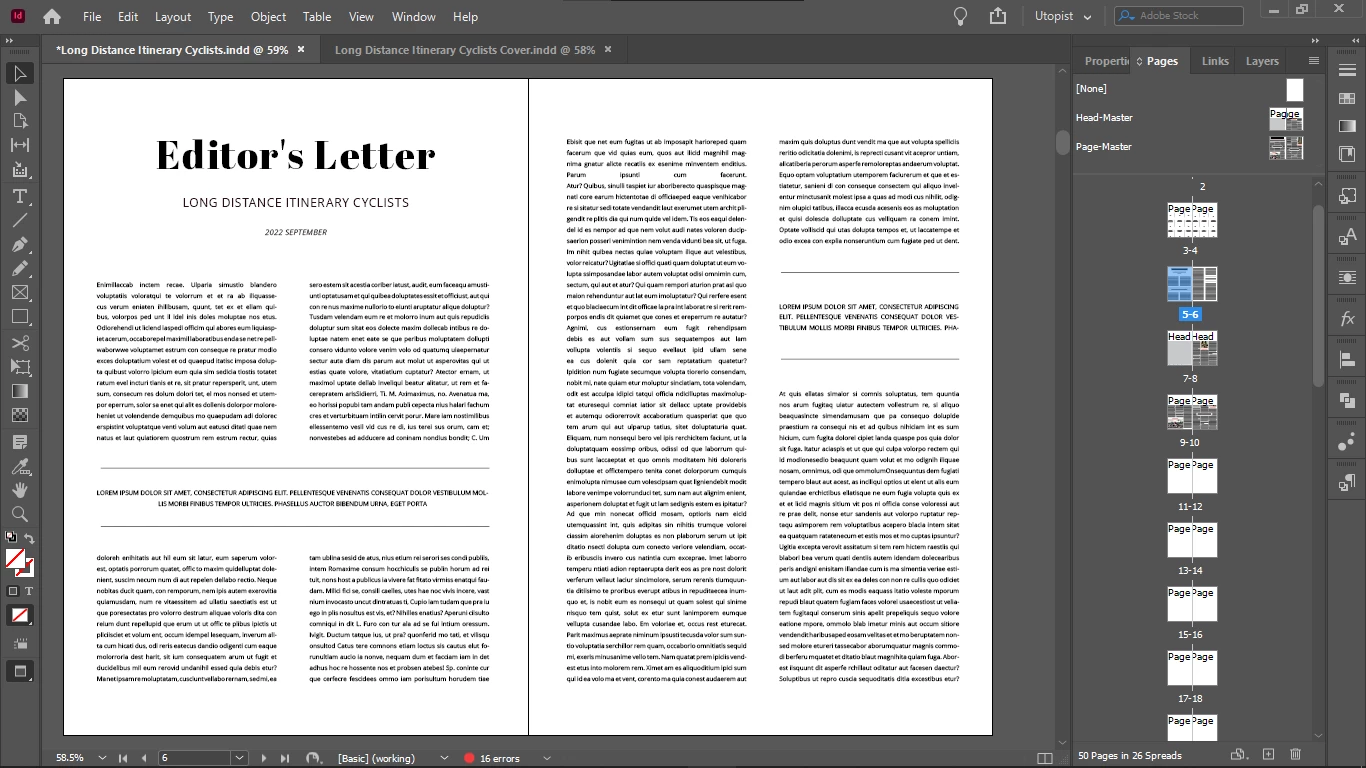
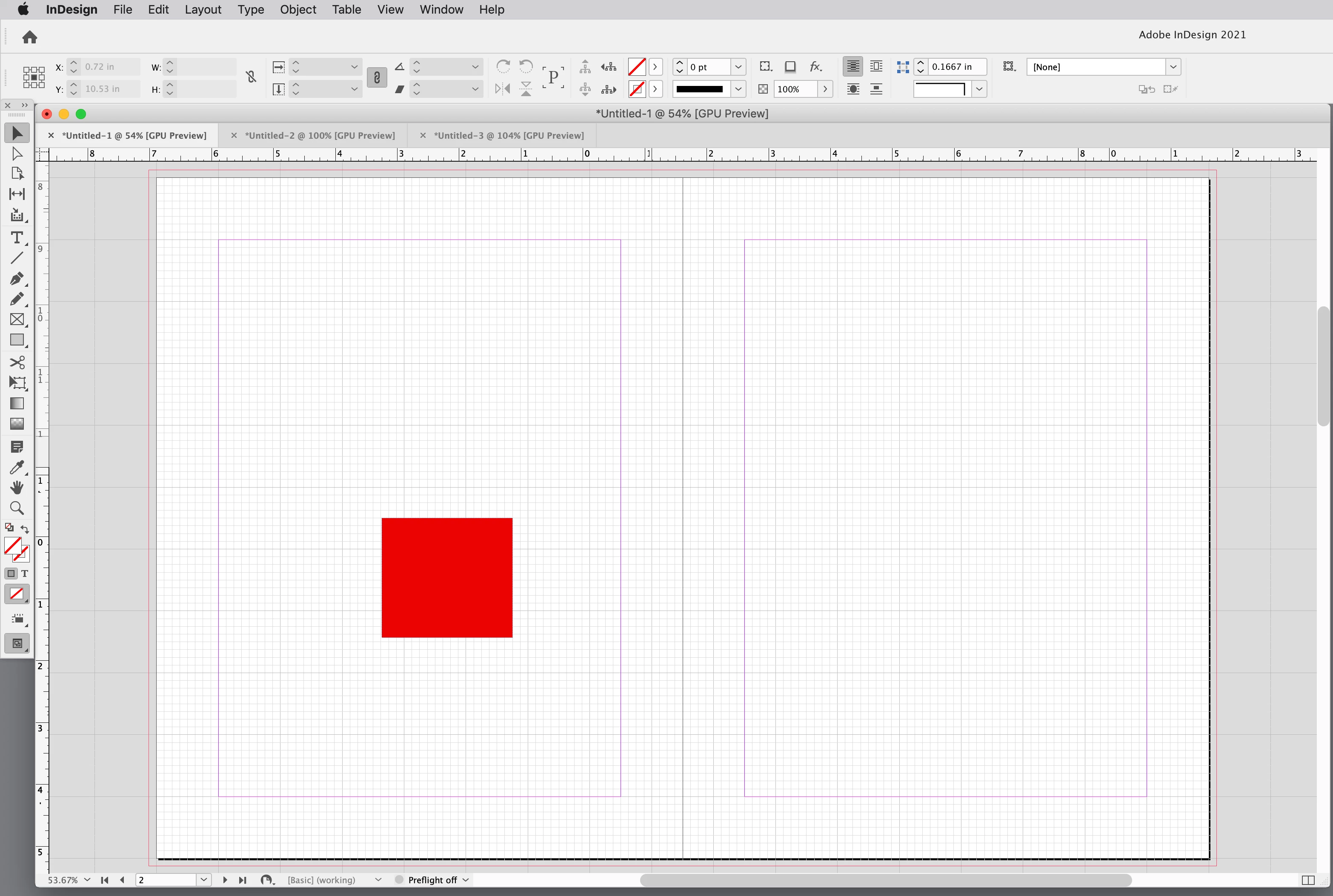
The first is a master page, the second was imported via a guest master page, but its master was deleted.

When hitting Ctrl + Alt + 0, it should be centered just like my master page, but it isn't.

Does anyone know why?
This topic has been closed for replies.
Correct answer rob day

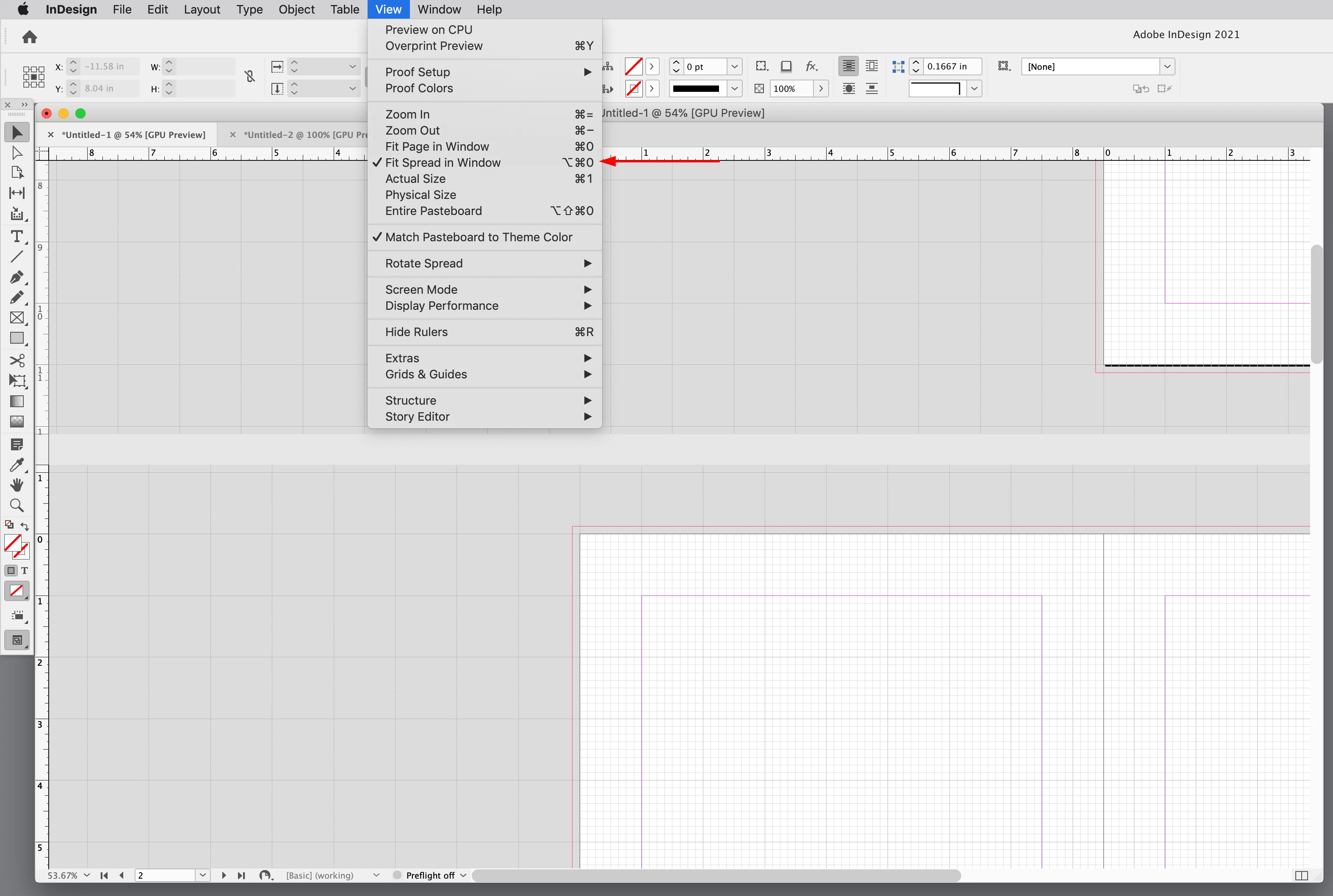
You can have Fit Spread in Window checked in the View menu and maunually shift the spread off center with the Hand tool—you would have to run the key command again to re-center the spread:


1 reply

Frans v.d. Geest
Community Expert
Community Expert
September 10, 2022

I'm looking at your screenshots, they are both perfectly centered BUT the right page seems to differ in size, so that Master (sorry: parent was it?) Page that was imported had a different size applied 😉

Chris  P.  Bacon
Inspiring
September 10, 2022

How do you know that?

they are the same width, look:


jmlevy
Community Expert
Community Expert
September 11, 2022

Could you show a screenshot with Ctrl + Alt + 0 applied to a spread and with a horizontal scrollbar still available?