Chris  P.  Bacon
Inspiring
November 29, 2022
Answered

Why can't I extend my image until the outer boundaries of the bleed?
  • November 29, 2022
  • 2 replies
  • 3179 views

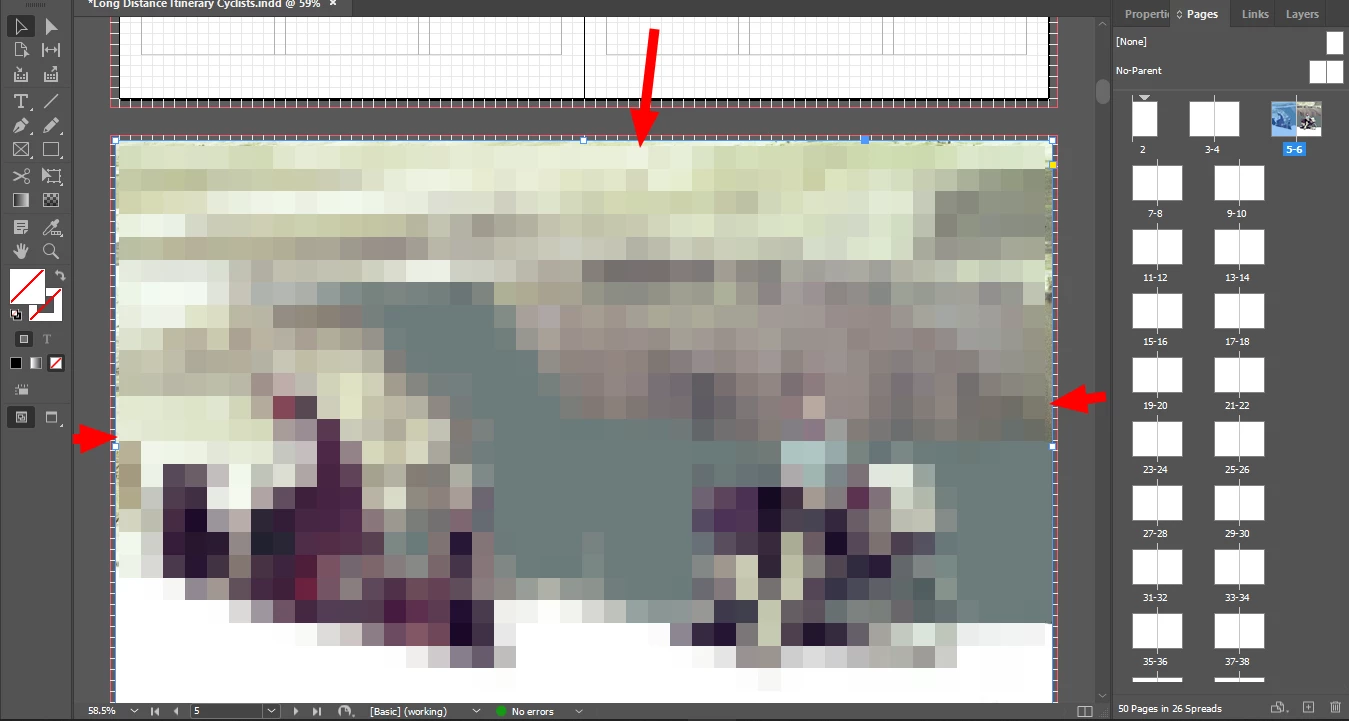
I tried to extend the image frame by both increasing its size or by dragging it but it will not extend until the bleed.

This topic has been closed for replies.
Correct answer Chris P. Bacon

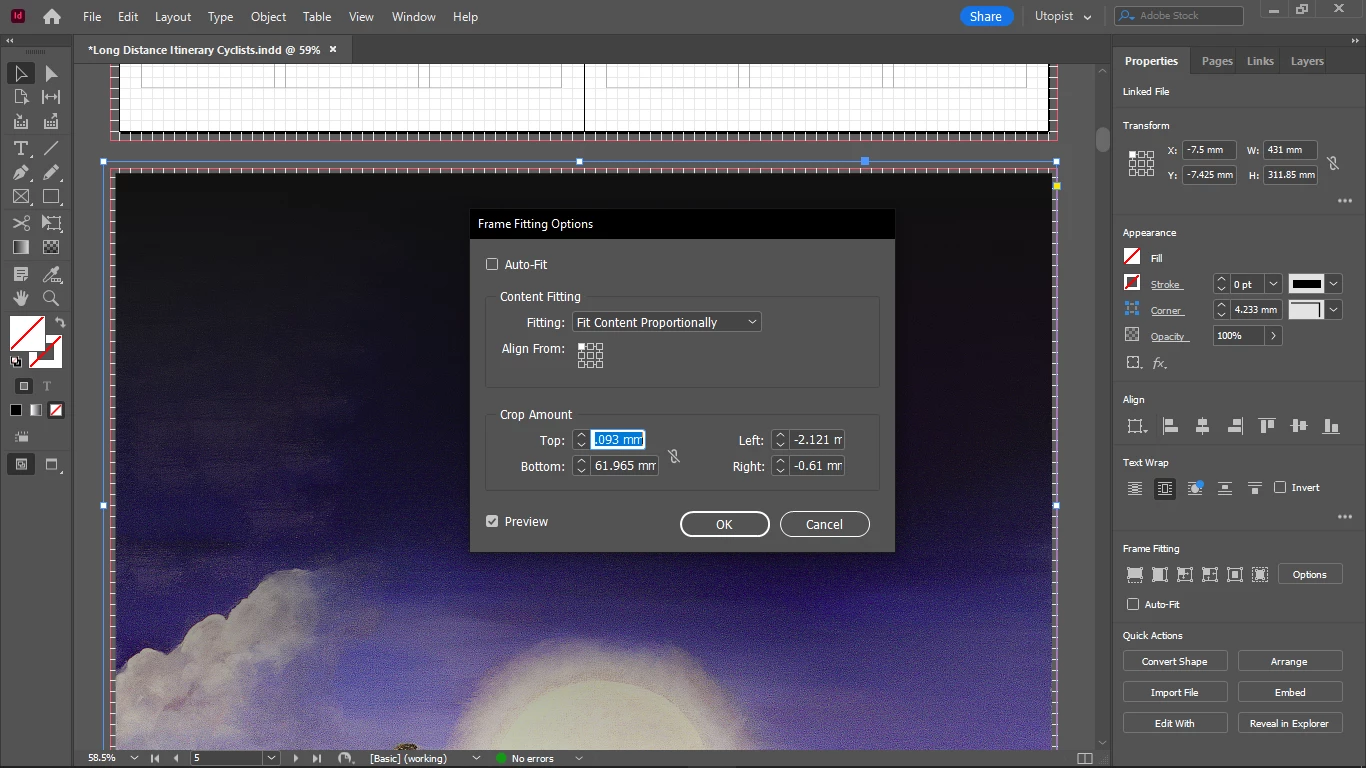
It's not ticked:


Oh but when I changed it to middle positioning instead of upper left corner, now it works.

Thanks, solved.

2 replies

Derek Cross
Community Expert
Community Expert
November 29, 2022

Are you trying to extend the Image Frame or the Image?

Have you deliberately pixilated the image for confidentiality reasons – what is the Effective PPI (as indicated in the Links Panel)?

Chris  P.  Bacon
Inspiring
November 29, 2022

Yes the image is pixelated by me (an overlay of my  screenshot software).

I am trying to extend the image frame so that it will be exactly on the red line which is the bleed.

Actually I can, but not by drawing the frame with the place cursor, before the placing.

I will have to adjust it after the placing, and 3 sides I can adjust to lay just outside of the red bleed line, but the 4-th will snap back, I cannot extend it and I previously also got an error message while trying to extend the 4-th side of the frame until the bleed:

"This value would cause one or more objects to leave the pasteboard".

Derek Cross
Community Expert
Community Expert
November 29, 2022

There's something strange about the way your pages look. I set up a new document using your measurements – I attach a screenshot. Yours has little vertical line around the edges.


and I was able to extend an image to the bleed edge.


rob day
Community Expert
Community Expert
November 29, 2022

Are you sure the frame isn’t locked?


Chris  P.  Bacon
Inspiring
November 29, 2022

It isn't, this is how it looks now and it still doesn't work:

Chris  P.  Bacon
Inspiring
November 29, 2022

Now I can too.

I have no idea what was the issue and if it will occur later.

But thanks.


Look, still doesn't work: