
Inspiring
September 21, 2024
Answered

Why column breaks instead of paragraph breaks?

  • September 21, 2024
  • 2 replies
  • 2125 views

Hi,

I'm relatively new to Indesign. I just noticed that most of my paragraph breaks were converted to column breaks when I imported a Word doc. Why and does it matter for epub or pdf exports?


Windows 11. Desktop PC. Mechanical keyboard (daskeyboard). I don't use the numerical pad to enter/break. Formatting marks are correct in Word.
 

This topic has been closed for replies.
Correct answer Cinewaze

@Cinewaze


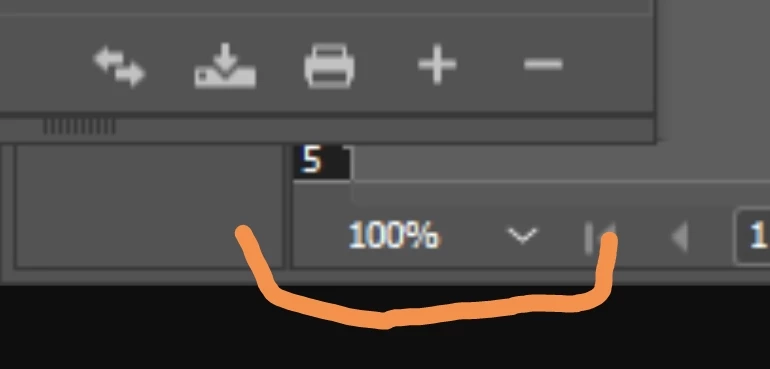
You've just sent cropped version of your original screenshot - can you click Ctrl+"+" on your numeric keypad - Zoom In - or select higher zoom level from the list on the bottom-left:


Attached. Mystery solved. You were right. It's a display issue. Thank you. Gives me peace of mind.

2 replies

CinewazeAuthor
Inspiring
September 21, 2024

Hi Robert. Here's a zoomed in shot. I might have received inaccurate information about the pilcrows. I'm used to seeing the paragraph marks with the double-line pilcrow (backwards P). But in my document, as you can see, there are two types of paragraph marks. Someone told me the single line pilcrow was a column break. 

Robert at ID-Tasker
Legend
September 21, 2024

I think it's just a display problem? 


https://helpx.adobe.com/uk/indesign/using/editing-text.html 


Robert at ID-Tasker
Legend
September 21, 2024

Searched for paragraph breaks and it found both marks. The PDF export looks fine. The breaks are normal in the epub HTML. So I  guess I won't worry about it but it would still be nice to know why the marks were different. 


@Cinewaze


Your zoom level is 100% - can you do 200% or more? 


Robert at ID-Tasker
Legend
September 21, 2024

Can you post a new screenshot - or mark problematic place(s)? 


Also, when you import DOC(X) - strange things can happen - try saving as RTF in WORD first - then import RTF instead.