

robtmccann
Known Participant
January 28, 2019
Answered

Why does 'Printer' default to PostScript file?

  • January 28, 2019
  • 1 reply
  • 3066 views

InDesign CC2019, Mojave 10.14.2

When I print, I print 99.9% of my InDesign files with a Samsung Laser Printer. This laser printer is set as the system default printer, and is always chosen first by TextEdit, Mail, Safari, etc. But every time I go to print from InDesign, I get the Print box as shown.
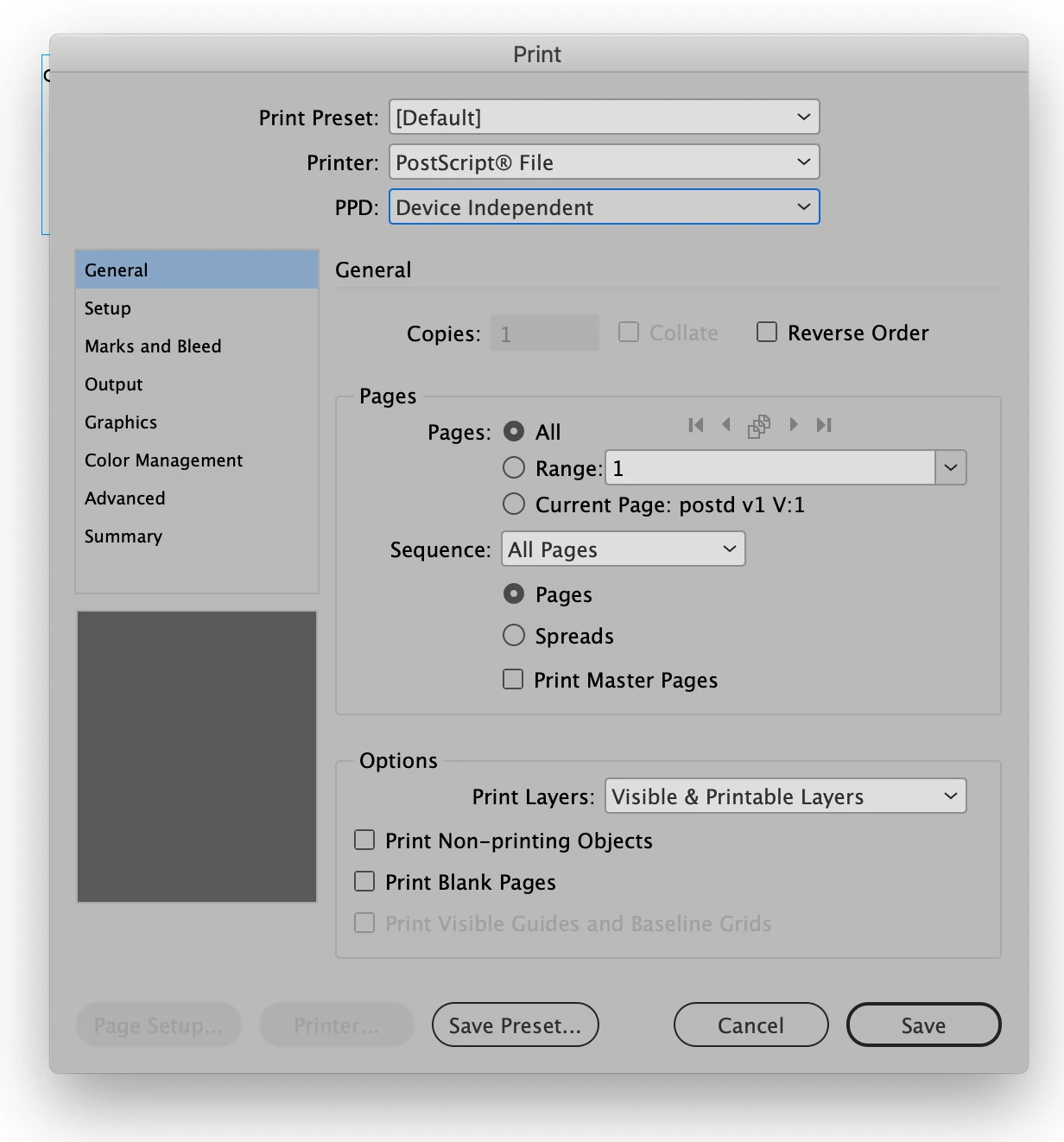
Is there a way to set up the Print box to have the Samsung printer be there every time unless I want to change it?  Trying to overwrite the [Default] Print Preset is not allowed.

    This topic has been closed for replies.
    Correct answer Manan Joshi

    Choose File>PrintPresets>Define in that you can edit for Default preset to use the printer that you desire that should fix this.

    -Manan

    1 reply

    Community Expert
    January 28, 2019

    Try once printing the document from InDesign using your Samsung printer, the print settings are in general sticky so it should remain the same once you change it to Samsung.

    -Manan

    -Manan
    robtmccann
    Known Participant
    January 28, 2019

    If I save a file it will print as I desire when I next open it - but new file will default to a PostScript file. I'd love to apply that 'stickiness' to every document all the time.

    I have several presets in that list below PostScript file, but would prefer to have the most used preset be my default instead.

    Good example, opening from a template, even if it has been printed, will revert to PostScript file.

    John Mensinger
    Community Expert
    Community Expert
    January 28, 2019

    I know this won't be helpful, but if you routinely print directly from InDesign (as opposed to exporting to PDF and printing from Acrobat), I'm a bit surprised this is your only problem.