
Participant
March 14, 2019
Question

Why Indesign keeps reducing image original size/resolution?

  • March 14, 2019
  • 2 replies
  • 1715 views

Im having this problem for a while and now its really getting into my nerves.
On searching about it I found this thread that looks like the same thing but it remains un-resolved. Im making this new one with images so you guys can see what's really happening.

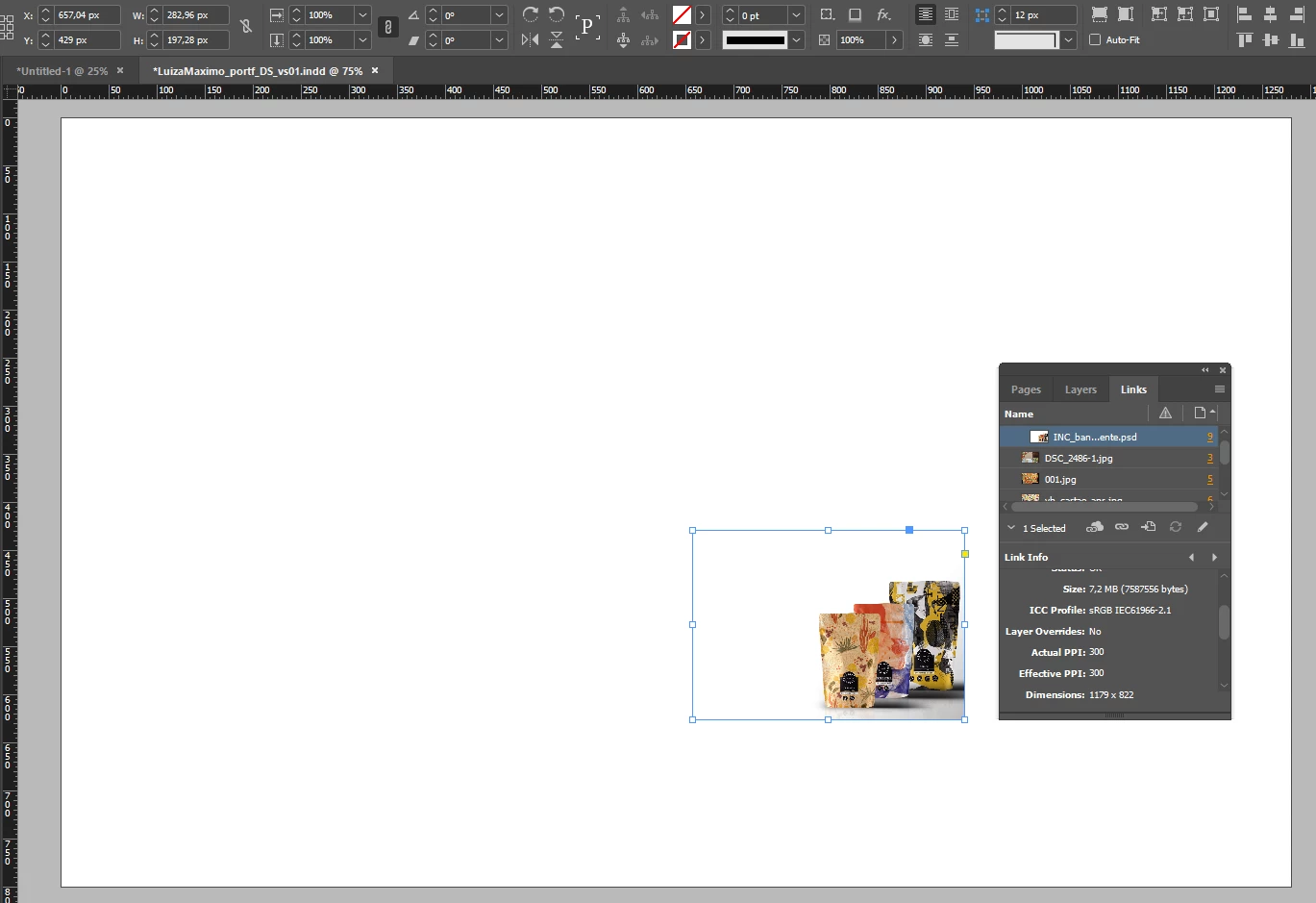
1. When I try to place this photoshop file (1179x882 -300 dpi) on a 1280X800px artboard it's EXTREMELY reduced to 282,96 x 197,28 px, 23% of it's original size:
2. After it I tried saving the same file with the exact artboard resolution 1280x800, with 150 DPI, and placed it on the artboard:
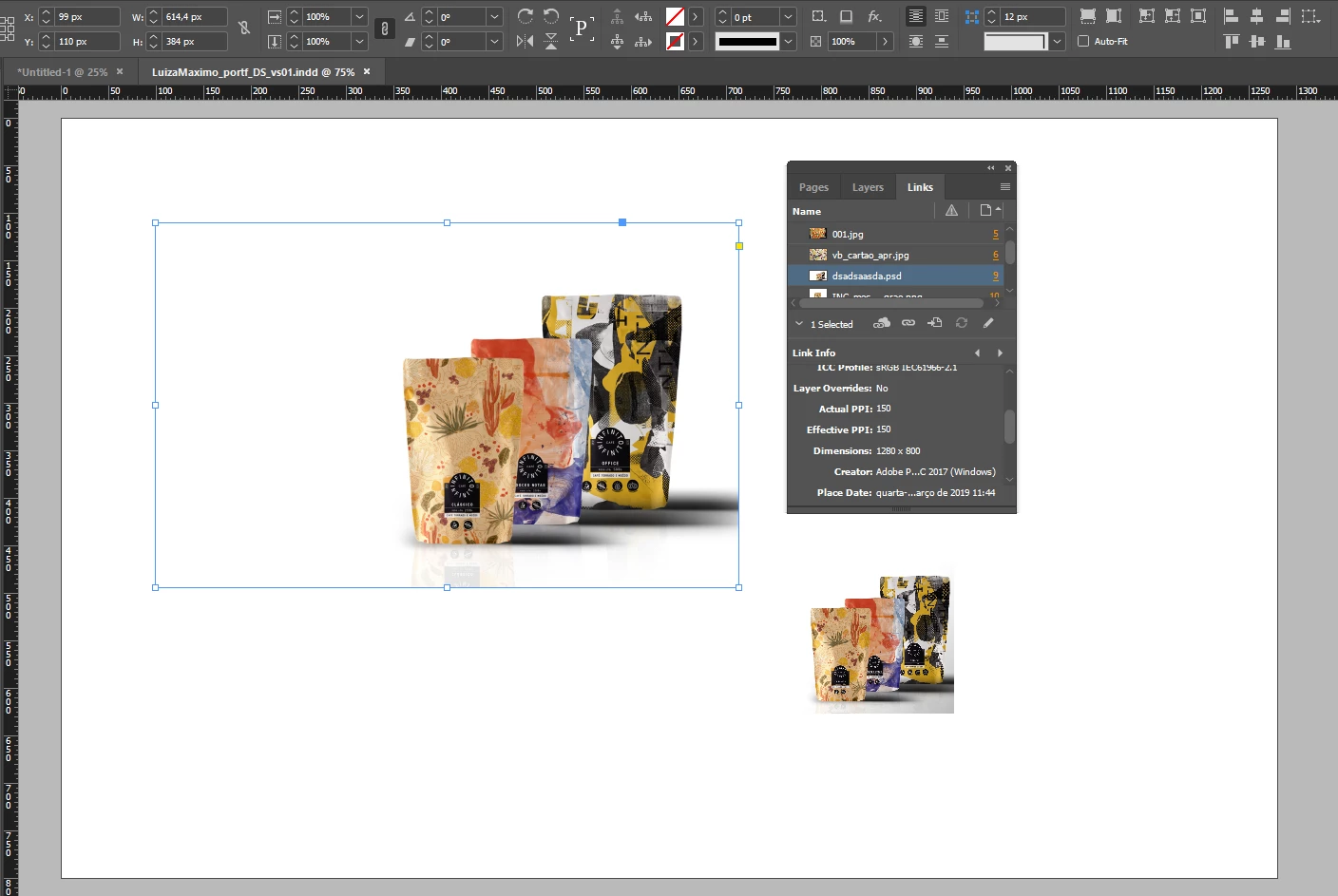
Surprisingly it appeared bigger than the 300 dpi version of it, but still really smaller than it should be, aprox. 47% of its original dimensions.

I already tried exporting the same image as png and jpeg, re-installing the program and it still wont work, I dont know what else to do.
I really need to get my work done with my high-res images, please give me a light on this guys  

This topic has been closed for replies.

2 replies

rob day
Community Expert
Community Expert
March 15, 2019

On searching about it I found this thread that looks like the same thing but it remains un-resolved.

Also, the thread you linked to was posted in 2010 and spans about 6 years—the answer is buried in the thread.

The Pixel ruler unit was introduced in 2010 with CS5, and some of the posters are confusing pixels as a measurement of image resolution (pixels per inch), with pixels as a page’s output dimension (1 pixel = 1/72"). The pixel ruler unit is not particularly useful for print projects, but is for screen output.

If you want to design a banner ad that will be output to an image format (JPEG or PNG) at a specified pixel dimension, the pixel unit makes it easy to do that. Set the page dimensions to 1200 x 800 pixels and export to an image format at 72ppi and the page will export at a matching 1200 x 800 pixels. Any placed images contained by the page get sampled up or down as needed.

BobLevine
Community Expert
Community Expert
March 14, 2019

If you're using pixels you need to save your graphics at 72ppi to match up with InDesign.

Participant
March 15, 2019

Ok, that solves my online presentation image problems, but what about printing? What if I need that same 1200x800 image but with 300 dpi?

BobLevine
Community Expert
Community Expert
March 15, 2019

The thing you need to look at is effective resolution and for printing, the page size should be in inches or some other physical unit.

In short, pixels are pixels. If you take that 1200x800 image, even at 72ppi, you can scale it down and get the effective resolution to 300ppi and it would be 4” x 2.67”

Finally, 300ppi is a myth. For the most part it’s not necessary to go that high for printing.