Chris  P.  Bacon
Inspiring
October 8, 2022
Answered

Why is still extra spacing on my pasteboard if all margins from the pasteboard options are removed?

  • October 8, 2022
  • 1 reply
  • 1381 views

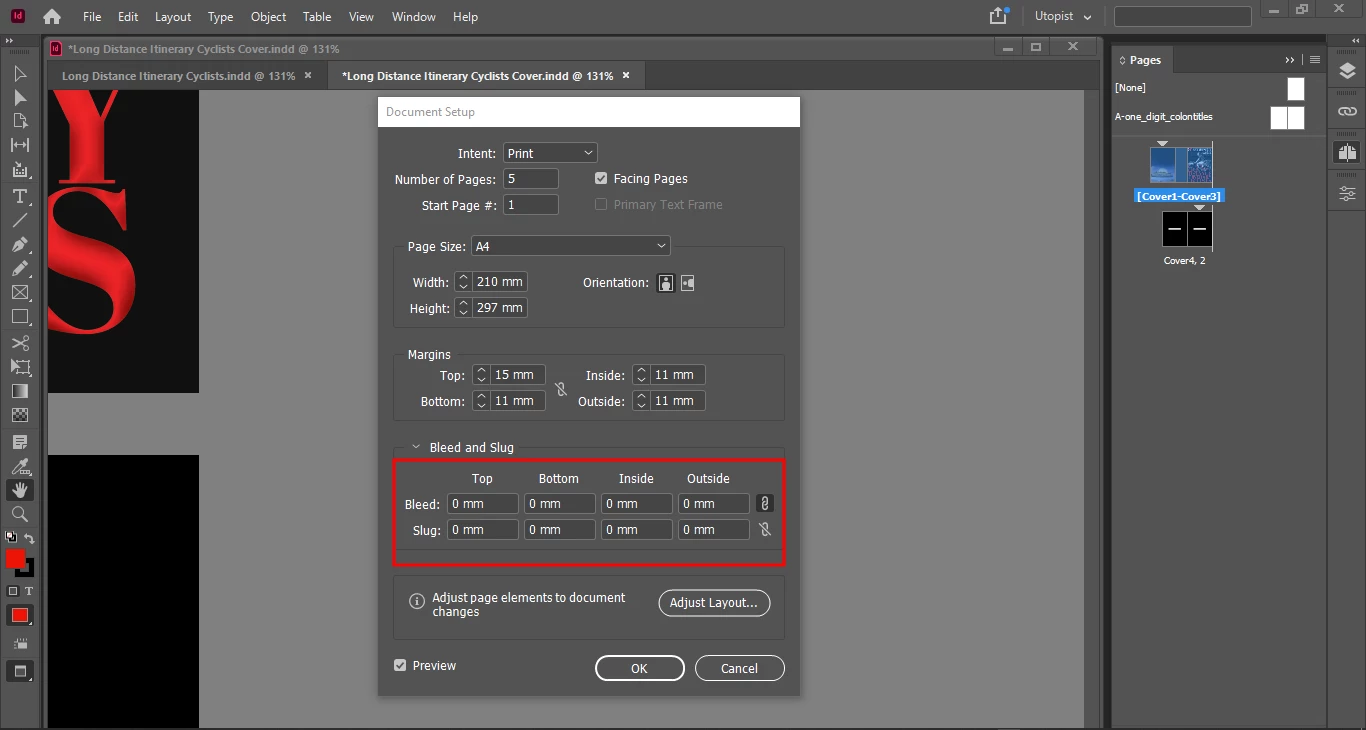
My bleed is also removed:

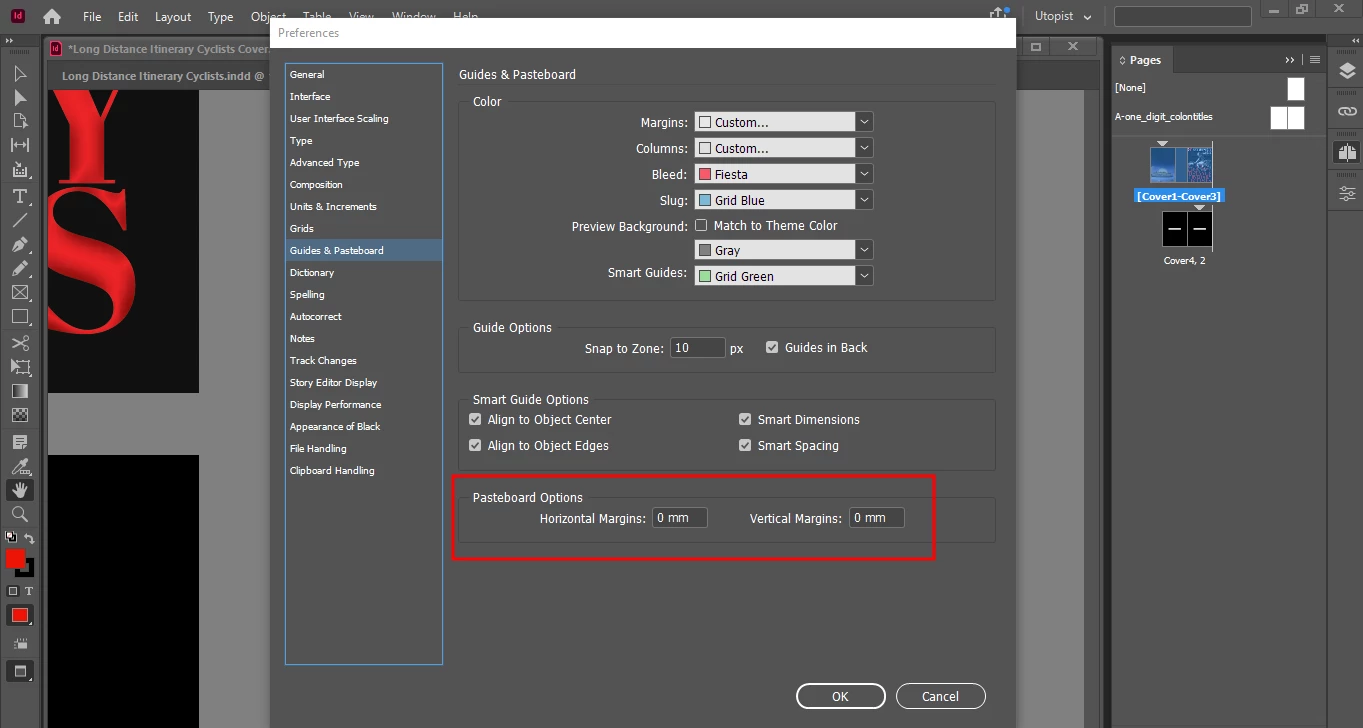
The margins at the pasteboard options are also removed:
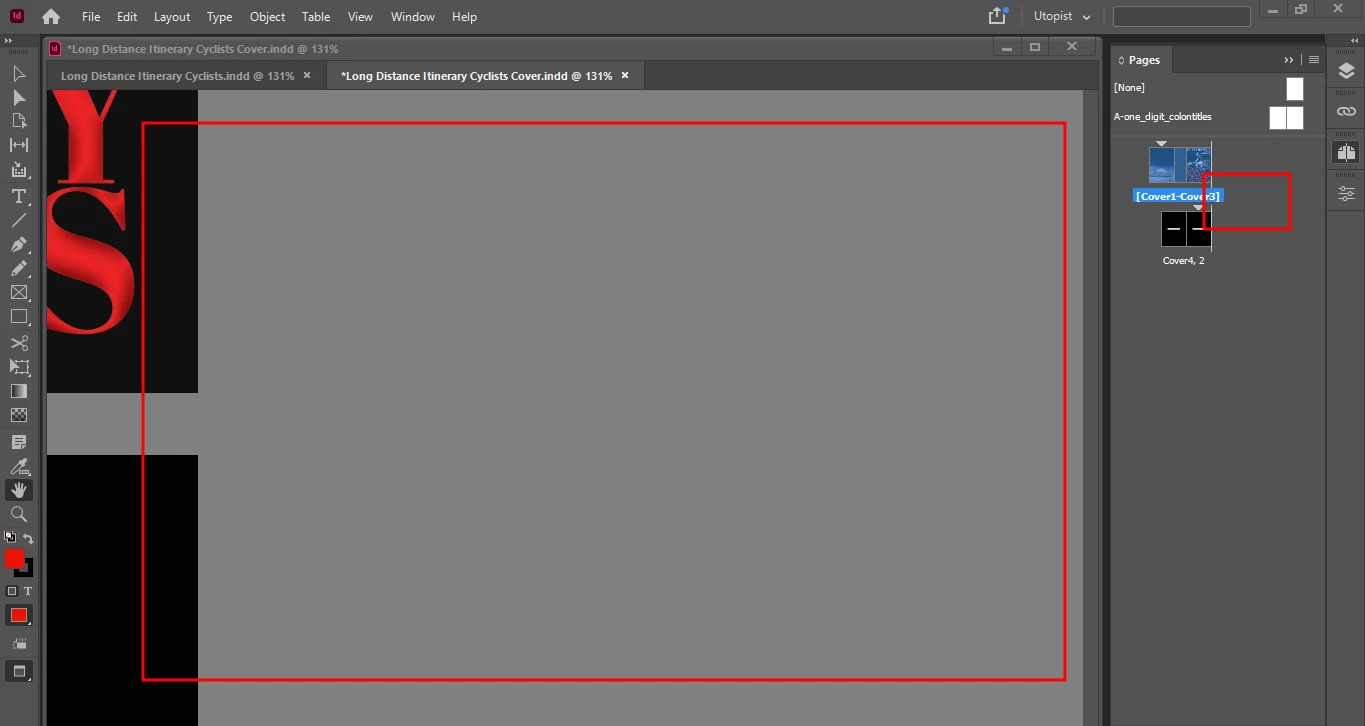
Yet there is lots of extra spacing left:
Is this due to some specific page setup for the jacket? 


This topic has been closed for replies.
Correct answer Abambo

So my extra distance (and only to the right) of my pasteboard is 1 + 2 .


quote

So my extra distance (and only to the right) of my pasteboard is 1 + 2 .


By @Chris P. Bacon

Because the spine is at the right of your left pages.

1 reply

Abambo
Community Expert
Community Expert
October 8, 2022

There is no pasteboard on your screenshot. And the bleed and the slug area is something different.


I have a pasteboard (210mm, 25mm) in my example:

However, I do not understand in what the pasteboard disturbs you? I'm now doing InDesign since version 1, and I never touched the pasteboard until now. https://helpx.adobe.com/indesign/using/pages-spreads.html


In the final design, the pasteboard is non-existent, when exporting. The slug area and especially the bleed area may well be needed.

ABAMBO | Hard- and Software Engineer | Photographer
Chris  P.  Bacon
Inspiring
October 8, 2022

The area marked with the big rectangle on my third image IS the pasteboard.

The pasteboard is useless space while creating, so I don't want it.

I work on a 12.5 inch HD laptop, which suits my eyes cause I (still) have good eyes, and I am on the road, so I don't want to carry a bigger laptop. So i need to spare my space on the screen.

But the main reason why I don't want the pasteboard is that I am resizing the document window to the physical size of my document, because if you do that, you can navigate just by clicking on the pages in the pages tab, while having a perfect physical size view (and no bloat, no extra space, no pasteboard), without scrolling or panning while creating the document, because InDesign it seems it's made smartly so that it will scroll the spread to the max right when clicking to the right page on the spread, and to the max left when clicking on the left (facing pages).

I know that sometimes you need a bit of a pasteboard to paste stuff that you don't want to paste into the pages directly, but for that I can use the pasteboard areas in between the pages, vertically.

I am already set up with the setup mentioned above for my document pages document.

Now I need to set it up for my jacket document.


Abambo
Community Expert
Community Expert
October 8, 2022

I reduced the pasteboard to 0 and it worked:

A pasteboard of 25mm:

(just to show the difference)


ABAMBO | Hard- and Software Engineer | Photographer