Inspiring
September 6, 2022
Answered

Zanellis MultiPageImporter problem

  • September 6, 2022
  • 5 replies
  • 558 views

Good morning

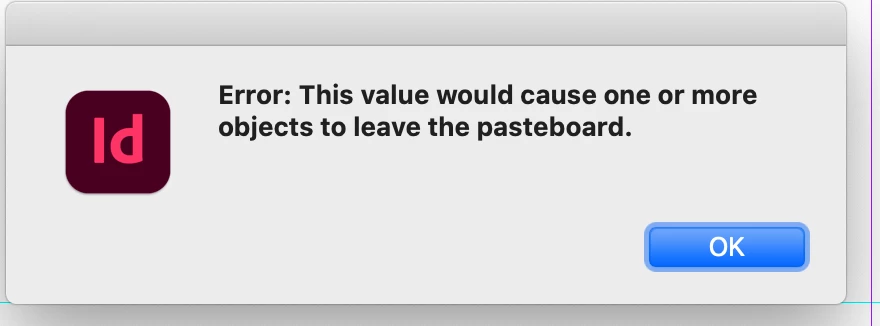
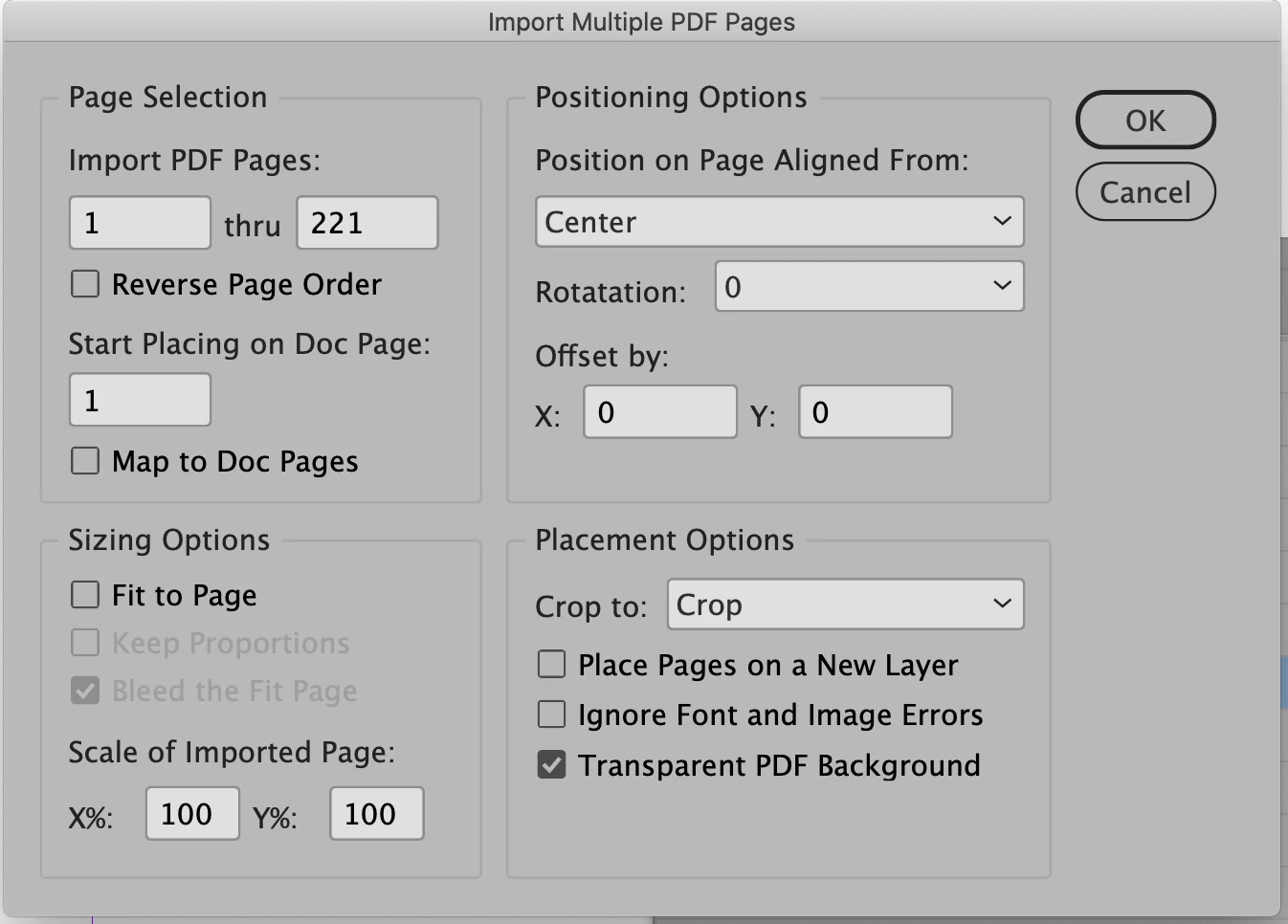
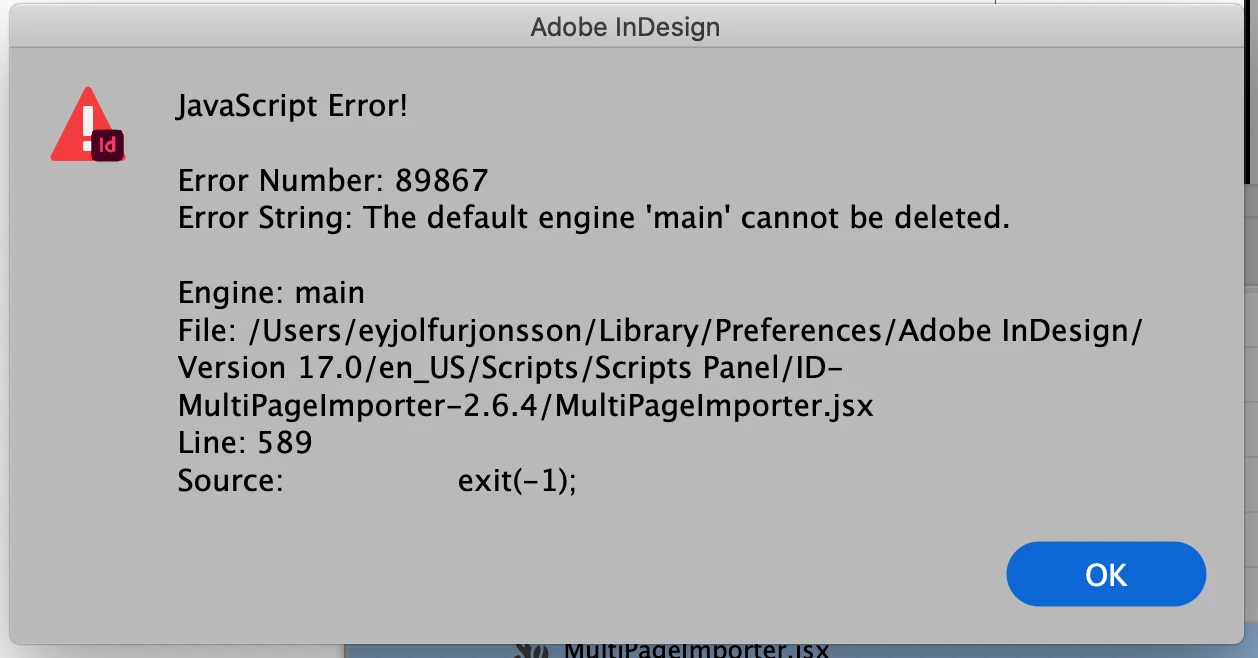
I am running Indesign 17.4 on a Mac 10.15.7 and I am having problems with MultiPageImporter 2.6.4 which seems to me the most recent version. The script refuses to import anything and I get error windows – see attached. The script seems to work occasionally but more often it doesn't. I have been using the script for years and when working it is a great help.

Does anyone know this problem? The values are as simple as it gets.
Best regards

Eyjolfur
This topic has been closed for replies.
Correct answer Eyjolfur5FF7
pdf files are in good shape and stored locally on my desktop.
There is something wrong with the indd file I am trying to import to. IDML doesn’t even help
If I create a new file from scratch things go OK.
Now we know this.
Thanks for now
🙂

5 replies

Community Expert
September 6, 2022

@Eyjolfur5FF7 said: "…and then discovered that the indd file itself wouldn’t accept placing pdf."


Can you open said PDFs without any problems in Acrobat Pro DC?

Where are the PDF files stored? At cloud storage of any kind? External harddisk? …


Regards,
Uwe Laubender
( Adobe Community Professional )

Eyjolfur5FF7AuthorCorrect answer
Inspiring
September 7, 2022
pdf files are in good shape and stored locally on my desktop.
There is something wrong with the indd file I am trying to import to. IDML doesn’t even help
If I create a new file from scratch things go OK.
Now we know this.
Thanks for now
🙂
brian_p_dts
Community Expert
Community Expert
September 6, 2022

Are the placed PDFs too big for the pasteboard? 

Inspiring
September 6, 2022
No, they are just a couple of mm larger. In the meantime I managed to place different files in the same size files into a different document and then discovered that the indd file itself wouldn’t accept placing pdf. I got around this but it’s still a problem. I have no idea why this is happening. Does anyone?
Peter Spier
Community Expert
Community Expert
September 6, 2022

Sounds like a corruptr file, maybe.

Try exporting it to .idml, then open and save that as a new .indd.

Community Expert
September 6, 2022

@Eyjolfur5FF7 ,

how exactly did you start the script?

Is it positioned in the User folder of the Scripts panel?

Did you execute it from there?


FWIW: Do not try to execute it with a double-click on the script file in your file system!


Regards,
Uwe Laubender
( Adobe Community Professional )

Community Expert
September 6, 2022

And yet another thing you could try:

Change the minimum width and height of the pasteboard size of the document you target with the script to very large values. Do that in InDesign preferences when the document is open.


Regards,
Uwe Laubender
( Adobe Community Professional )

Peter Spier
Community Expert
Community Expert
September 6, 2022

First, I have no idea what is causing the error, but what happens if  1) you change the crop option to Media (which should be defined for all files) or 2) you try the same placing with a prvious version of the script?