Hi Anne,
did you try the different viewing options?
"Normal", "High Quality"
Did you try with "Overprint View" ?
Maybe you are describing a similar problem to that of Peter Lenz at www.hilfdirselbst.ch with placing AI files in InDesign CC from 2014:
ID CC Darstellungsprobleme oder defekte Grafiken ? - Adobe InDesign - HilfDirSelbst.ch - Forum
Note: The posted problem AI file can be downloaded by members of the hilfdirselbst forum, only.
Because of that I uploaded Peter's test AI to my Dropbox account so you could download the test file:
Dropbox - Abb07_RZ02_Textpfad.ai.zip
Placed AI file with InDesign CS6 showing view with "High Quality":
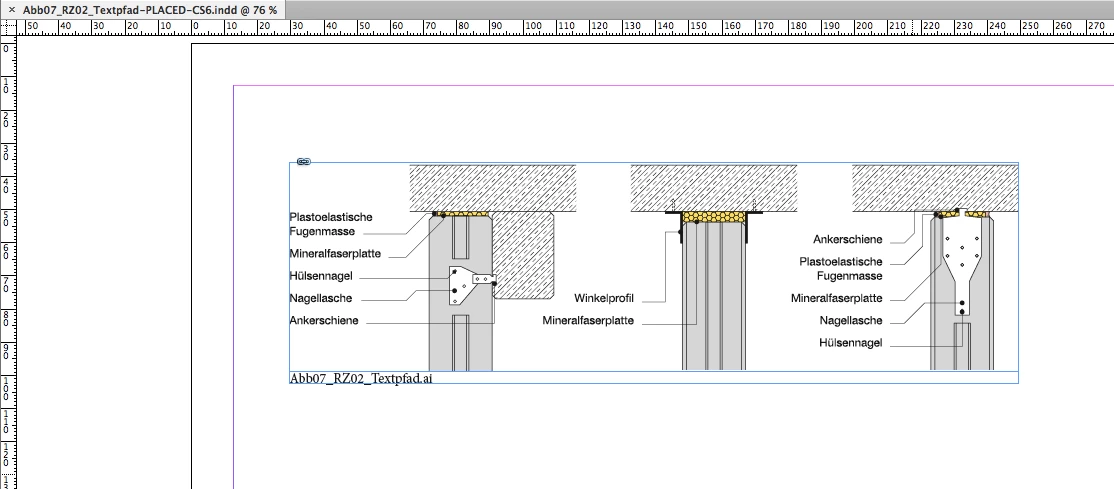
Placed AI file with InDesign CC showing view with "High Quality".
Note: Also the static caption is not visible, that is touching the image frame.
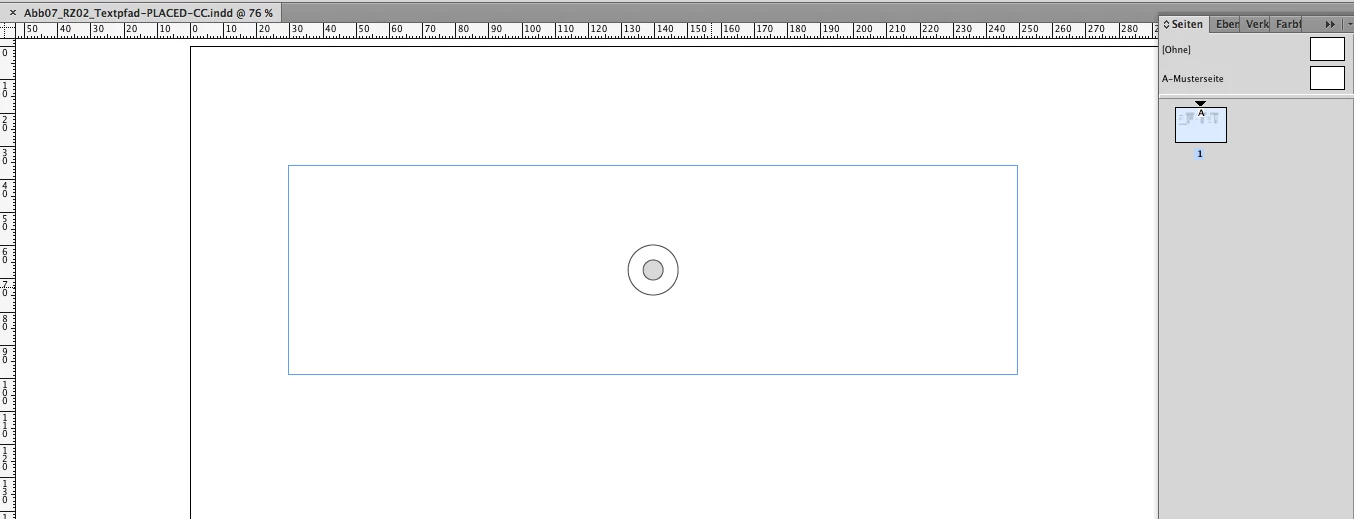
The same InDesign CC document with a different zoom percentage where the graphic is visible:

The cause of the problem was identified by Peter:
Overprinting elements in the Illustrator file.
InDesign CS6 => No problems
InDesign CC and above => Problems that parts or the whole graphic would not show with different zoom levels or different view options.
A workaround to solve this problem:
1. Place an empty rectangle in the background on the page.
2. Fill color "[Paper]"
3. Use the Effects panel: Set opacity to 0 %
It's not necessary that the empty rectangle is touching the graphic frame holding the placed AI :

Obviously introducing transparency to the spread will trigger the graphic to show.
Peter Lenz reported this bug several times over the years.
Unfortunately this bug was never fixed. I did not test with CC 2017, but Peter reported that the bug is still with us.
Here another show case by Peter published with hilfdirselbst for a placed AI file where only parts of the graphic are showing ( I cannot provide the original AI file for this example. Peter did not post it ):
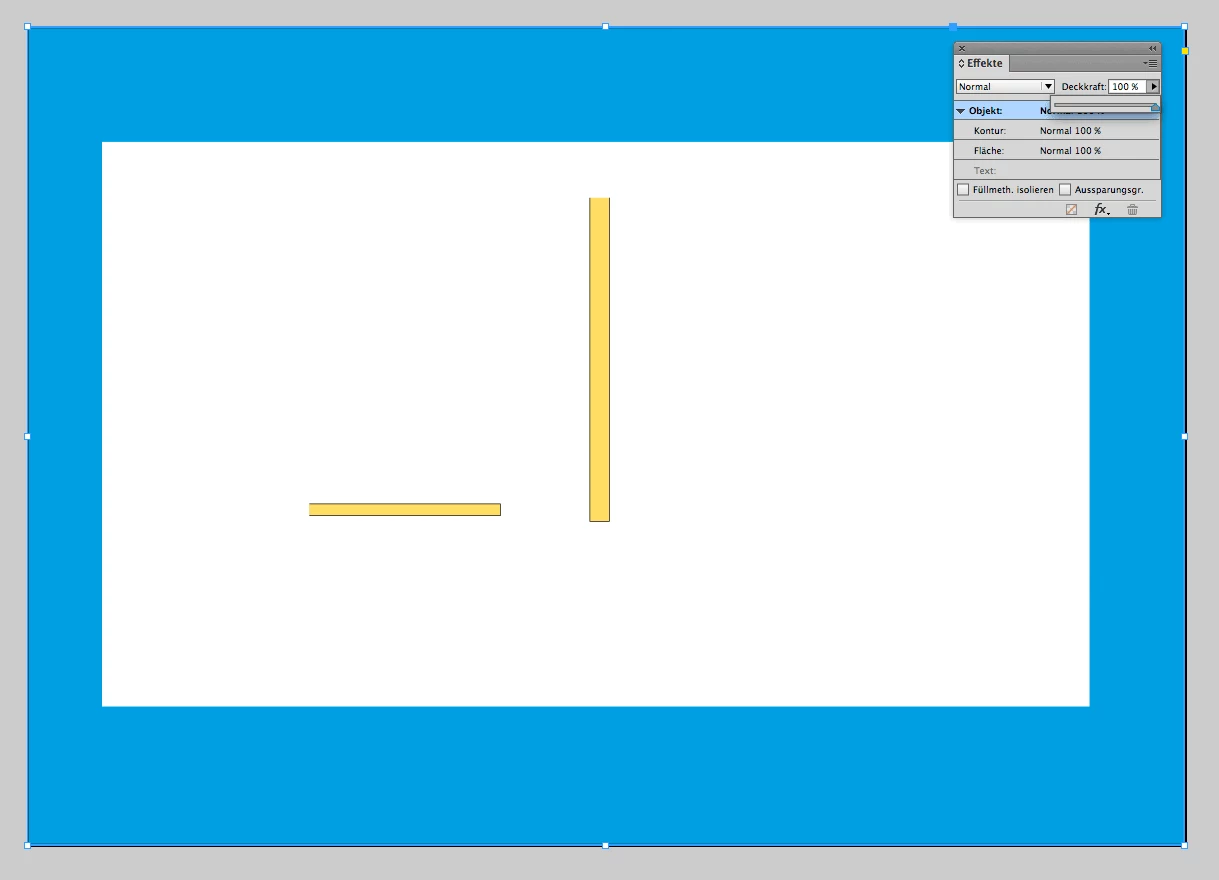
Peter's solution back then was to introduce opacity to a background rectangle:

As I found a simple rectangle with opacity 0 % on the page would do the trick as well.
Hope that helps,
Uwe


 AdChoices