
Book window disappears after loading a document
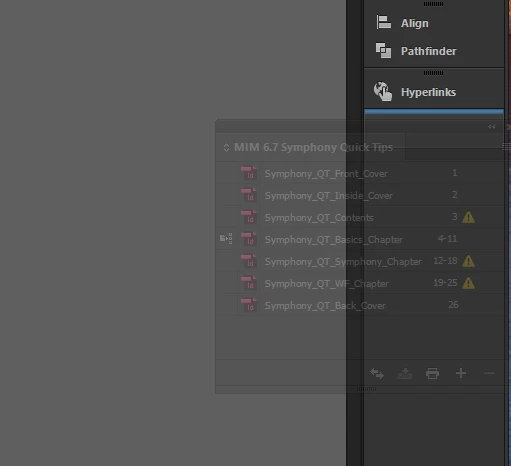
Hi, I've upgraded to the latest InDesign version, 2017.0, a couple weeks ago. Now that I've upgraded, I've been having problems keeping the Book window open after I open an .indb file. Typically, I'll open the .indb file and the Book window will open and I can see all the documents included in the Book. So I'll move that window over to the right-hand panel so I can access it at any time without the window being in the way. Now that I've upgraded, whenever I open another document (doesn't matter if it is an existing document or new document), that Book window disappears from the right-hand panel. I don't understand why. It's not that it closes completely because I try to reopen the .indb file again but nothing happens. And when I go to close the InDesign program, it asks me if I want to save the Book. It's really irritating to have this problem since I always work with book documents and need to have access to adding/removing documents from the book, or adjusting where each file exists within the book, etc. I'm running on Windows 10. Any help would be appreciated!

 AdChoices