
Participating Frequently
November 3, 2016
Question

Changing layer names with a script in InDesign or Applescript

  • November 3, 2016
  • 4 replies
  • 3057 views

Hello...

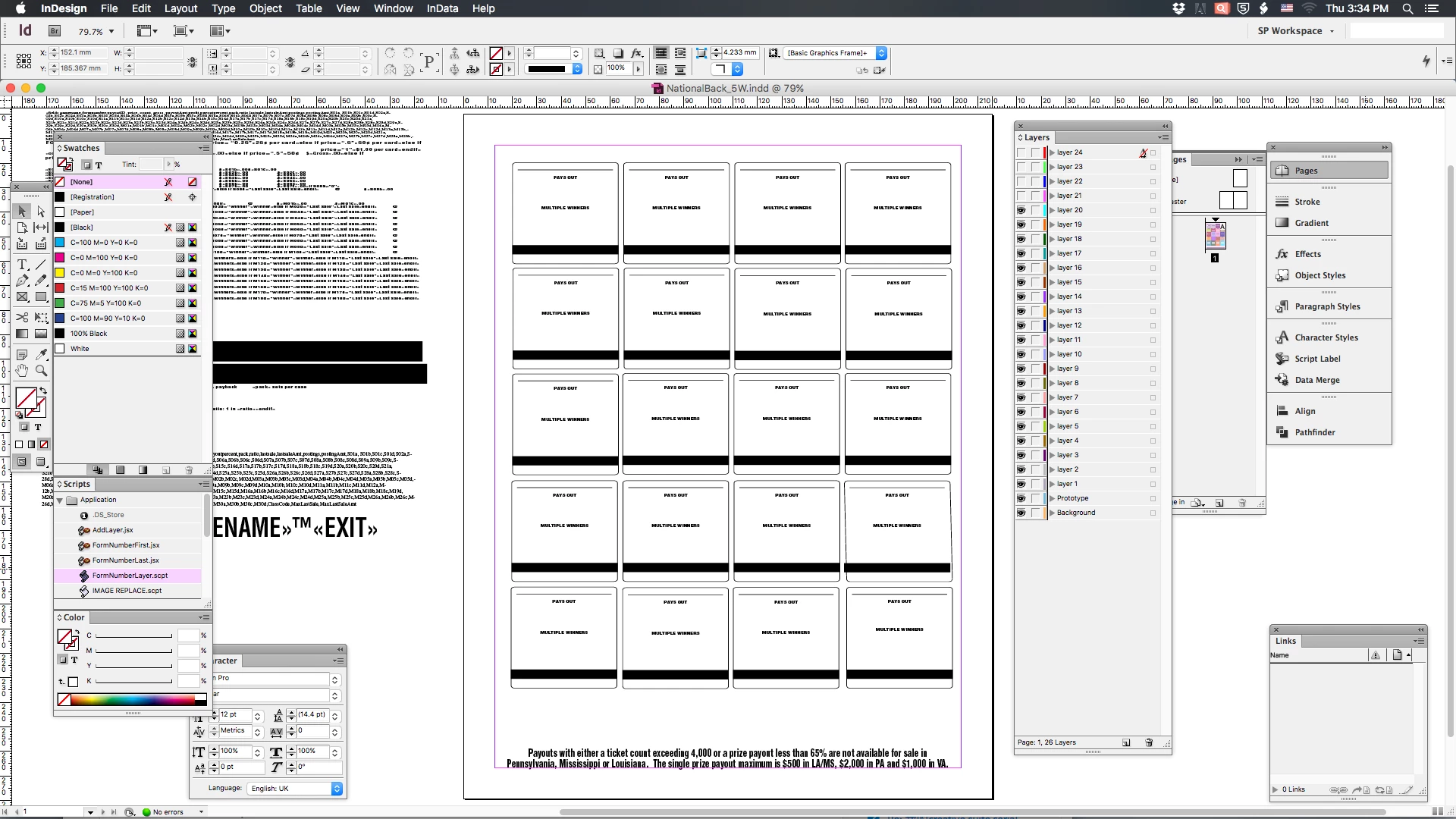
First time posting in this forum, I can't seem to find an answer to this problem I'm having in any forums here and elsewhere. I have the plug-in InData that I import from an excel text file into a prototype in an InDesign document that I use daily. I have created layers for different "backs" that I keep static (except for the text I import). The  problem I'm running into is that I don't know how to change the layer names except to manually change them. Is there a script that will change the form numbers automatically? The form number the layers need to be is actually in the text file that I import. Maybe in Applescript somehow to script change layer 1 to layer 15... (or any number.. to form 1234 to 5678...   Any help would be greatly appreciated. InDesign CS6 v8.0.. Thank you!
    This topic has been closed for replies.

    4 replies

    rob day
    Community Expert
    Community Expert
    November 4, 2016

    It's easy to rename layers via scripting, but as Obi suggests you would need to feed a script the names. So this AppleScript asks for a comma delimited list:

    Renames the layers top to bottom:

    -------------------------------------------------

    tell application "Adobe InDesign CS6"

        set {t, AppleScript's text item delimiters} to {AppleScript's text item delimiters, {","}}

        display dialog "Layer List (comma delimited no spaces)" default answer ""

        set myList to text items of (text returned of the result)

        set AppleScript's text item delimiters to t

        set l to every layer of active document

        repeat with i from 1 to count of l

            try

                set name of item i of l to item i of myList

            end try

        end repeat

    end tell

    ----------------------------------------------------

    Participating Frequently
    November 4, 2016

    I will give this a try!

    vinny38
    Legend
    November 4, 2016

    Hi

    Can you be clearer about what you want to achieve, especially why you need so many different layers?

    If there is no specific reason to have that huge amount of layers, maybe you could use another import method, such as "merging data"?

    Merge data to create form letters, envelopes, or mailing labels in Adobe InDesign

    Participating Frequently
    November 4, 2016

    I need the layers as I copy & paste into many documents that utilize my end product. I use the "remember layers" and that is why it would be very helpful to have these layers change automatically to coincide with the list from the excel spreadsheet. This list will change with every import. I'm a newbie to scripting and find these forums very helpful but have no idea how to get it to work. I apologize for the confusion.

    Inspiring
    November 4, 2016

    Could you be clearer ? Not sure I get the idea here.

    Obi-wan Kenobi
    Legend
    November 3, 2016

    Hi,

    Are you able to extract a concordance list as, e.g.:

    Layer_1 >> Layer_12

    Layer_2 >> Layer_23

    Layer_3 >> Layer_39

    (^/)