
Color and blending modes between placed AI file and InDesign document not displaying correctly
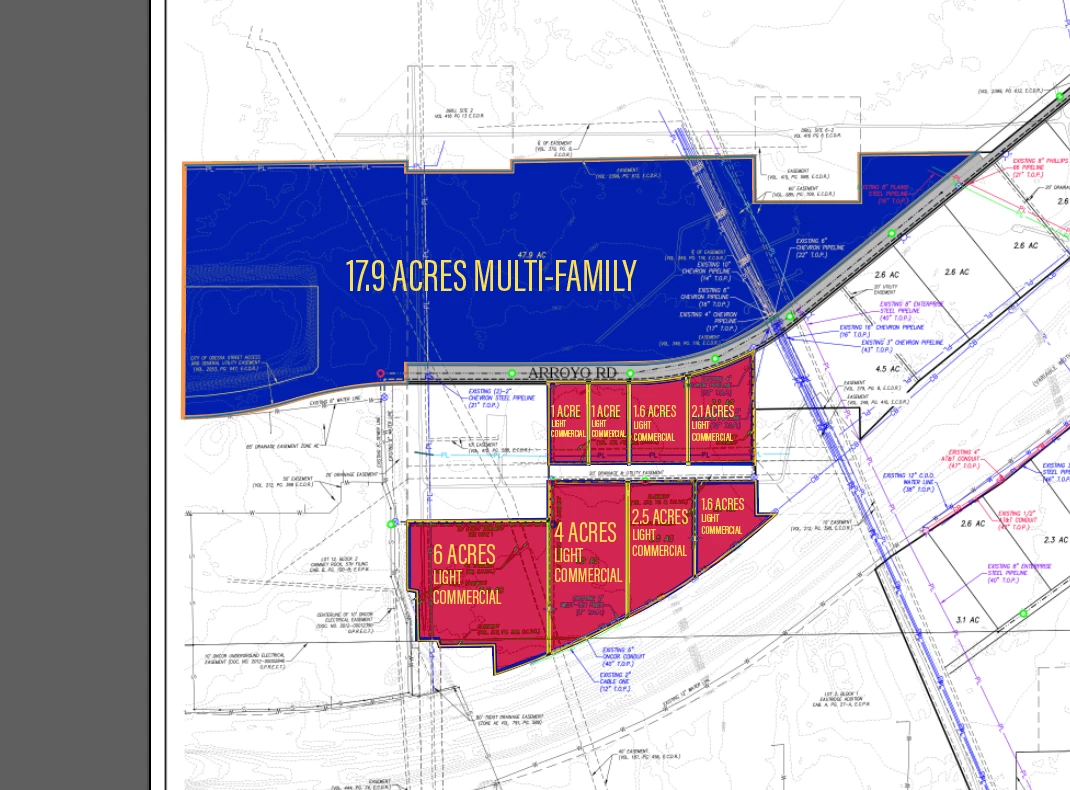
I am making a map with color-coded blocks. I was already having trouble with blending in this document, because it started as a PSD file and was someone else's work. I eventually removed all labels and layers except the base map, which is an image, then exported it as a JPEG. I placed that image in Illustrator and began creating new colored layers and text layers, and the colored layers have the exclusion blending mode activated. It looks like this in Illustrator:
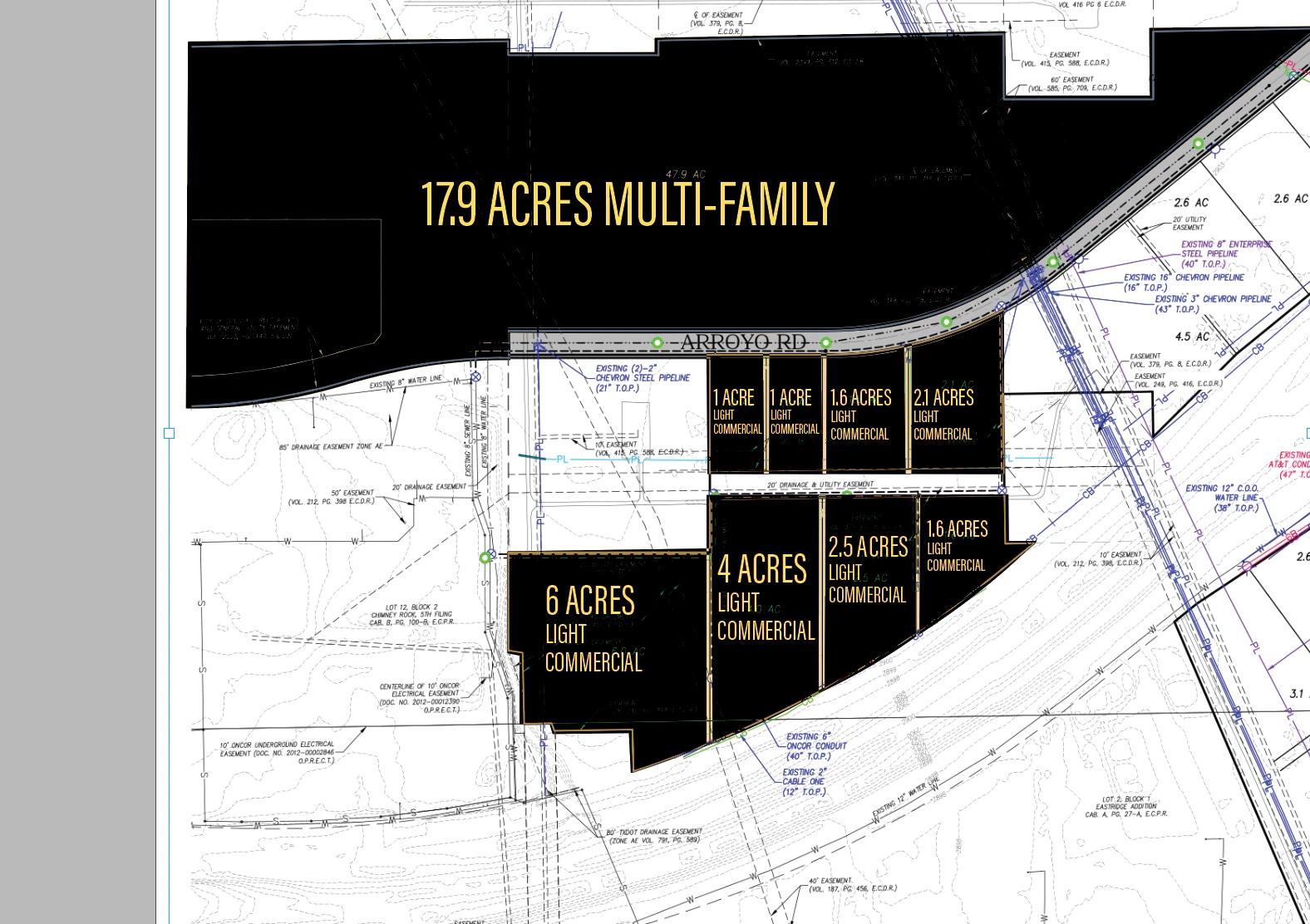
I have placed the entire AI file into InDesign where it looks like this for some reason:
I tried to export it as a PDF and place the PDF instead, but that didn't solve the problem. I made sure that both Illustrator and InDesign were set to CMYK. I have never encountered this before and the reason I was making the map in Illustrator was specifically to take advantage of the blending modes and the pen tool which isn't as easy to work with in InDesign. I also kept getting an error message that said that one of my files had moved, even though I know that my files have not budged since I began working on this project. Once I noticed the problem in InDesign, I windowed back into Illustrator, where I got the error meessage in that program as well, then the appearance changed when I clicked ok in Illustrator to look more like the placed file with all black backgrounds. I CTRL+Z until it went back the way it should look, and windowed back to ID, where the low res preview looked correct, but then once I double clicked the file in the links window to update the link, it went back to the black verison. Please HALP


 AdChoices