
Color Disparity when Printing
I need a little guidance regarding printing from InDesign and resolving color disparities.
We just got a new Xerox VersaLink C7000 color printer. Our marketing coordinator created a flyer in InDesign and tried to print it with the Xerox. Quality is fantastic, but some of the colors are off (see image below).
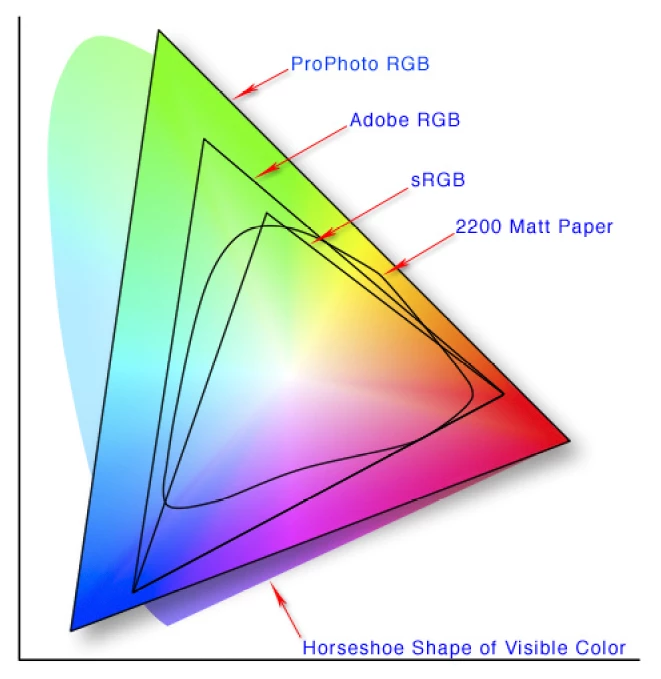
Is there a way to address color disparities in InDesign? I've been reading about RGB working spaces and I'm guessing that the colors the marketing coordinator selected just don't translate well to the printer and/or the paper (using a multi-purpose office paper, [20 lb / 10M / 75 g/m2]), but would love to hear how you all have addressed similar issues.
I also have a Xerox Support Community post to see if someone has suggestions about configuring the printer.

 AdChoices