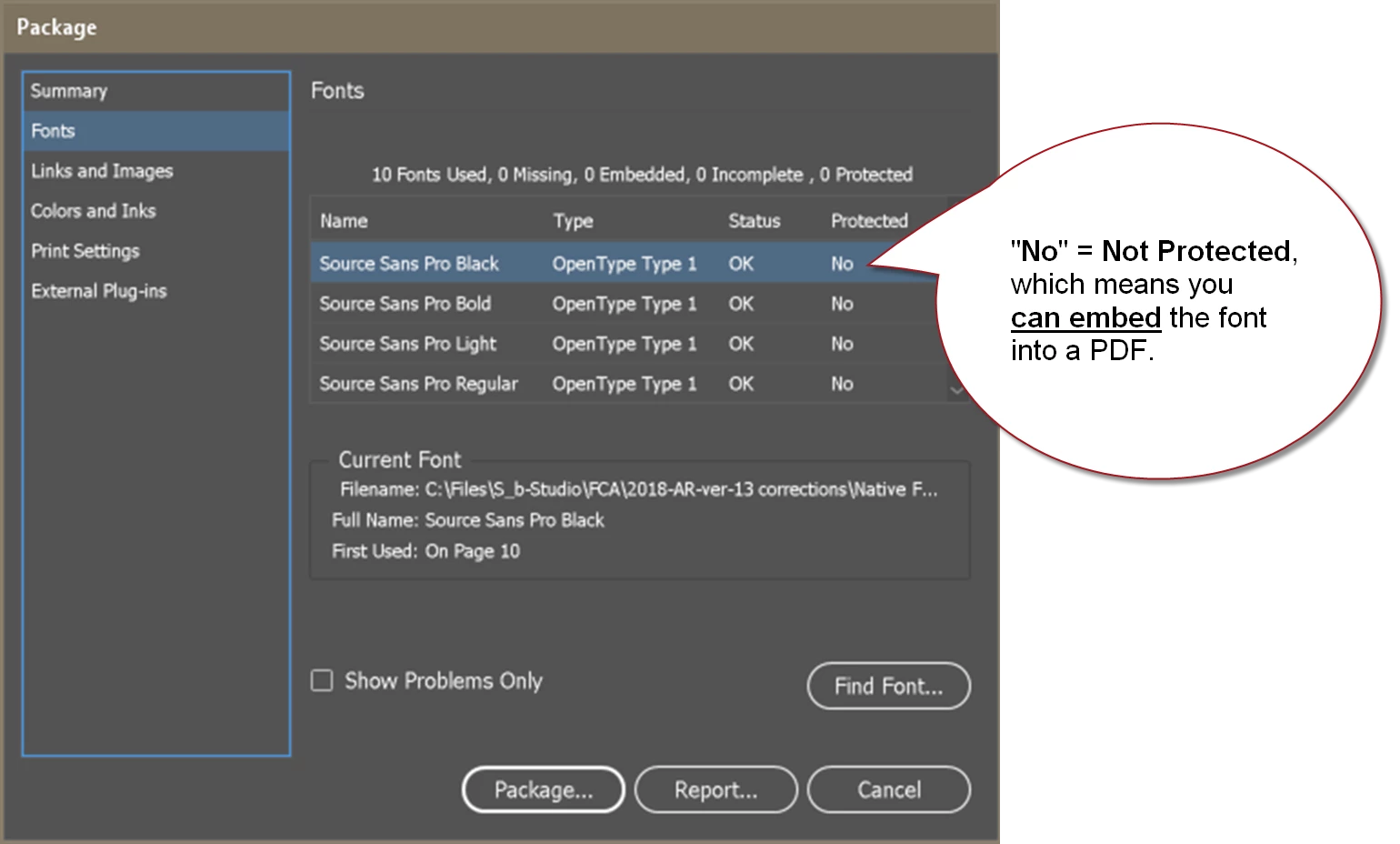
Following up on Randy's suggestion, when you run the Package utility, look for "No" in the protected column. Protected fonts can't be embedded, so "No" = yes, you can embed them.
Yes, you can learn this info about a font before purchasing (or activating in Adobe Fonts/TypeKit) by checking the end-user license agreement (EULA) and other information on the font foundry's website.
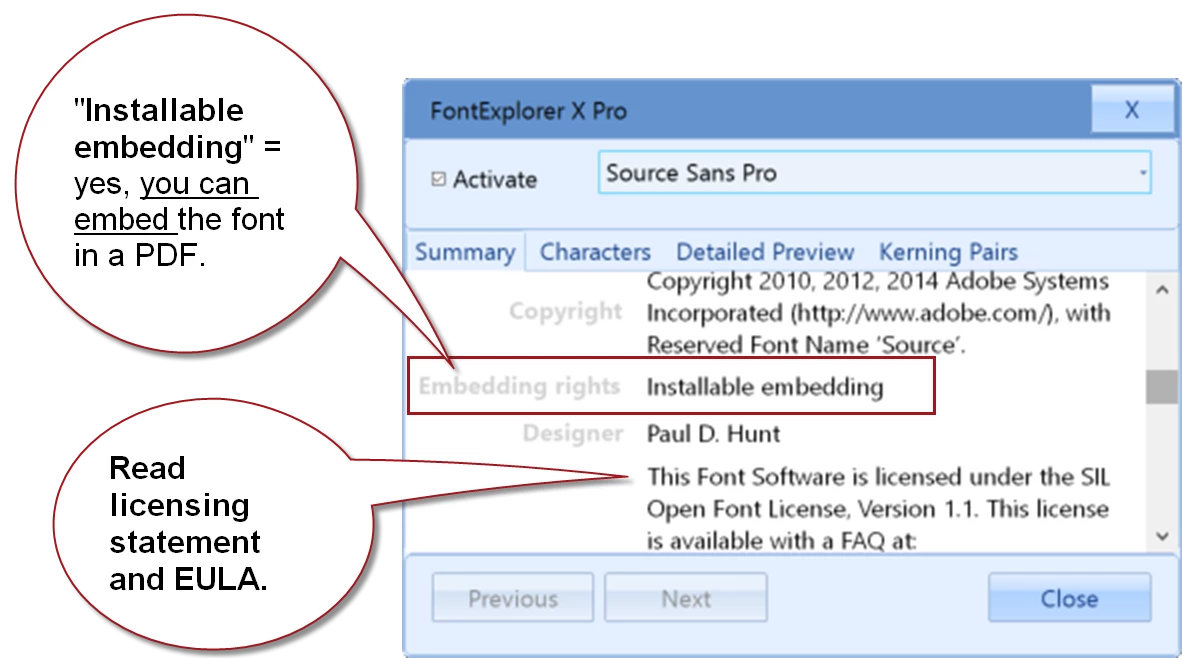
You can check your existing fonts by either viewing them in a font management program (shown in Linotype's Font Explorer in the screen capture below), or by clicking on the font file's "Information" wherever your fonts are stored on your computer (Mac or Windows). There's no one phrase that's used industry-wide, so look for words like embeddable, editable embeddable, and such.
Note: there is a movement in the font industry to charge you extra for embedding fonts into PDFs, EPUBs, and other file formats based on expected number of views the document will receive. (This is different from web-fonts.) At this time, Adobe's fonts are still embeddable without the extra fees.
So buyer beware: check with the manufacturer about embedabble rights.

 AdChoices