Participating Frequently
March 30, 2018
Answered

export to pdf produces blank pages

  • March 30, 2018
  • 4 replies
  • 20318 views

I am trying to export a trifold I created to pdf.  I have created several of these in the past but this is the first time the pdf is blank.  No clue what I messed up.

I will try to provide all needed info.

I am using ID CC in Windows 10.

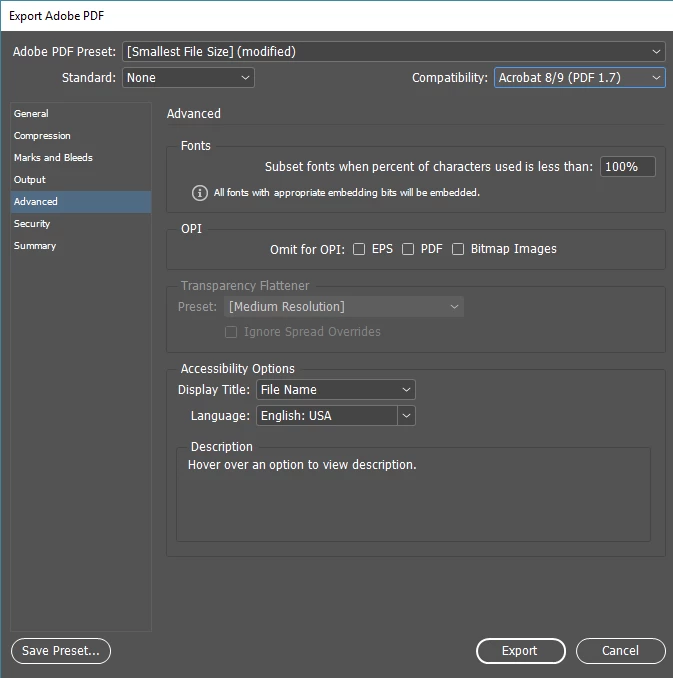
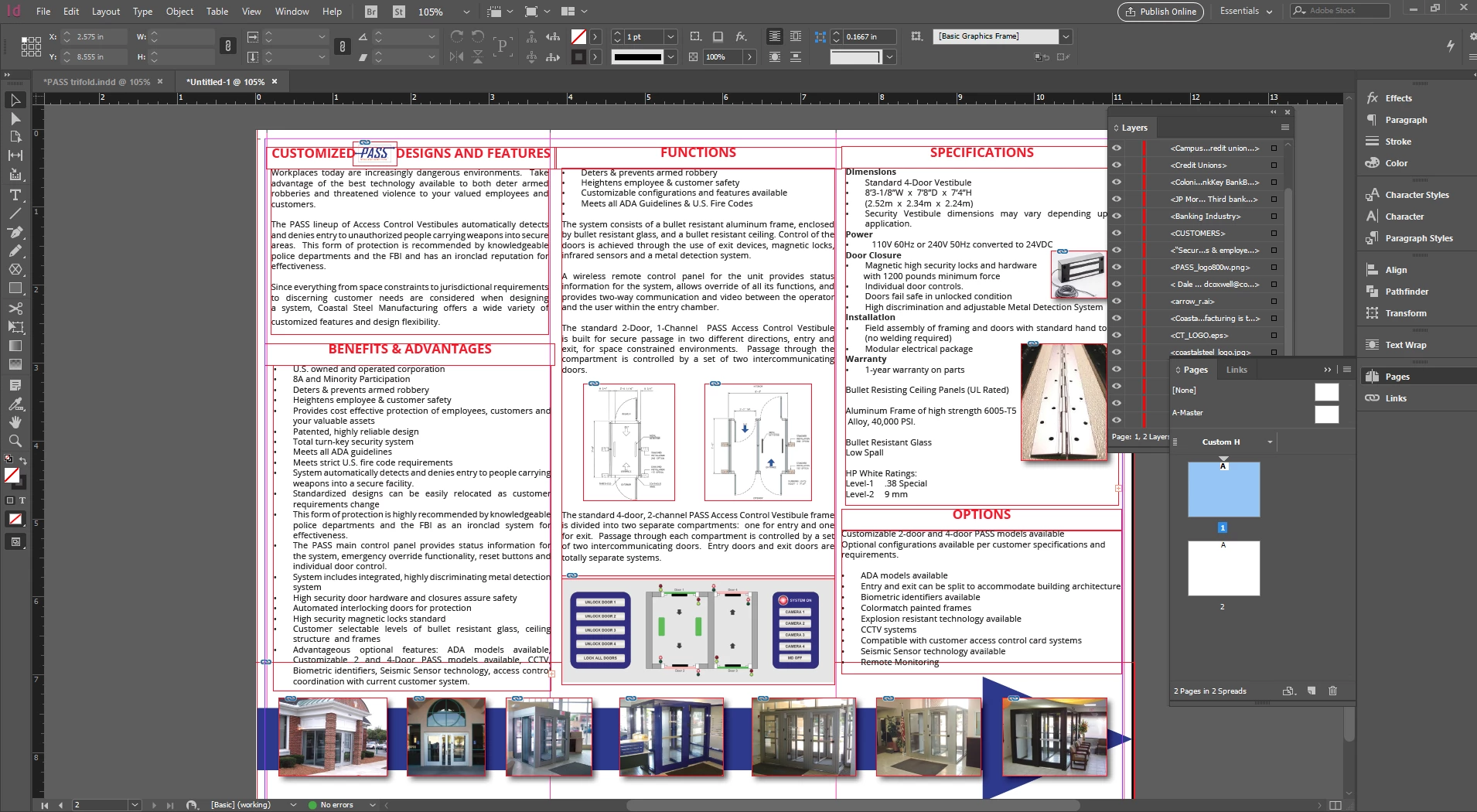
here is a screen shot of ID and my export settings..  I use smallest file size to send out and press quality to send to the printer.

pg1
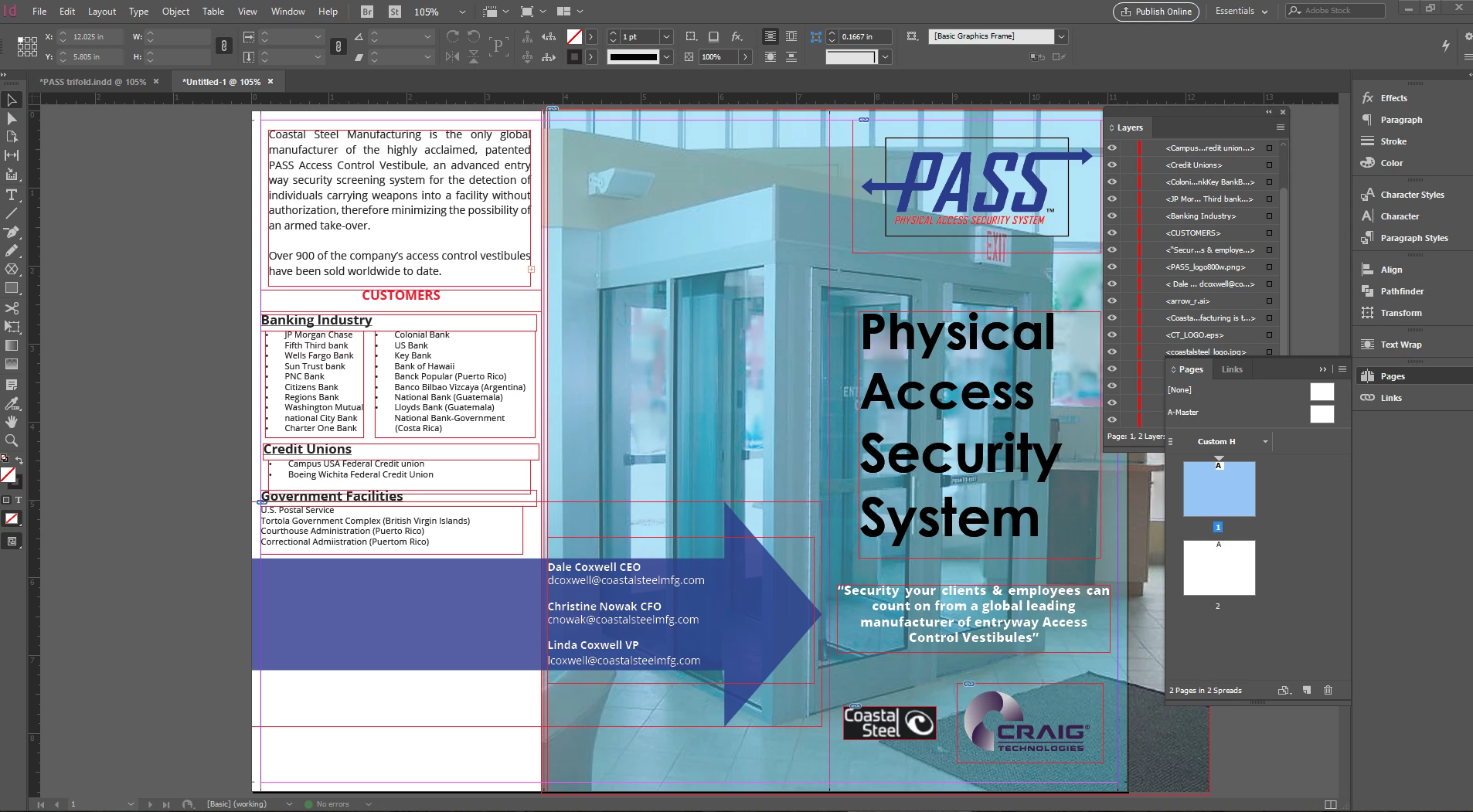
pg2
thank you for any help you can give..

MikeP
Correct answer Bill Silbert

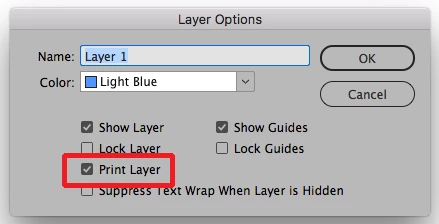
Double-click on each layer and make sure that "Print Layer" is checked in the Layer Options dialog that comes up.

4 replies

Inspiring
September 17, 2021

Hi! Another possibility is if you have complex vector in your page, pasted from illustrator, it may cause the page to get blank in the PDF.

Participant
October 23, 2021

What to do in this case? 


Participating Frequently
May 30, 2023

Yes, what to do if you've imported a complex illustrator file?

Willi Adelberger
Community Expert
Community Expert
April 18, 2018

Besides your problem, you file is extensive complicated. This is not the source of your problem, but it makes it easier to cause such problem.

Your file should not done this way, it would be better:

  1. Each single page should be a single page in a trifold. It is possible to have different widths. Make 2 master, 1 for bigger width, one for smaller width.
  2. Don't use generic master names like A, B, … Use specific named, as it causes less problems in copy and paste.
  3. Use the page border function on the master. Let the text and images flow between those borders.
  4. Never use a text frame for each paragraph. Use proper designed paragraph styles in only one single text frame. I doubt that you use any paragraph, character and object styles. Use them!
  5. You have everal text overflows. You use a wrong profile as it does not indicate this problem.

If you would work in a clean way, many other problems now, and later in printing, could be avoided. I would strongly recommend to start with this project again. As it is now, it makes me a terrible expression. There are also a lot of terrible typographic failures, like space on line beginning, lost bullets, multiple returns in a row, multiple spaces in one line. You can only win to make this again properly.

And normally a printer does not require Press Quality, use a PDF/X-standard for printers.

Srishti Bali
Community Manager
Community Manager
April 17, 2018

Hi vball1,

I would like to know if the step suggested by Bill worked for you, or the issue still persists.

Kindly update the discussion if you need further assistance with it.

Thanks,

Srishti

Participant
October 20, 2020

I came here with the same problem 10/20/2020: out of nowhere my PDFs were exporting blank on a new (much simpler) project. When I opened files I had created before the problem was new in those files, too. 

I applied the solution, offered by Bill Silbert above, to the new file I was trying to save as/export as a PDF.

IT WAS A SUCCESS! 🙂

Then I went and checked the older file and the Print box was selected and PDFs were no longer blank coming out of Illustrator. All is well!

Bill Silbert
Community Expert
Bill SilbertCommunity ExpertCorrect answer
Community Expert
March 30, 2018

Double-click on each layer and make sure that "Print Layer" is checked in the Layer Options dialog that comes up.

waad omar
Participant
August 8, 2021

It works 🤟🏼