BEGINNER_X
Legend
April 3, 2019
Question

ExtendScript Toolkit CC in Mojave

  • April 3, 2019
  • 5 replies
  • 2547 views

HI All,

While developing the script, ExtendScript Toolkit CC is very slow when I type, edit or scroll up and down.

Could you please provide any suggestions.

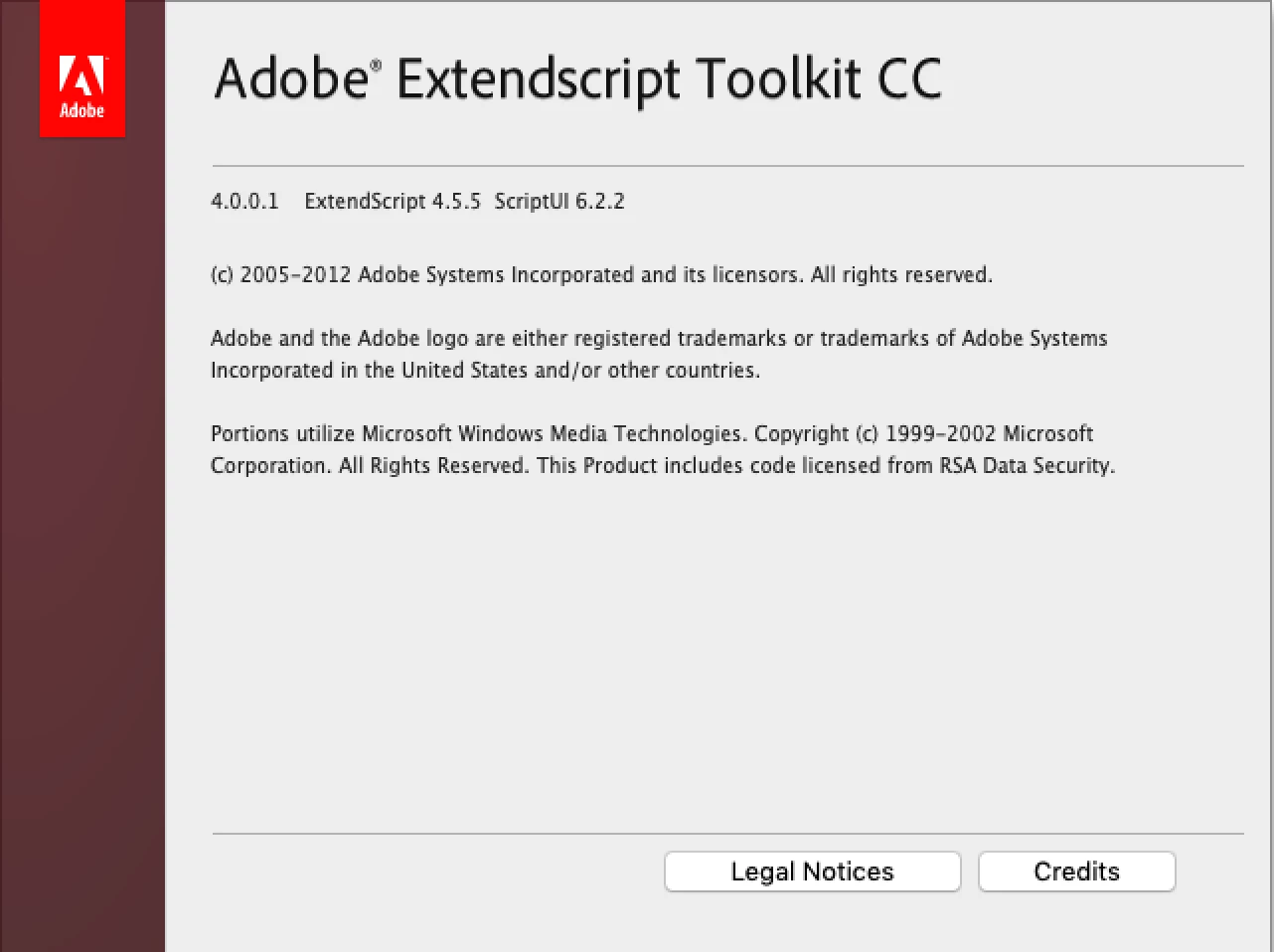
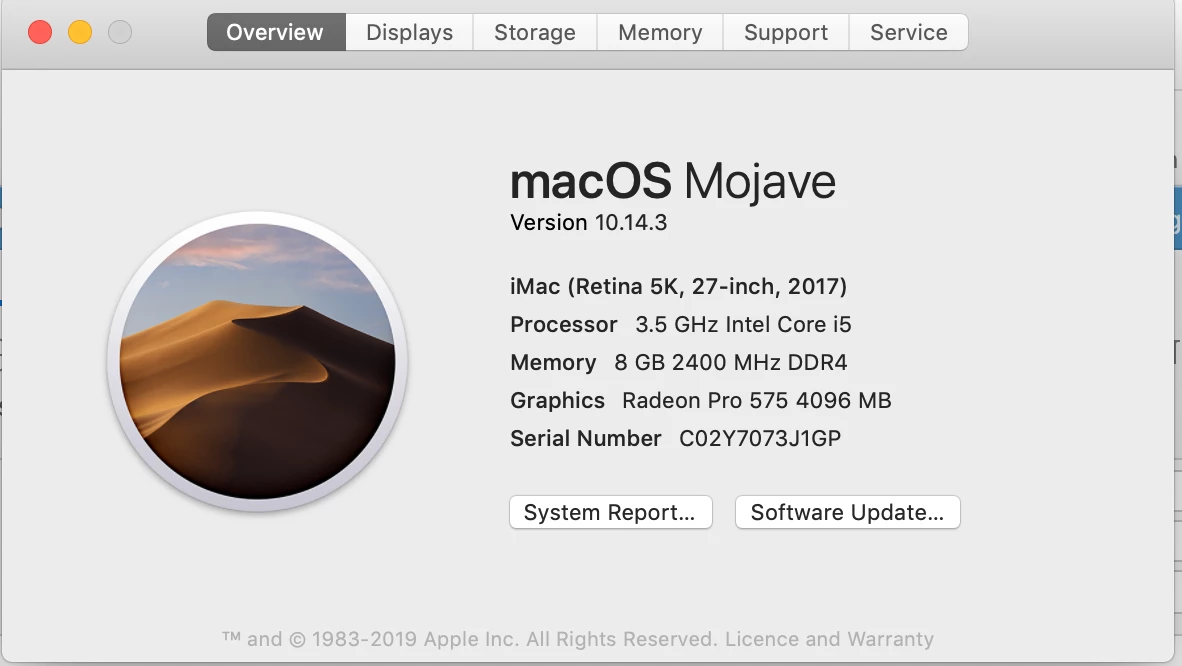
System OS & ExtendScript Toolkit version is below:
Thanks in Advance

This topic has been closed for replies.

5 replies

BarlaeDC
Community Expert
Community Expert
August 14, 2019

HI,

Do you have the ExtendScript Toolkit installed? if so you probably want to remove it as it conflicts with visual studio.

Let us know if that helps

Regards

Malcolm

sreekarthikeyank
Known Participant
August 14, 2019

To solve this restarted the machine and its working file.

sreekarthikeyank
Known Participant
August 14, 2019

however selection of the target application does not work with error "(#15)Can't initialize target."

Can you suggest how I can troubleshoot this?

BarlaeDC
Community Expert
Community Expert
August 14, 2019

Hi,

That looks like you have a problem with the debug section in you launch.json file, can you post the contents of the file here so we can investigate?

Regards

Malcolm

Kasyan Servetsky
Legend
April 4, 2019
BarlaeDC
Community Expert
Community Expert
April 3, 2019

Hi,

I would recommend moving to the ExtendScript debugger for Visual studio code.

more information here - https://medium.com/adobetech/extendscript-debugger-for-visual-studio-code-public-release-a2ff6161fa01

Can be downloaded from the visual studio code marketplace inside of Visual Studio Code, which is available here - Visual Studio Code - Code Editing. Redefined

Regards

Malcolm

Thomas Ruesch
Inspiring
August 13, 2019

Thank you thank you thank you  

At long last I can script again without my computer freezing every 20 seconds!

sreekarthikeyank
Known Participant
August 14, 2019

When I do that its shows the below message

.