Answered

This topic has been closed for replies.
Hi @Studio Z Design:
You can update the curly quotes to primes in the single table with a simple Text Find/Change.
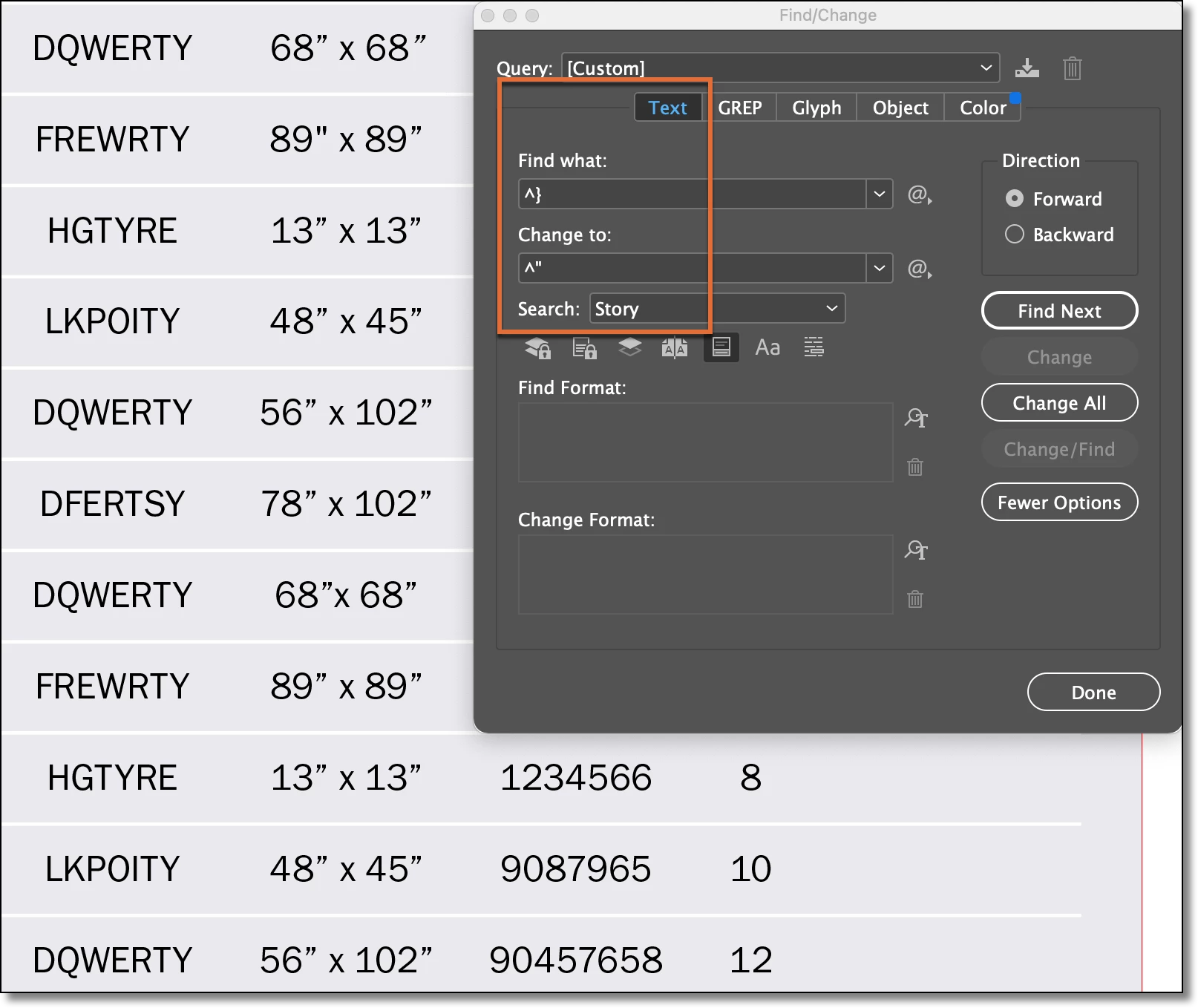
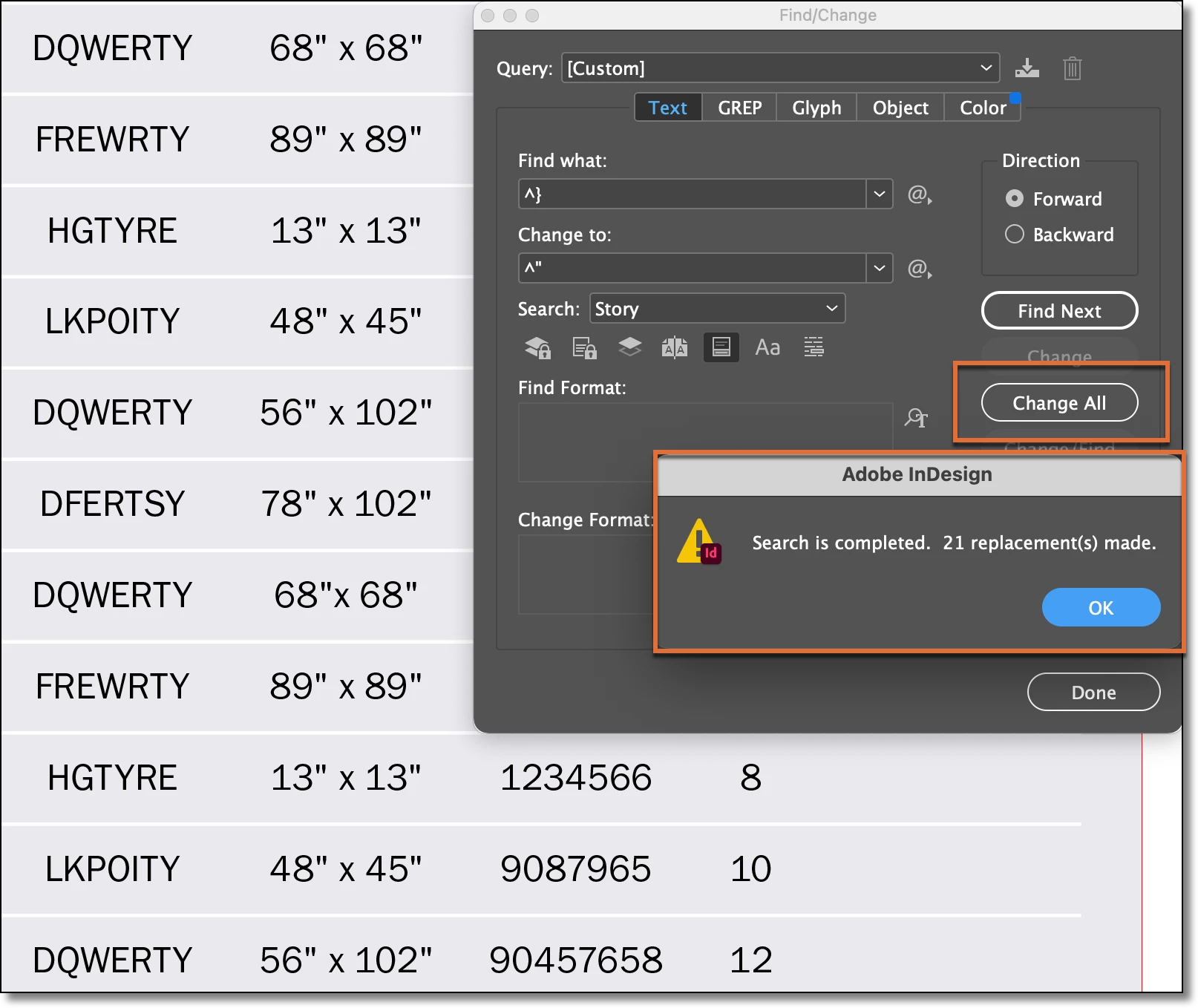
If the close curly quote appears elsewhere in your file, I'd recommend using GREP so that you can limit the change to only curly quotes that appear after numbers.
~Barb
Sign up
Already have an account? Login
To post, reply, or follow discussions, please sign in with your Adobe ID.
Sign inSign in to Adobe Community
To post, reply, or follow discussions, please sign in with your Adobe ID.
Sign inEnter your E-mail address. We'll send you an e-mail with instructions to reset your password.
 AdChoices