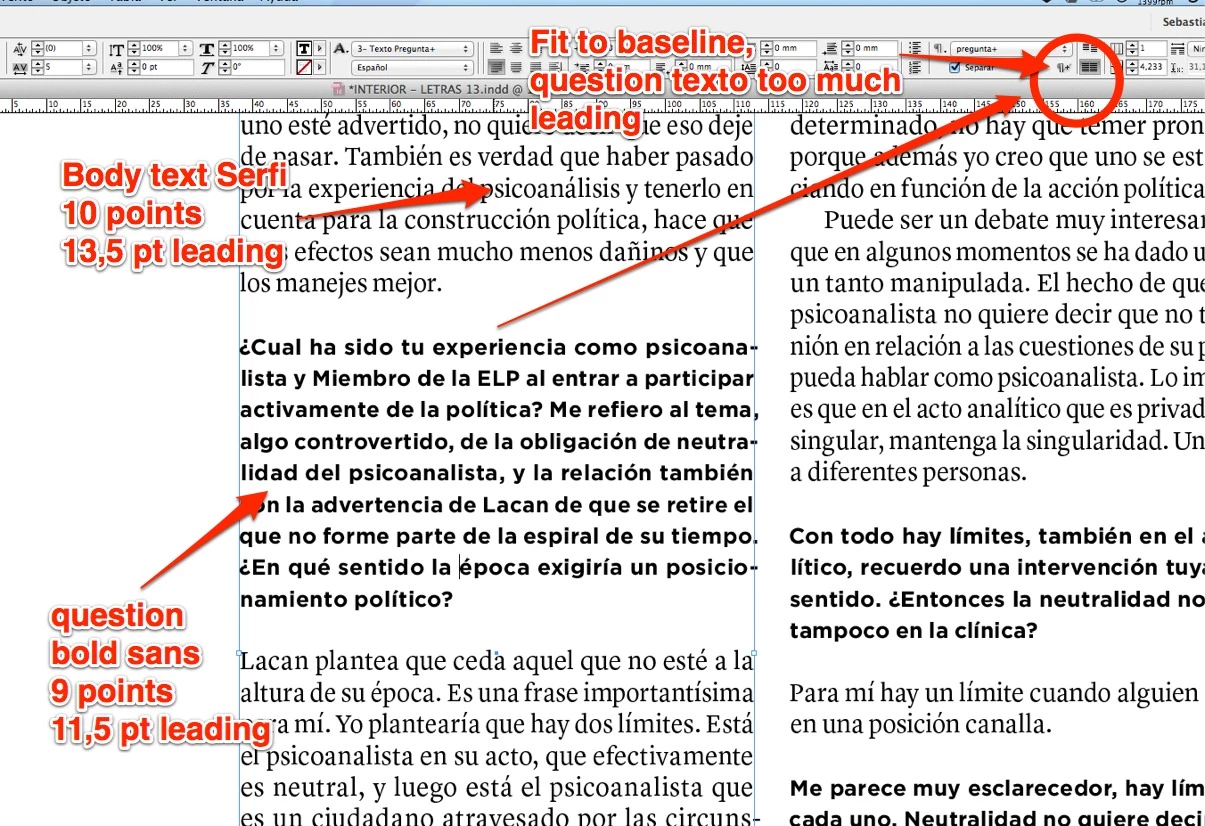
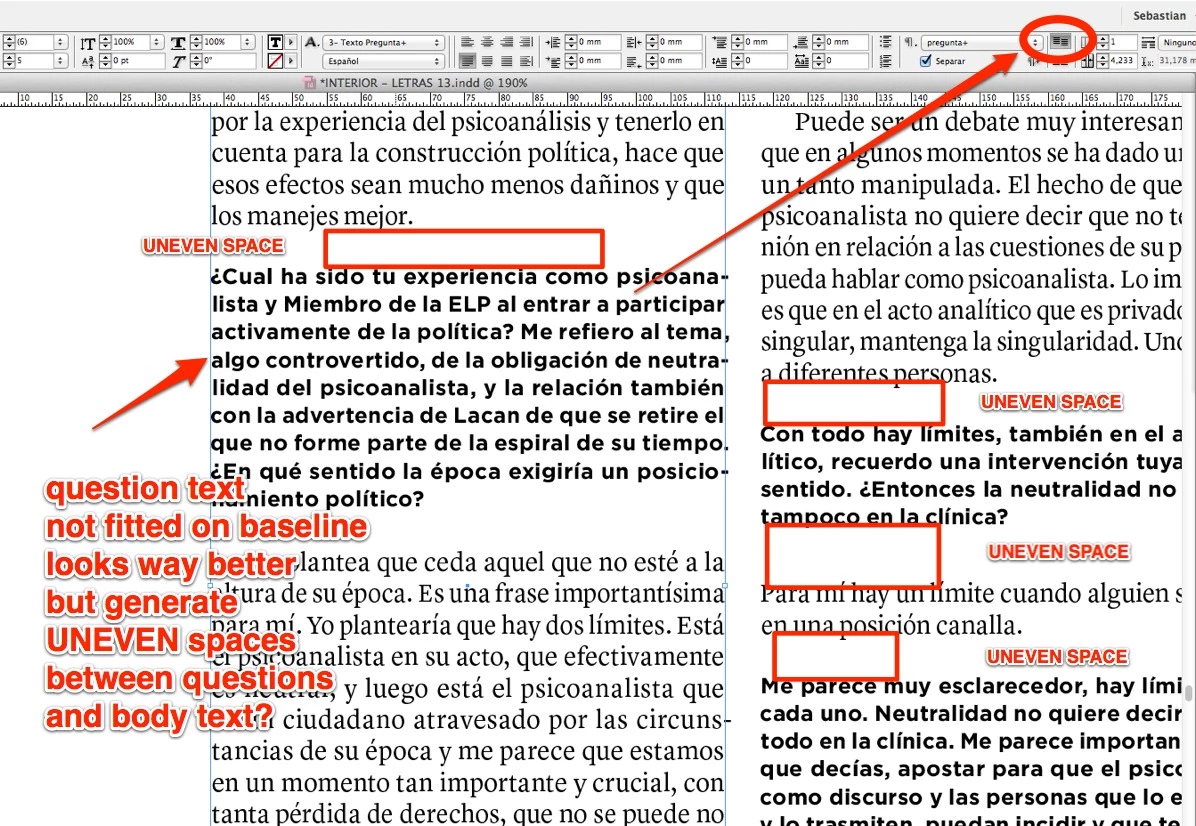
You may or may not like this, but by manually doing the math to ensure your leading grid is maintained. This won't work with your paragraph styles in the original post, because each is a body type with a different leading set per line (But if you adjust the type values -- say, Question Text of 10.5/11.5, and Answer Text of 10/11.5 -- it'd line up like you'd like ...).
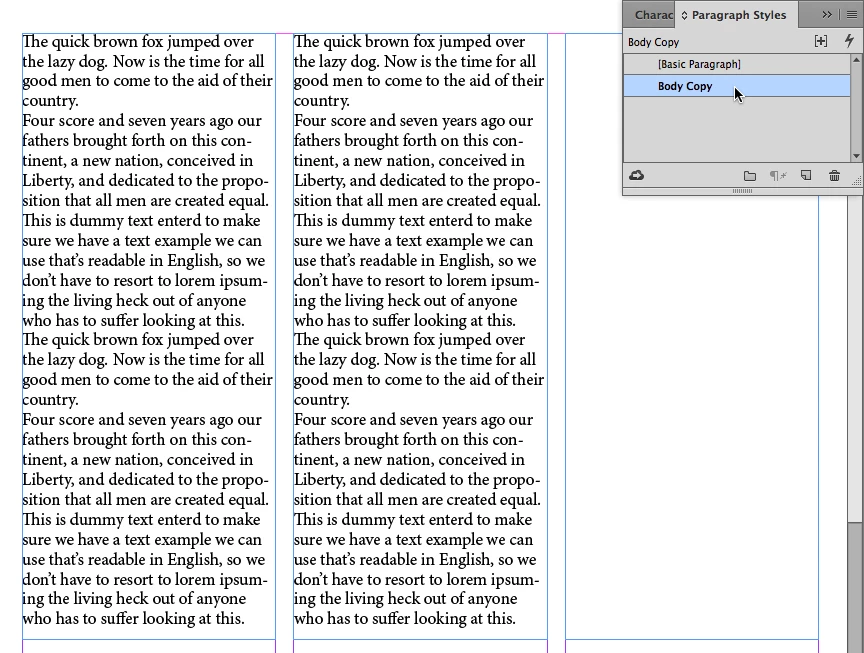
But if we could determine a consistent minimum leading value, the key is designing slugs of larger, display type in multiples of that minimum leading value. Let's use the example below, starting with three columns of type using a Body Copy style of Minion Pro, set at 12 points on a 13.5 point line (12/13.5).
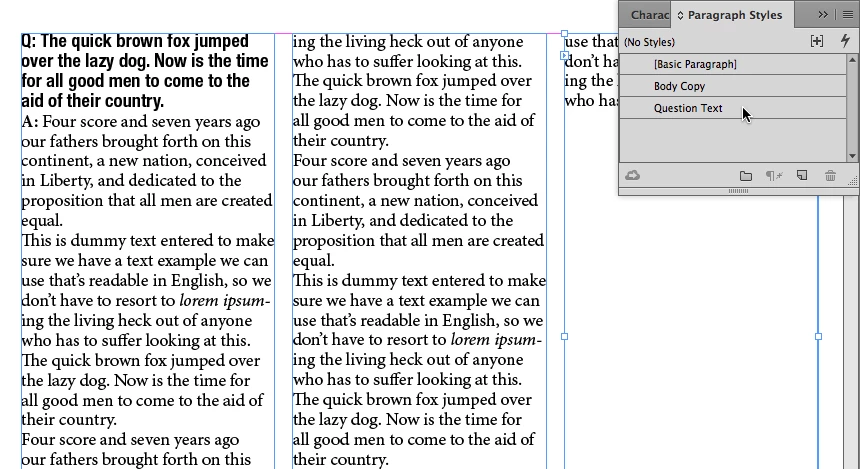
Now we'll create a contrasting Question Text, set at Helvetica Bold Condensed, set 12.5/13.5. The type looks different, but the leading remains the same. So all the lines, well, line up.
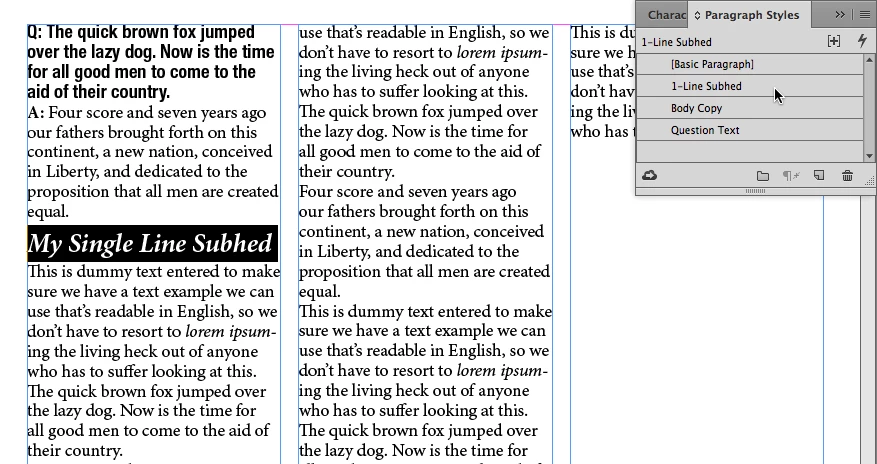
Let's make it harder. We want to enter a subhed in the text of, say, 18/19.5. A leading value of 19.5 is like 7.5 points short of two lines (13.5 X 2 = 27; 27 – 19.5 = 7.5). So we create a new 1-Line Subhed style with 7.5 points of extra space. If we use 4 points of space before and 3.5 points of space after the subhed style, everything still lines up like the example below.
But dang it! One subhed is too long. It breaks across two lines, so it's best if we create one more style. Two lines of subhed set like we did before would fill a slug of 39 points. We need it to equal 40.5 points to take up as much space as three lines of type, or 54 points to take up four lines of leading grid. Adding 8 points above and 7 points space after in our 2-Line Subhed style lines everything up just like we had with only body type, because we maintained the leading grid.
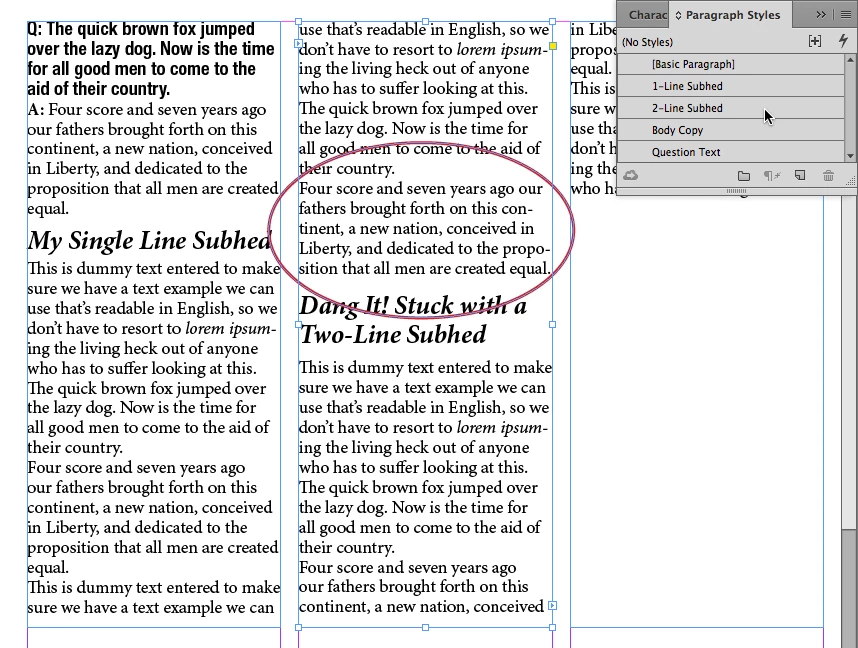
If the variation between subhed spaces is too much, you could mitigate the difference to have each of the subheds take up an extra line/13.5 points of space to maintain the leading grid. Also note that in the last illustration, the paragraph circled above the two-line subhed takes up one less line. I did that by cheating the character width of that one paragraph to 99% character width to get rid of that one-word orphaned last line. There are lots of tricks we can apply to get copy to fit the way we want it to ...
Hope this helps.
By the way, if my first response and/or this response answered your question, could you please mark it as answered? That way, the moderators can archive it so it'll be helpful for other members who are having similar issues.


 AdChoices