
Participant
October 19, 2018
Answered

How can I add kahako to Hawaiian words in Bookman Old Style?

  • October 19, 2018
  • 1 reply
  • 2441 views

Aloha,

Just finishing a book in InDesign. I place the ‘okina as I write and then go back at the end and add the kahako. Since the book is in English this is not  monumental job.

Parameters are:

SYSTEM: OS 10.12.5

PROGRAM: InDesign CS4

TYPEFACE: Bookman Old Style

MISC: Hawaiian Flag Keyboard selected

When I go to add the kahako in Kalakaua, for example, I hit option A and instead of diacritical I get a pink box.

I searched under GLYPHS and no macron/kahako exists.

Any thoughts of how to accomplish this?

Thanks,

Mac
    This topic has been closed for replies.
    Correct answer Steve Werner

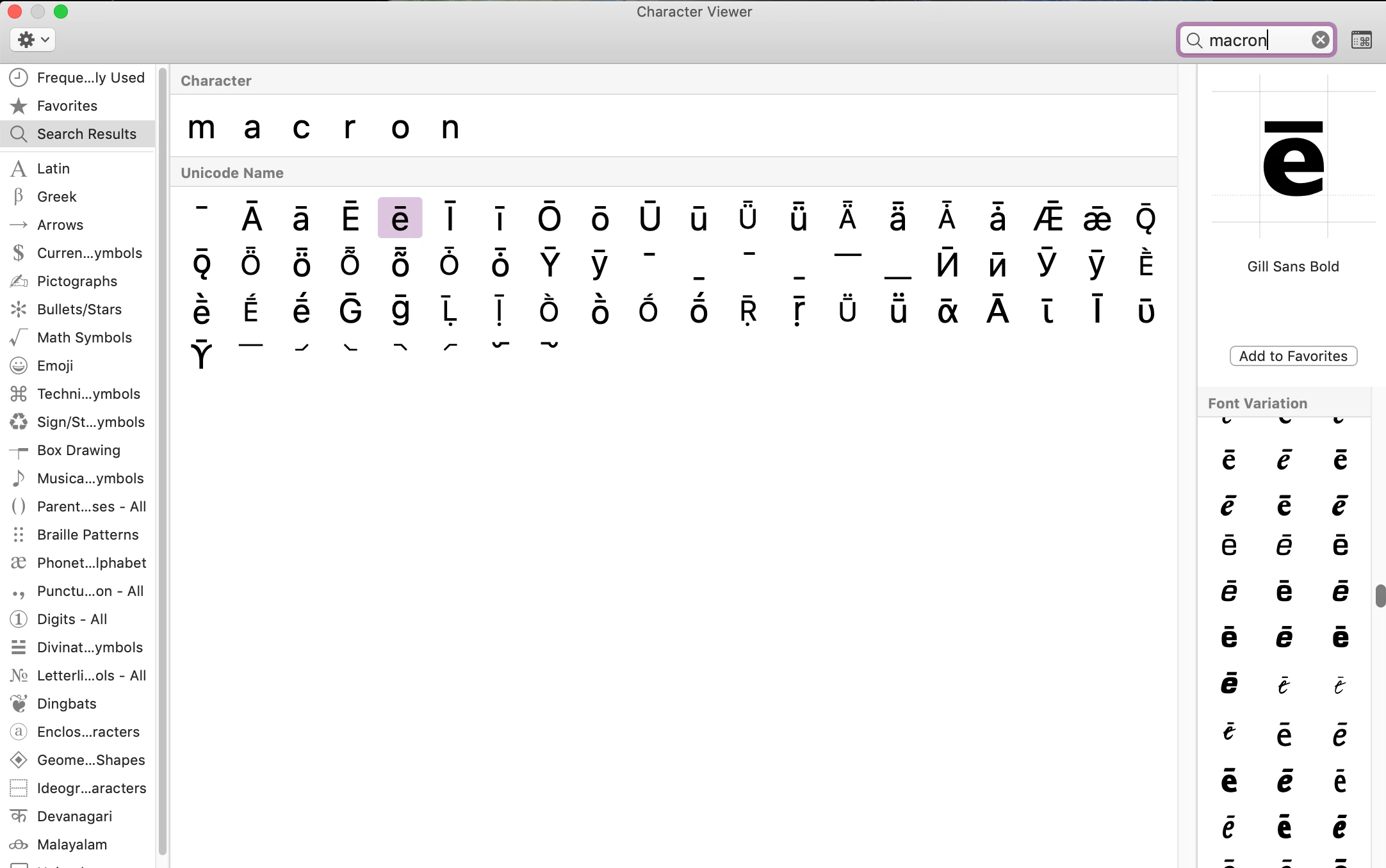
    Look for fonts with a macron for certain letters as shown below:

    1 reply

    Steve Werner
    Community Expert
    Community Expert
    October 19, 2018

    You need to find a font which contains that glyph.

    On a Mac, you can use the Character Viewer to find fonts which contain a particular glyph.

    I wrote about this a couple years ago:

    https://indesignsecrets.com/find-font-glyph.php

    Steve Werner
    Community Expert
    Steve WernerCommunity ExpertCorrect answer
    Community Expert
    October 19, 2018

    Look for fonts with a macron for certain letters as shown below: