
Known Participant
August 4, 2018
Question

How can I get images placed in InDesign to stay 100% scale

  • August 4, 2018
  • 6 replies
  • 14471 views

Or do a global scale edit when finishing! Either answer would help.

I'm designing decorative, large scale window film in InDesign, and the images used are all photographs of glass.
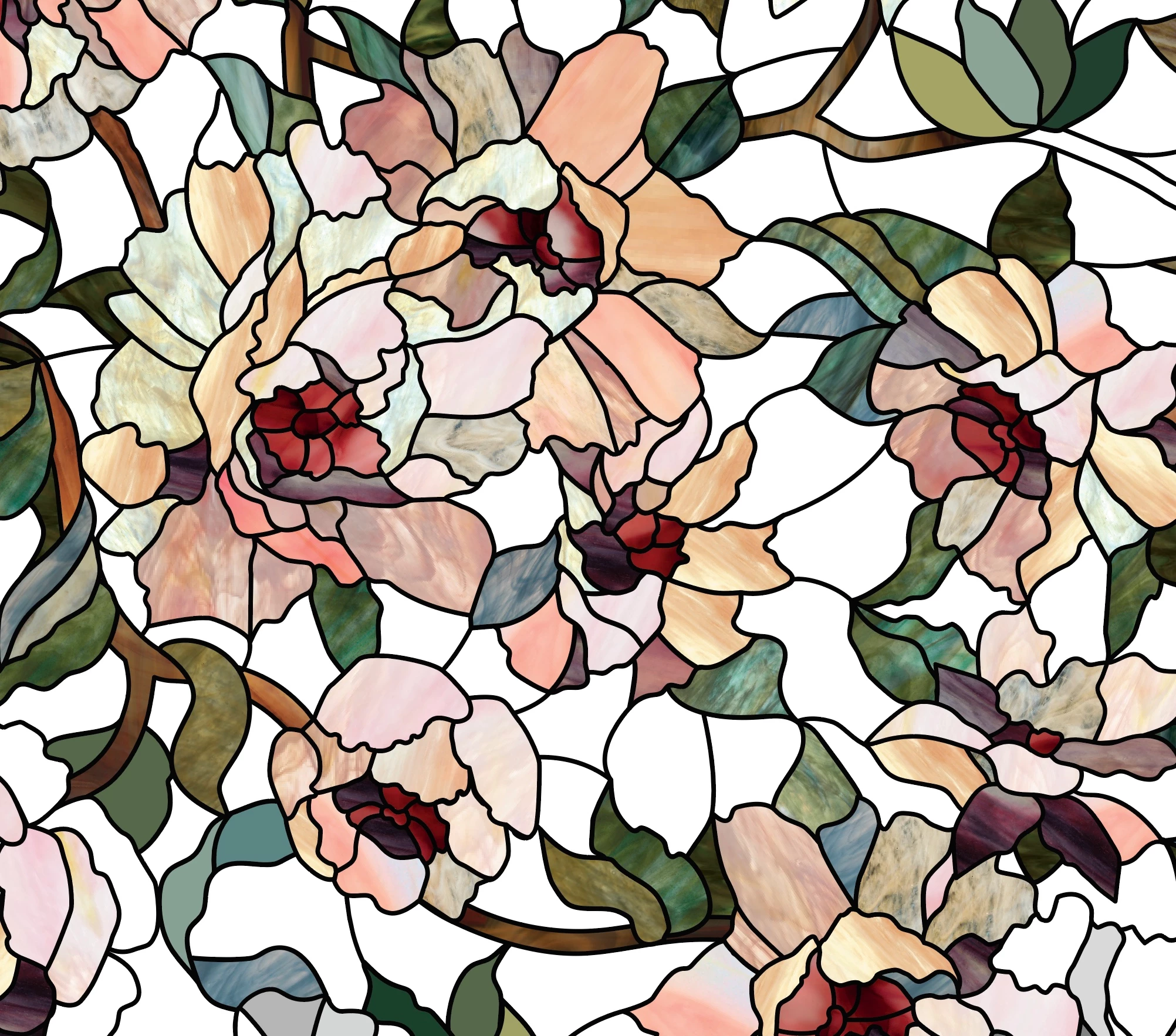
It's important the press files all have images of 100% scale. Because there's a lot of directional changes, I often copy & paste the contents of one shape into another and then adjust the direction slightly. However I always, somehow end up getting scale changes. I then have to go in manually and check / adjust the scaling of every object individually. Since I'm making 24x36" repeats, this is a real chore.

Why doesn't the Frame Fitting Options panel have a scale field????

Arrgh.
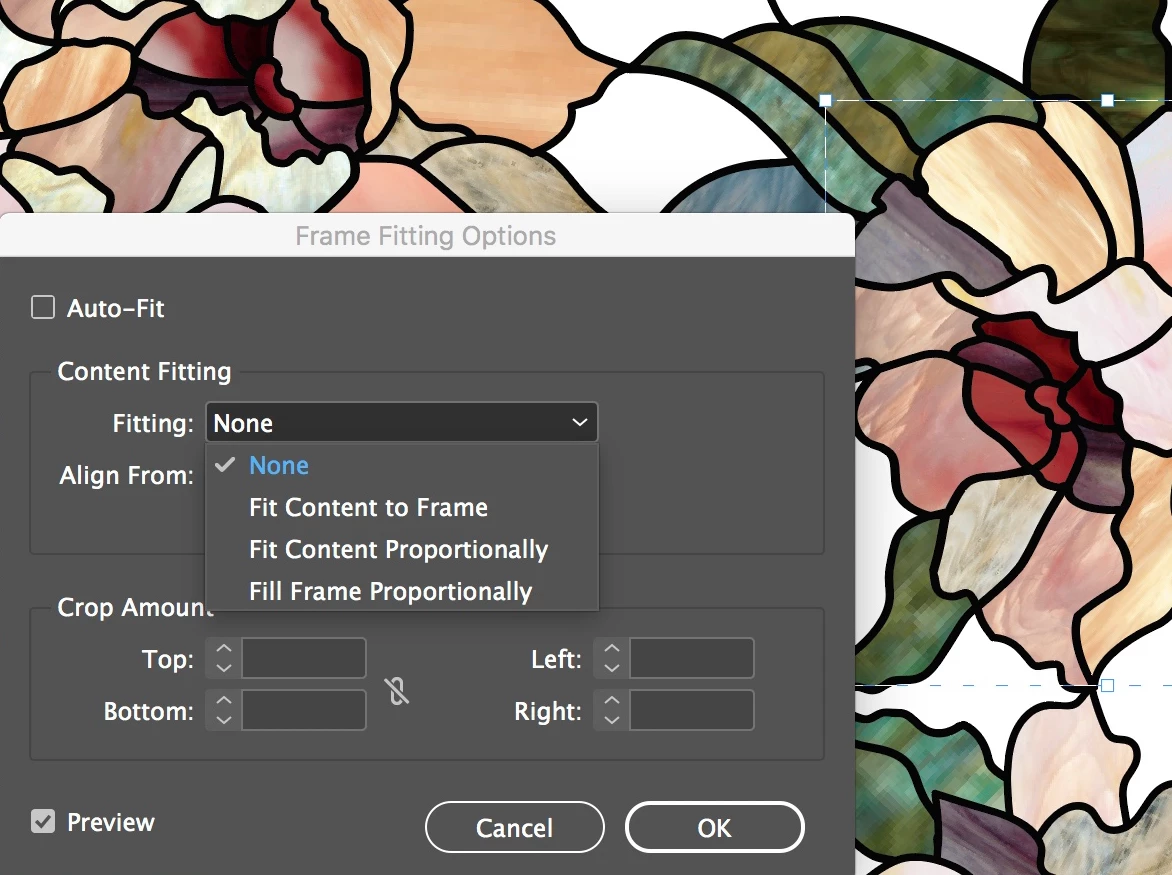
I've tried using the find / change which doesn't have any options for content scaling that I can find.

Any help would be truly appreciated!

6 replies

Jumpenjax
Community Expert
Community Expert
April 21, 2023

If you place the photo with no constraints, it should come in as 100%. Do not draw a box first, just place.

Lee- Graphic Designer, Print Specialist, Photographer
Participant
April 21, 2023

I would make my (repeating) pattern in Adobe Illustrator, then export the image at the size that I want it, make a box that size in InDesign and place the image in the box.

It seems very brave and difficult to use layout software to do illustation and pattern design.

rob day
Community Expert
Community Expert
September 1, 2018

However I always, somehow end up getting scale changes.

Is the reason for maintaining the 100% scale, so that the repeat edges line up (it's not about output resolution or quality)?

If that's the case maybe you should identify what you are doing in the workflow that changes the scale as you position the panels. By default if you place an image directly on a page, the placed object and its parent frame place at 100%. When you try to change the placed object's position, you could inadvertently adjust its scale depending on what tool you have selected, whether you have selected the image or its parent frame, whether you have selected an anchor point, modifier keys pressed, etc.

There are also a couple of preferences that affect scaling. Preferences>General>When Scaling affects the problem I'm showing in #19. You probably want Apply to Content. There's also File Handling>Links>Preserve Image Dimensions, which might come into play if you are pasting into.

Stephen Marsh
Community Expert
Community Expert
August 6, 2018
BoodibaAuthor
Known Participant
September 1, 2018

I'll try this on an older file.

Jeff Witchel, ACI
Community Expert
Community Expert
August 5, 2018

You could just delete the existing image and with the Frame selected, look under the Object menu > Fitting > Clear Frame Fitting Options. This acts like a brand new Frame when you Place another image.

BoodibaAuthor
Known Participant
August 6, 2018

The thing is, I work in sort of frenzy. I want an option where I can just check everything globally at the end. I didn't do any more work on this Sunday but I'm going to try the object styles & see.

Stephen Marsh
Community Expert
Community Expert
August 6, 2018

The thing is, I work in sort of frenzy. I want an option where I can just check everything globally at the end. I didn't do any more work on this Sunday but I'm going to try the object styles & see.

Perhaps this “report” will do what you want:

Or perhaps a tab delimited text file that you can open as a spreadsheet and sort or filter on the Scale X/Y % columns:

// LinkExport-Pro_1a.jsx

//DESCRIPTION: Exports some information about placed images in the active Document into a textfile in the same folder as the document. 

// The values are tab-separated, so that the content of the file can be copied to Excel via Clipboard.

// The exported textfile has the ending ".txt".

// Script by Martin Fischer (www.hilfdirselbst.ch)

//

var myDoc = app.documents[0];

if (myDoc.saved == false)

{

  alert("Error.\rYou must first save your document.");

  exit();

}

var myDocName = myDoc.name.split(".indd")[0];

var myTXT_File = myDocName + '.txt';

var myPath = myDoc.filePath + "/";

var myCreator = "R*ch"; 

var myType = "TEXT"; 

var theFiles = myDoc.links;

var myData = "link\tpath\tpage\twidth\theight\t% vertical\t% horizontal\teff. PPI\r"; 

var f = new File( myPath + myTXT_File ); 

f.open( 'w', myType, myCreator ); 

f.writeln( myData ); 

for (myCounter = 0; myCounter<theFiles.length;myCounter ++ ) { 

  var myBounds = theFiles[myCounter].parent.geometricBounds; 

  var myWidth = Math.round(myBounds[3]-myBounds[1]); 

  var myHeight = Math.round(myBounds[2]-myBounds[0]); 

  var myScaleVert = Math.round(theFiles[myCounter].parent.absoluteVerticalScale);

  var myScaleHori = Math.round(theFiles[myCounter].parent.absoluteHorizontalScale);

  var myImagePath = theFiles[myCounter].filePath;

  // WARNING if vertical scale is different to horizontal scale

  if (myScaleVert != myScaleHori)

  {

  var myWarning = "% vertical is not equal % horizontal";

  }

  else 

  {

  var myWarning = "";

  }

  try 

  { 

  myPPI = (theFiles[myCounter].parent.effectivePpi);

  } 

  catch (e) 

  { 

  myPPI = 0;

  } 

  var myClass = theFiles[myCounter].parent.parent.parent.constructor.name;

  // image placed on page

  if (myClass == "Page") 

  { 

  myPage = theFiles[myCounter].parent.parent.parent.name;

  } 

  // image embedded

  else if (myClass == "Character")

  {

  try 

  { 

  myPage = theFiles[myCounter].parent.parent.parent.parentTextFrames[0].parent.name;

  }

  catch(e)

  {

  myPage = "versteckt im Überlauf";

  }

  } 

  else {

  try 

  { 

  // image placed outside the pages

  myPage = "Spread of " + theFiles[myCounter].parent.parent.parent.pages[0].name;

  } 

  catch(e) 

  { 

  // don't know the page where the image is placed

  alert ("Class: " + myClass + "\r" + theFiles[myCounter].name);

  } 

  } 

  myData = theFiles[myCounter].name + "\t" + myImagePath + "\t" + myPage + "\t" + myWidth + "\t" + myHeight + "\t" + myScaleVert + "\t" + myScaleHori + "\t" + myPPI + "\r";

  f.writeln(myData); 

f.close();

Jeff Witchel, ACI
Community Expert
Community Expert
August 4, 2018

When working with images in InDesign, anytime you are Placing or Pasting Into a Frame that already has content, the Scale and position of that existing content will influence the NEW image. The best way to assure images stay at 100% is to always Place or Paste intro totally new Frames.

BoodibaAuthor
Known Participant
August 5, 2018

Ya that doesn't really help but thanks anyway. These elaborate, large scale designs are created in Illustrator and there have to be glass changes as one goes on. I suppose there isn't any fix, which is what I suspected. UI flaw...

rob day
Community Expert
Community Expert
August 30, 2018

I suppose there isn't any fix, which is what I suspected. UI flaw...

I couldn't tell from your original post if the problem is the graphic's horizontal and vertical scales don't match, or you need both to be exactly 100%?

If the idea is that you need the artwork to be exactly 100% in order to get an optimum resolution for the press output, that is not true. An image at 100% could have any output resolution (Effective Resolution in the link info panel). Also, both the image and its parent frames could have different scales, which would combine to affect the output resolution.

A simple script could force all of the document's graphics and their parents to be 100%, or have matched horizontal and vertical dimensions. I can post one if you need it.