

Answered
How do I properly import shutterstock eps files which utilize the screen blend mode?
When creators make objects glow in these vectors they typically use the screen blend mode. I'm never able to get these to look the same out of the box when I want to put them in indesign and always end up redrawing gradients with a 0-100% opacity on the normal blend mode. Example problem file:
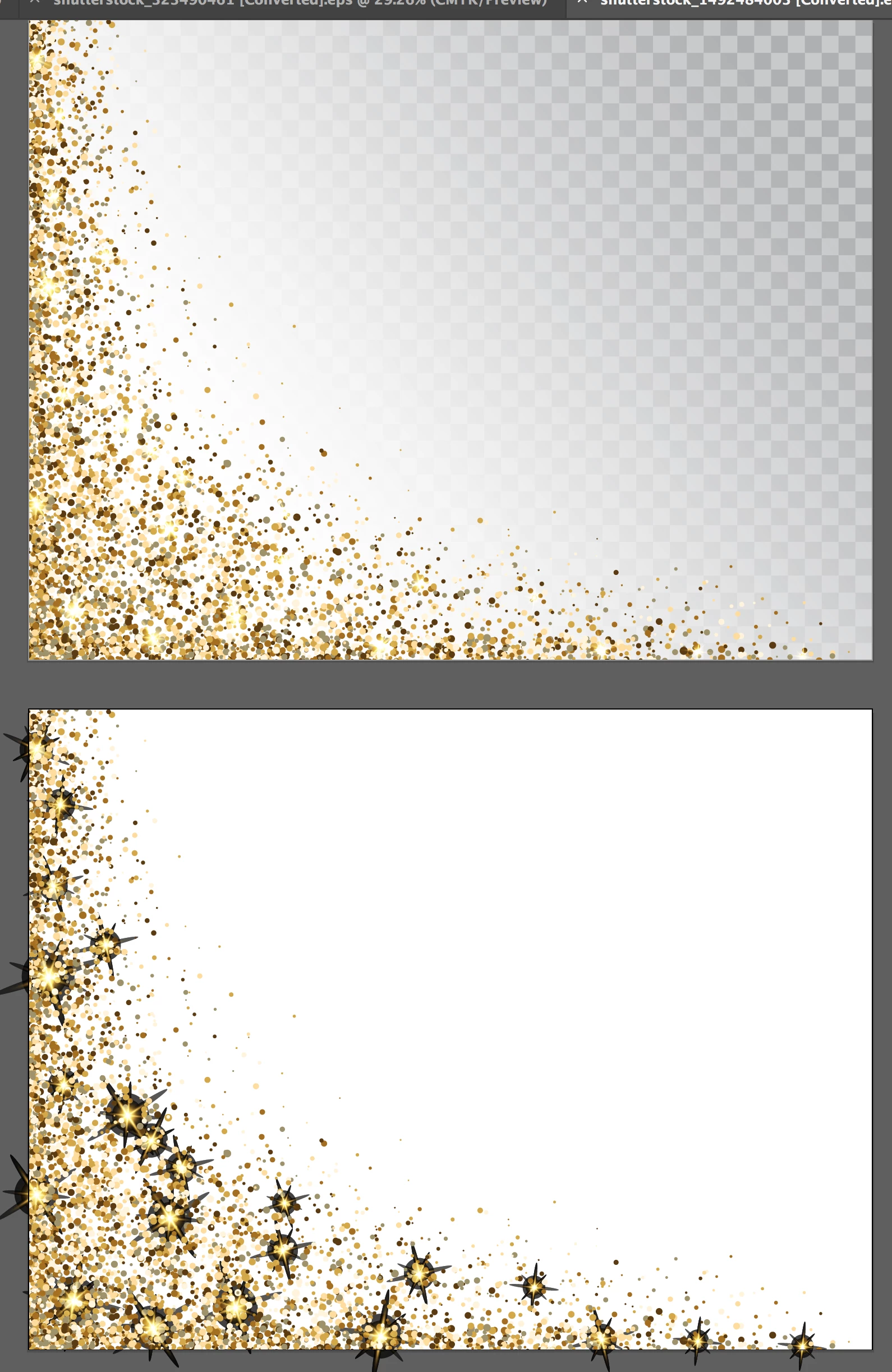
Is there something simple I'm missing? Am I stuck having to composite the imagery in illustrator before laying out copy in indesign?
 AdChoices