
Question
How to adjust bleed marks?
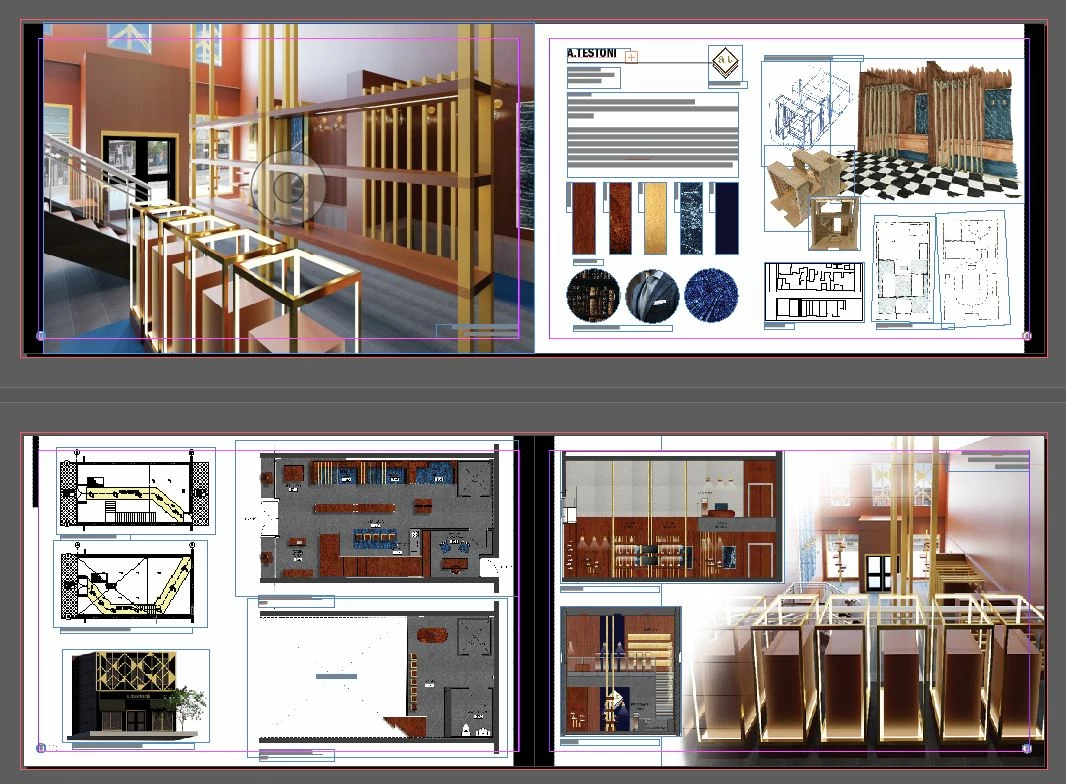
I'm planning on printing on an 11x17 paper but want the bleed marks inside the page so that the images can go directly to the border. How do I achieve this? When the bleed marks are inside the page, do I still need to drag the image across the line and to the edge of the paper? Tutorials online only show how to make the bleed marks outside the paper space (as shown in the image attached). Bascially, how can I get my images to print straight to the edge of the page, but still within the confines of an 11x17 paper? (My portfolio at the end can be a bit smaller than 11x17 once printed)
Thanks!
 AdChoices