Campbell123
Participant
January 3, 2019
Answered

How to Create a Four Panel Brouchure in InDesign?

  • January 3, 2019
  • 2 replies
  • 16302 views

I am trying to create a four panel/M fold/accordion fold brochure in InDesign.

There are a lot of great resources and even templates in Adobe Stock for creating tri fold brochures, but I cannot find anything about accordion fold. I followed a how-to video on how to create a tri fold instead of a "m fold", but the formatting came out horrible. There is white space between each panel and the panels are super small.

Suggestions? I would really love to just find a template to download if anyone can point me in the right direction.
This topic has been closed for replies.
Correct answer JonathanArias

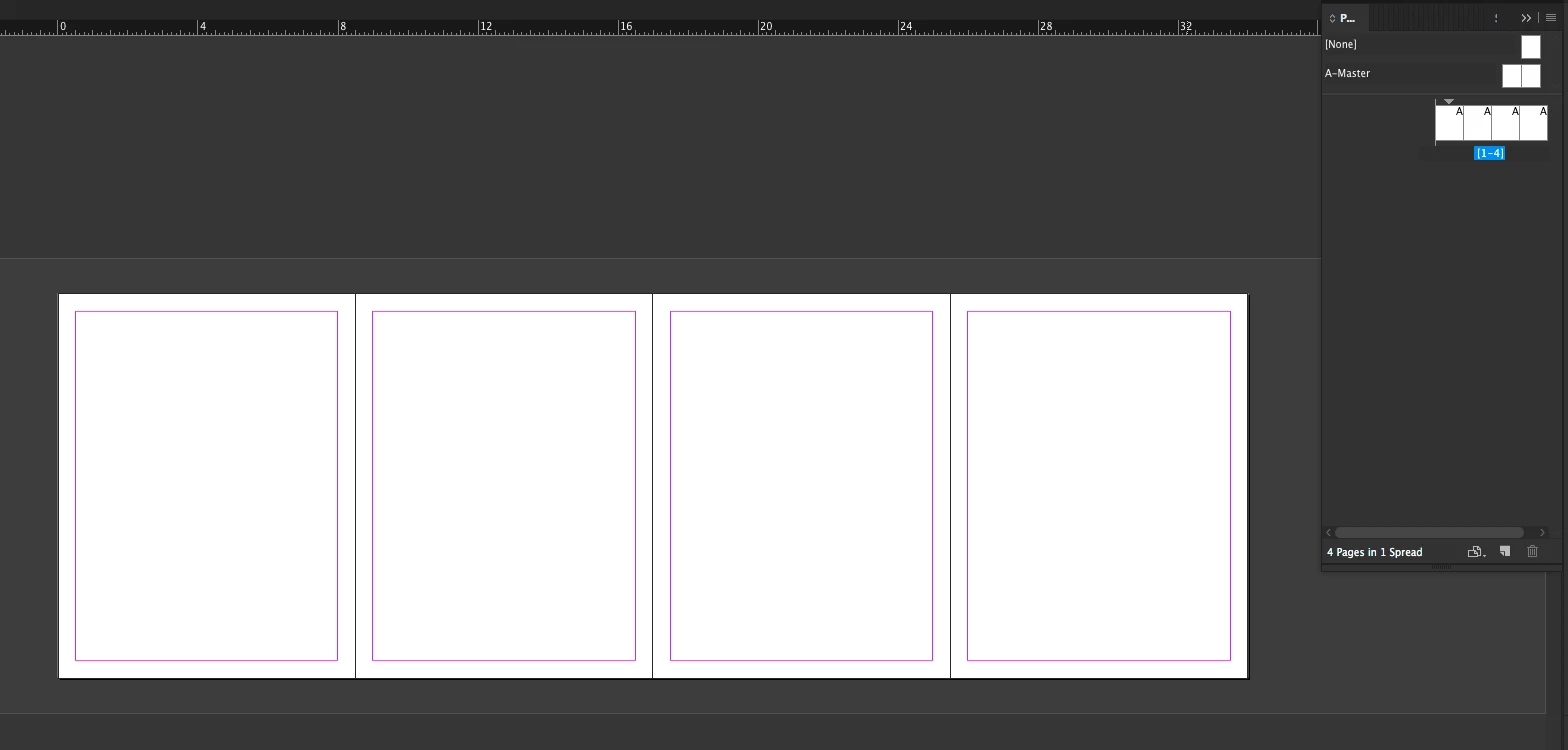
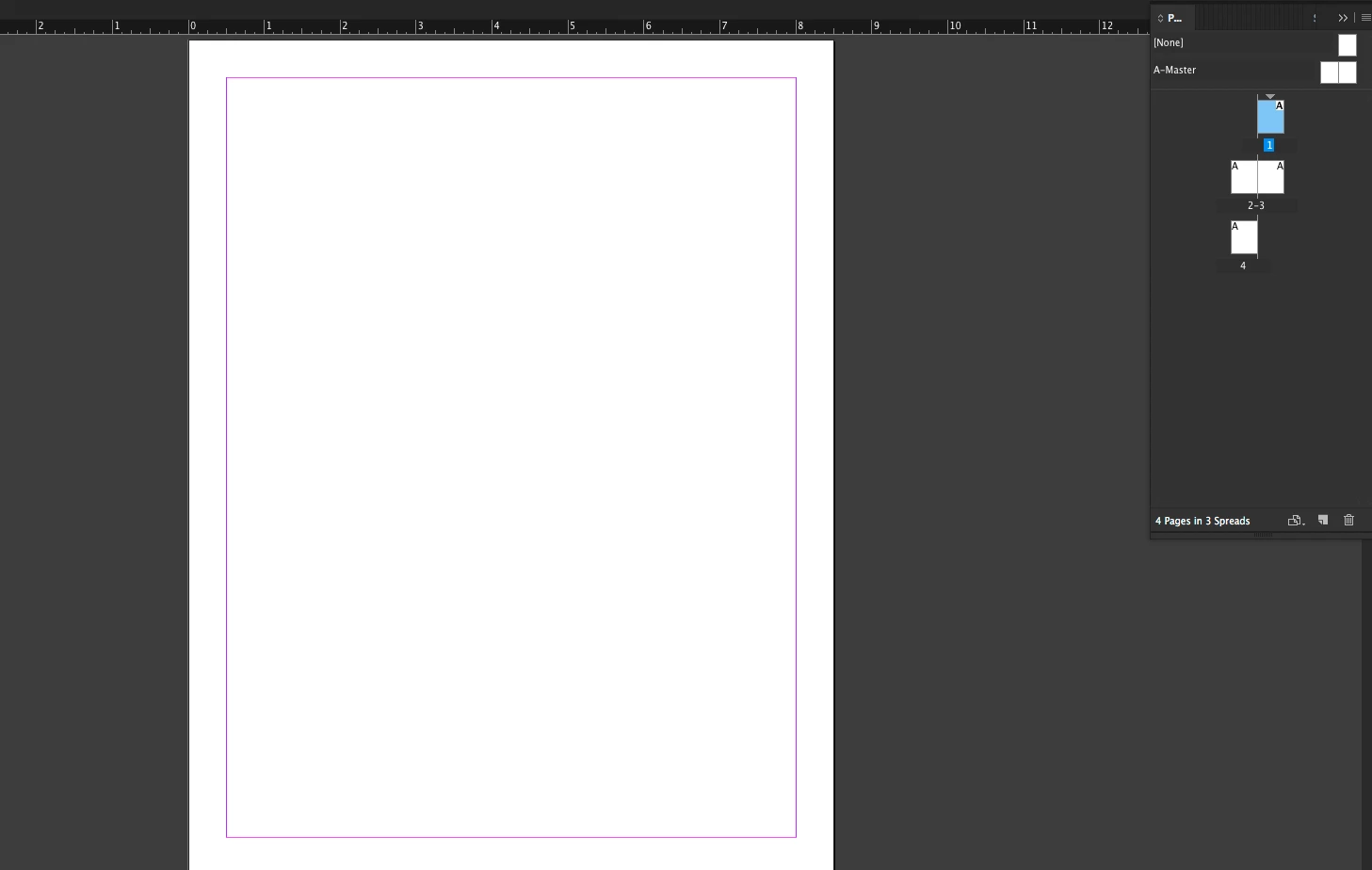
Create a new document. with 4 pages. like below:

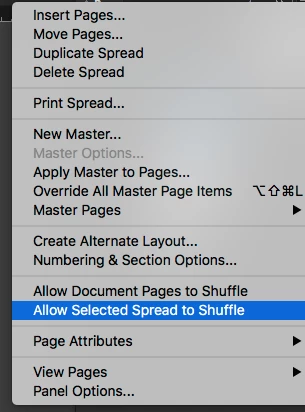
In your pages panel, make sure that the two options that start with "allow" are UNCHECKED. SEE BELOW

now, with the page panel still open. drag each page next to each other.

Now you can select all of your pages, set the page size, margin and columns as you need them. done.

2 replies

Campbell123
Participant
January 3, 2019

Thank you that is a great solution for those trying to figure out where content should go.

However, I am having trouble with generating a four panel layout (ex. what size paper, magings, etc.)

Derek Cross
Community Expert
Community Expert
January 3, 2019

Establish the overall trimmed size, for example A4 landscape.

Create a two page document (no facing pages).

One for side 1, the other for side 2 (and use Bob's suggestion for establishing the 'page' widths.

BobLevine
Community Expert
Community Expert
January 3, 2019

Make your own.

Take a piece of paper and fold it appropriately. Number each panel and then unfold it. That will show you how to layout the information.