

How to export book hardcover with cutting marks at right place into a print-ready PDF?
I have designed a book hardcover that needs to be exported into a print-ready PDf that would be printed by a professional printer.
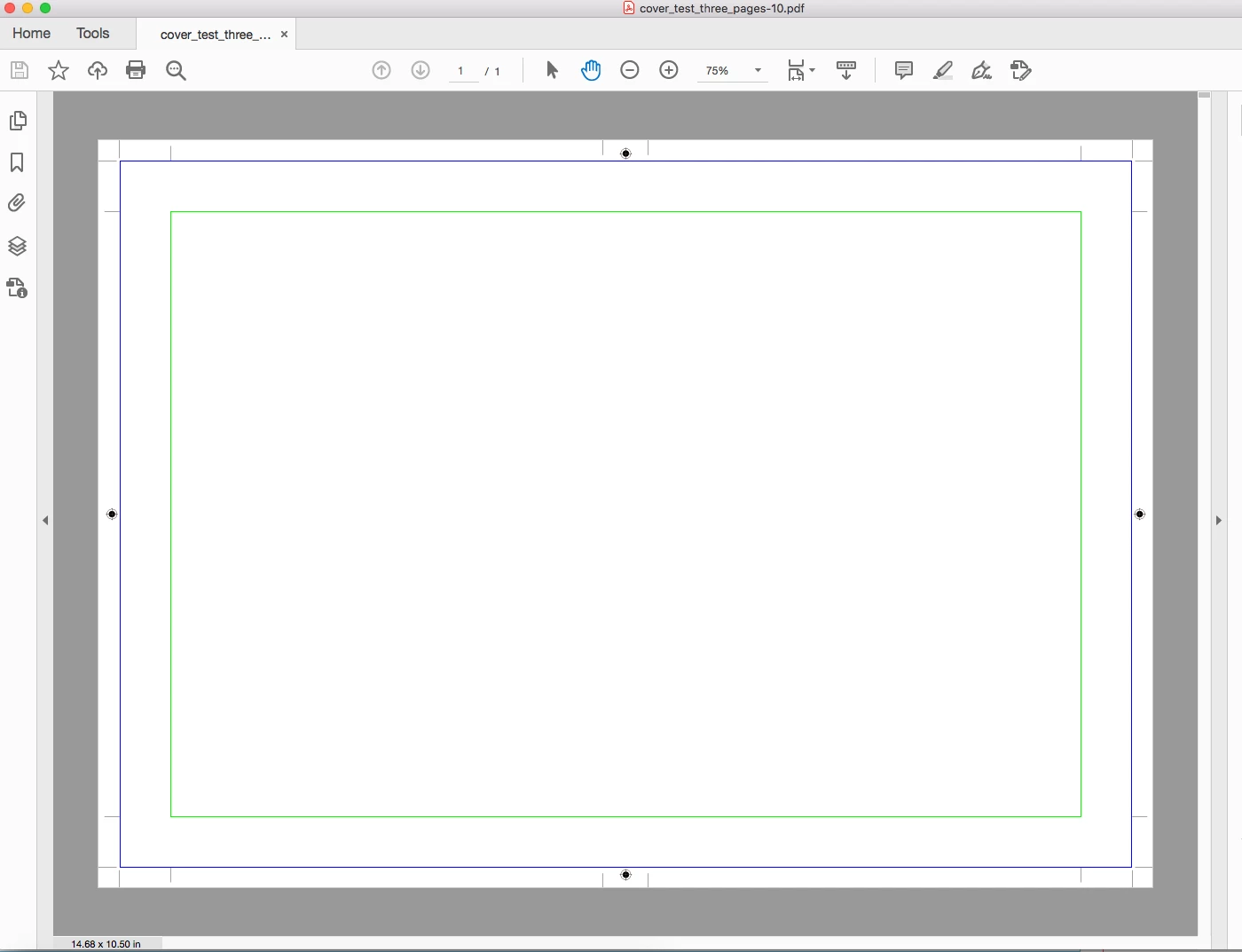
Now, the problem is that the cutting marks (and other printer's marks) are printed right outside of the page and thus the cover edge (when glued onto the board) is not counted as the part of the cover.
I have tried to design the cover as a single InDesign page that consists of front cover, spine and back cover; I have also tried to design it as three pages. Whatever solution I tried, the printer's marks are printed as if it was a page from the book block.
FYI:
- the printer needs 18 mm bleed on each side, which I have set (and slug set to 0 mm on each side);
- spine is 16 mm;
- I want that outside the page block (be it front cover, spine or back cover) at least 6 mm would not be used by printer's marks.
I have attached an MWE (cover_test_three_pages.indd) that needs to be exported into print-ready PDF with printer's marks at right places. Also I have attached the joboptions file (cover_export_test.txt; just rename it to cover_export_test.joboptions, as the forum does not allow to upload files with that extension).
Thanks in advance for the help.
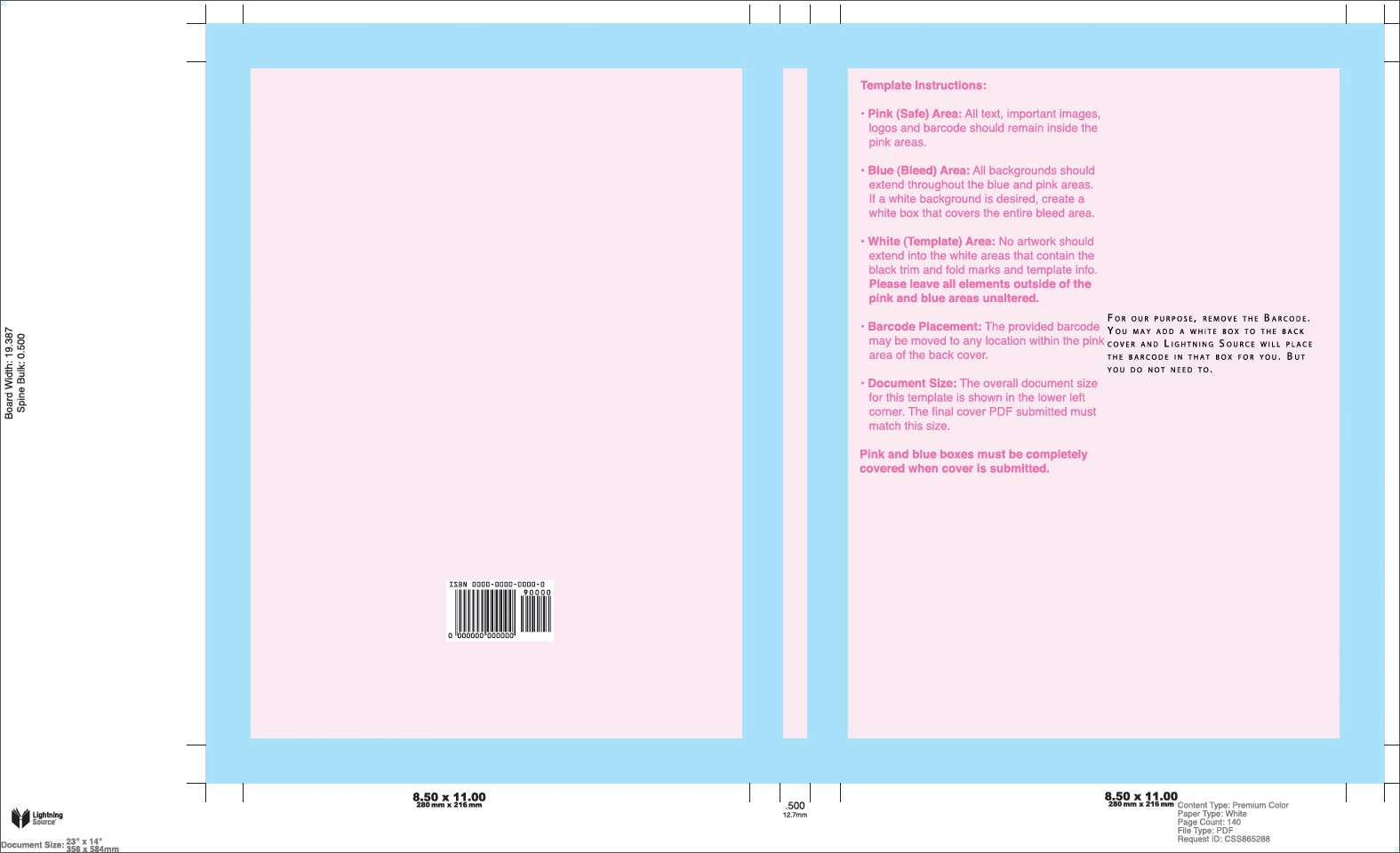
Update: I need it to look like the following image, but the cover (front/spine/back) should be centred (just like it is when I export anything from InDesign). Look at the crop marks, fold marks, etc---they are all outside the cover. I have looked at the INDD file they have created this image from, but they used regular lines to insert those marks, which is not what I want, because that is so imprecise.
 AdChoices