
Participant
May 25, 2017
Question

How to export jpeg files with individual page names?

  • May 25, 2017
  • 2 replies
  • 10178 views

I work for a company that needs ALOT of web images of a product in various names and sizes because this is just the way the web developer created the site to pull images.

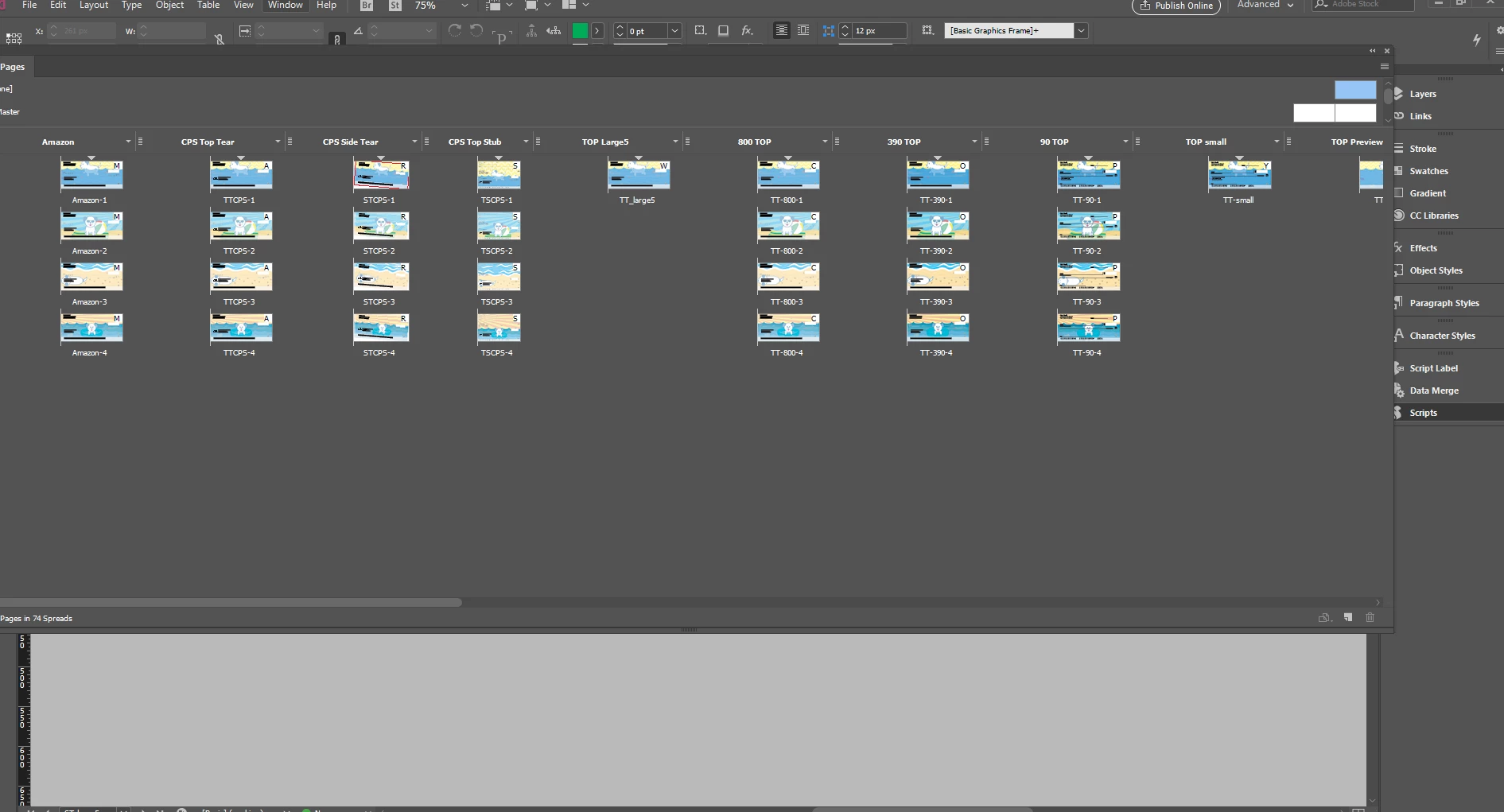
So what I did is create a template from InDesign where I can just drop in the main image and it's set up on alternative layouts for different sizes and naming. What I'd like to do is export every single page in the doc as a jpeg, but with the naming convention being what I named the individual pages.

I can't seem to do this. For example:

I have approximately 30 different alternate layouts in my pages section. I've named each page of a layout with what the individual jpegs should be named on export, but I can't just export them all with those specific names. Any way to do this? Please help! It would really help my job!
This topic has been closed for replies.

2 replies

Participant
September 26, 2017

Hi melissae49811054

I'm not sure if you ever resolved your issue. I have a similar problem. I have to create a series of images (essentially the same graphic in different sizes) that will be shared across all of our web channels. However, what I would like to do is have it name the file based on the basename of the file, but then append the page size rather than the page number? Is that possible?

Stephen Marsh
Community Expert
Community Expert
September 27, 2017

jchan_id2017  I have replied in the other topic thread where you cross posted:

Re: Export pages to jpg with custom filenames

As an alternative to the method outlined in the other topic linked above, if you rename your alternate layout with the required name, then you can use the alternate layout export script mentioned previously in this topic thread at post #8. This will create correctly named PDF files, that still need to be rasterized to the desired size.

rob day
Community Expert
Community Expert
May 25, 2017

I work for a company that needs ALOT of web images of a product in various names and sizes because this is just the way the web developer created the site to pull images.

Are you adding something to photo in InDesign? If not you would be better off using Photoshop's Automate>Batch or Automate>Create Droplet, both of which will let you control the naming.

To do it from ID you would need to a JavaScript or AppleScript. Also InDesign's JPEG export has quality problems.

Participant
May 25, 2017

Thanks for responding!

Each image has a different overlay. I work at a check printing company and I need to do web images for the individual scenes of each check and overlays depending on the product blah blah

I have noticed the jpeg issue to a point. Only on super small images though. I hope I answered your question correctly as I'm super frustrated at this daunting task.

I've never used a droplet before. I can defenitely look into it obviously!

rob day
Community Expert
Community Expert
May 25, 2017

To fully automate this from ID I think you would need scripting.

You could also consider exporting to PDF (which would eliminate the quality problems). So instead of alternate layouts for different sizes you could have a single document dimension set to the largest size, and export the pages to PDF/X-4. In AcrobatPro you can split the document into individual pages. In Photoshop you could set up a batch droplet that would create the different sized jpeg versions for each page.