Inspiring
Feb 22, 2016 10:00 AM UTC
Answered

How to import illustrator svg file to InDesign

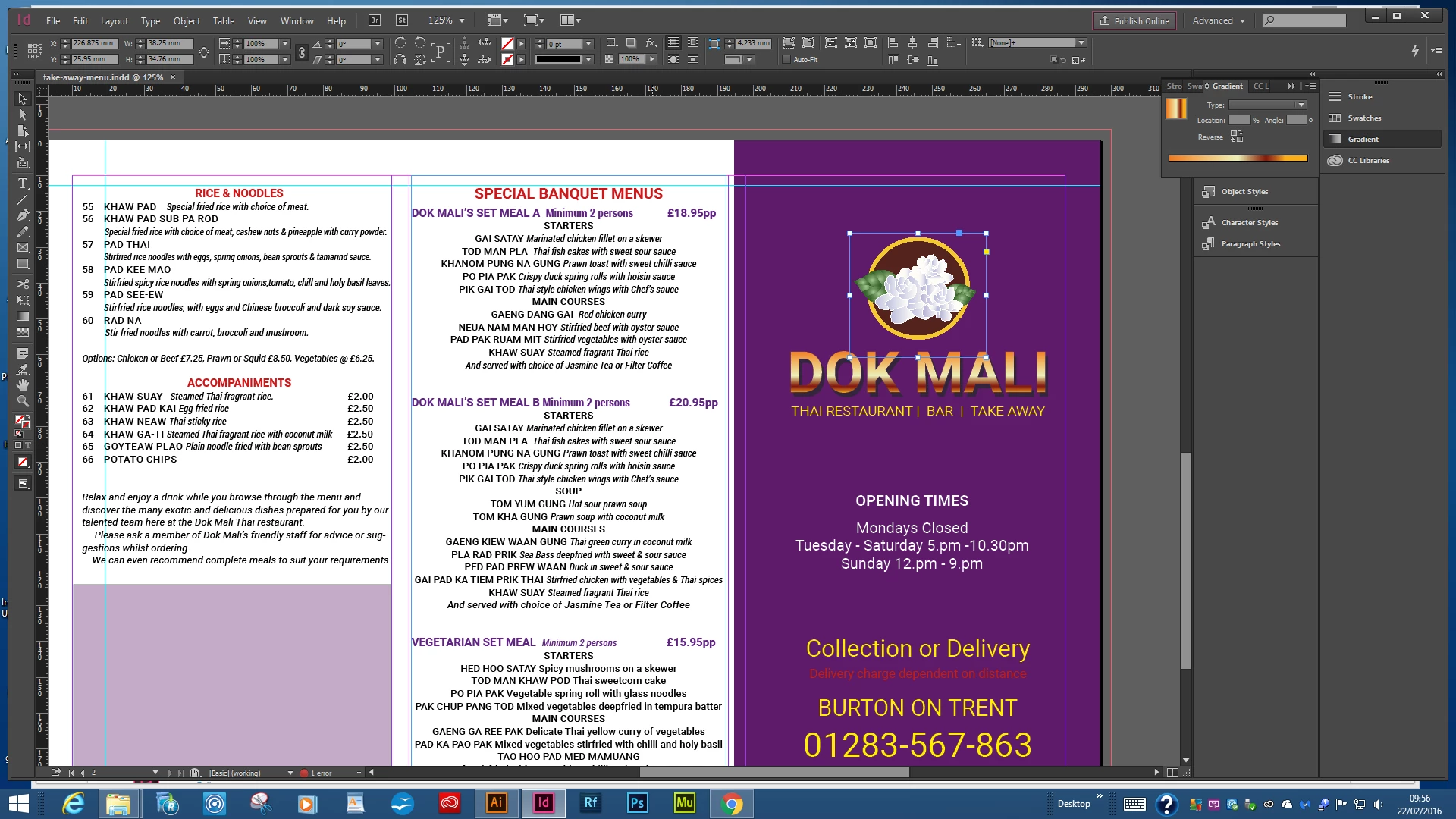
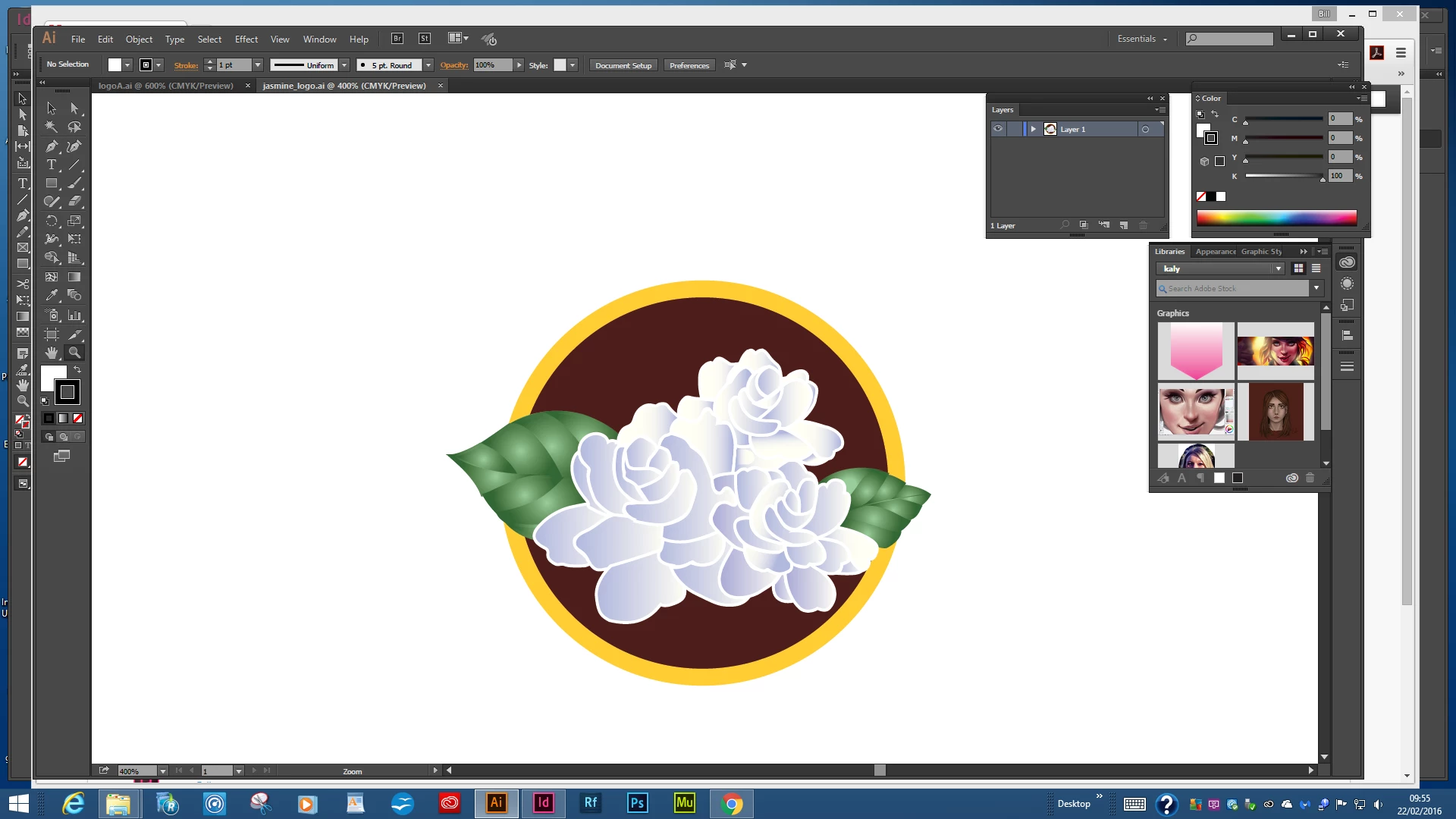
I keep having this problem. I have created an image in Illustrator CC and saved it as a .svg file but when I place it in the InDesign artwork it is pixeled like a jpeg.

I have tried to add the actual Illustrator image but it's forbidden because it's too large.  I have tried many different ways but I have not discovered the secret yet

However, I add two screen shots for info.

Kind regards Bill Watters
Steve Werner
Steve WernerCorrect answer
Community Expert
Feb 22, 2016 11:00 AM UTC

InDesign doesn't support SVG graphics as a vector format. Instead of saving as SVG, to use the graphics as a vector object, just save as an Adobe Illustrator (AI) file.

19 replies

Steve Werner
Community Expert
Community Expert
Aug 12, 2021 11:26 PM UTC

This is now a very old conversation and is OUT OF DATE. Just to update any who do not know: InDesign has had the ability to import SVG simce November 2019 in InDesign CC 2020 and later versions:


"You can now import and place the SVG (Scalable Vector Graphics) format files in InDesign documents. SVG is an XML-based vector image format to provide support for interactivity. In the previous releases, SVGs from CC libraries were imported as PNG files in InDesign, but now they can be imported directly. "

Translate
Participant
Sep 12, 2018 10:41 PM UTC

Allowing SVG import would make the Adobe suite too open. It sucks for users, but not supporting SVG means that designers have to rely on other adobe products for assets and processes. Too bad because I would happily pay more to enable SVG import.

Translate
de-hamburg
Participant
Jan 26, 2019 12:39 PM UTC

Although your statement sounds totally plausible, I hope it will prove wrong in the upcoming year. According to SVG import – Adobe InDesign Feedback this feature has been started. Long overdue, but still.

Translate
David W. Goodrich
Participating Frequently
Feb 22, 2016 3:55 PM UTC

ID may yet [re-]gain SVG support: over at InDesign Sectrets David Blatner says he has been pushing Adobe to add SVG support (in connection with epubs—SVG being built into HTML5 and ePub3).

David

Translate
Steve Werner
Community Expert
Community Expert
Feb 22, 2016 4:58 PM UTC

I think there is a high likelihood that this will happen. Because SVG is being used more and more, all of Adobe's programs are enhancing their SVG capabilities.

Translate
Participating Frequently
Jun 1, 2016 12:54 AM UTC

Has this happened yet? I can't place an SVG in my InDesign DPS file. Tried InDesign 2014 and 2015. ?

Translate
Steve Werner
Community Expert
Steve WernerCommunity ExpertCorrect answer
Community Expert
Feb 22, 2016 11:00 AM UTC

InDesign doesn't support SVG graphics as a vector format. Instead of saving as SVG, to use the graphics as a vector object, just save as an Adobe Illustrator (AI) file.

Translate
brushwipeAuthor
Inspiring
Feb 22, 2016 11:30 AM UTC

Thanks Steve - That worked OK and I've learned something new.

Translate
ferrnadex
Participant
Aug 12, 2021 11:03 PM UTC

Also you can use a EPS file

Translate
Peter Spier
Community Expert
Community Expert
Feb 22, 2016 10:51 AM UTC

Something is wrong in your workflow. Placing (File > Place....) does not have limits on file size. so perhaps you've tried to paste?

Is View > Display Performance set to High Quality Display?

Translate