

Image dimentions Lowered When CC Library Assets From Photoshop are Placed.
Hello Adobe Support Community,
I am running into some resolution issues when I place CC Library assets from Photoshop into an InDesign document.
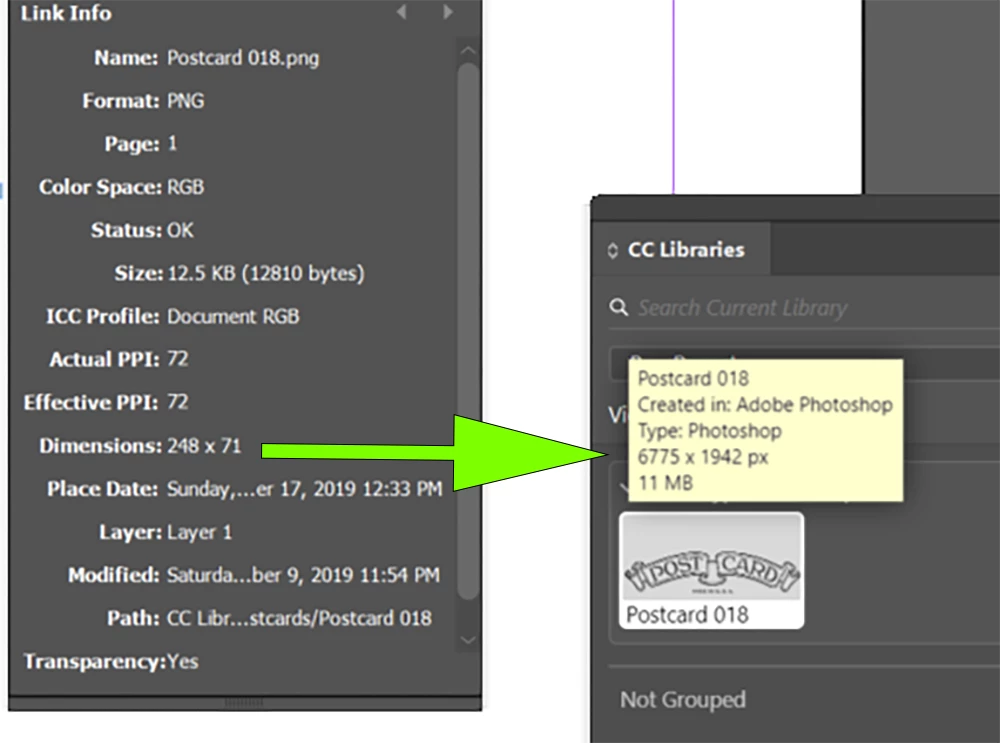
As you can see in the screenshot below, the dimentions listed in the links pannel for the placed asset are far lower then the dimentions listed in the CC Libraries pannel.
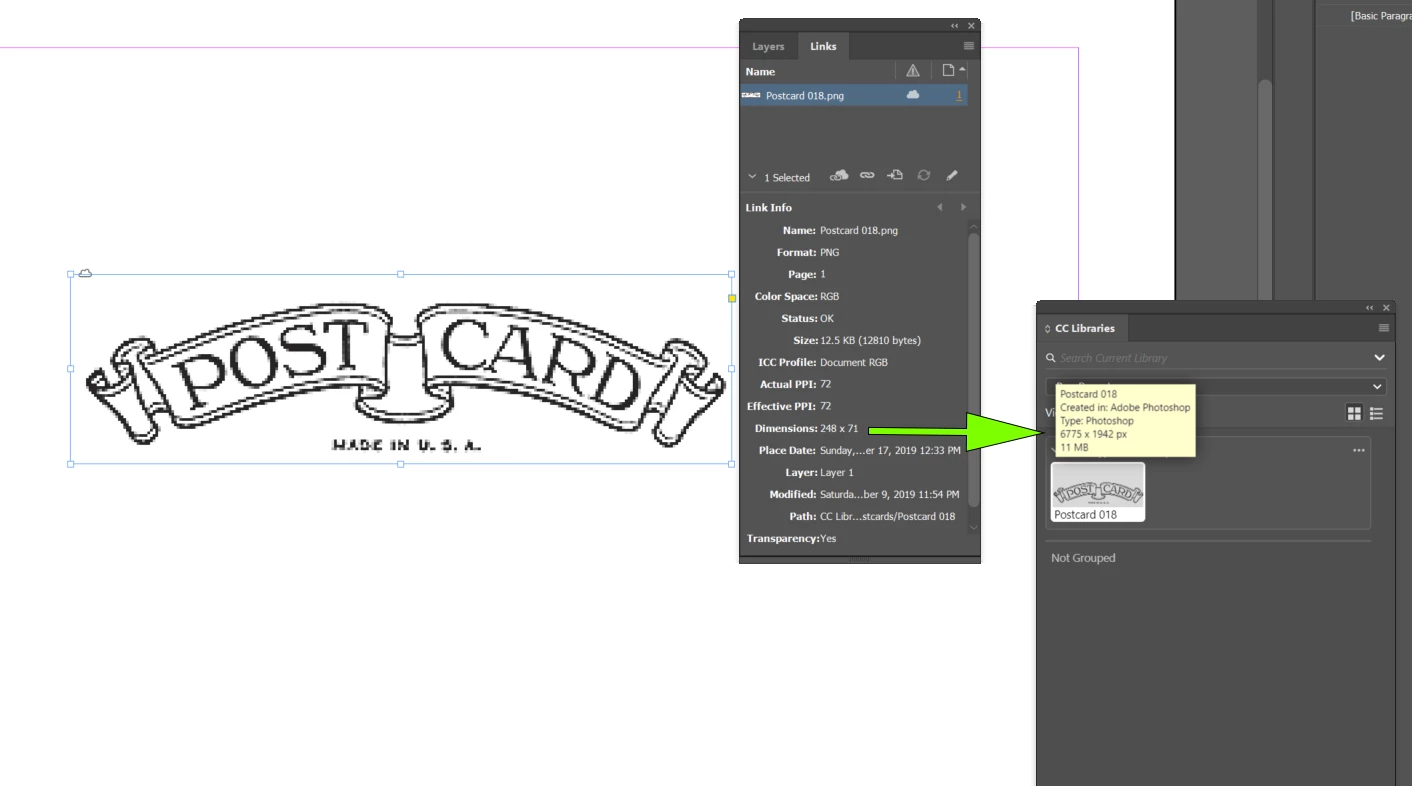
Zoomed:
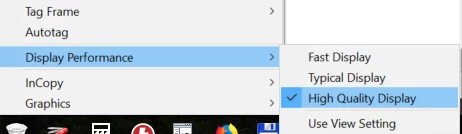
I have tried setting the display mode to "High Quality Display," but that doesnt seem to make a difference.
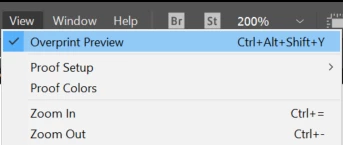
I have also tried turning on "Overprint Preview" and that doesnt fix it either.
When tried printing the document, the resolution of the placed image is still pixelated.
Is there any reason why Photoshop CC Library assets would have their resolution lowered when they are placed into InDesign documents?
All the best,
-Evan
 AdChoices