Participant
November 4, 2016
質問

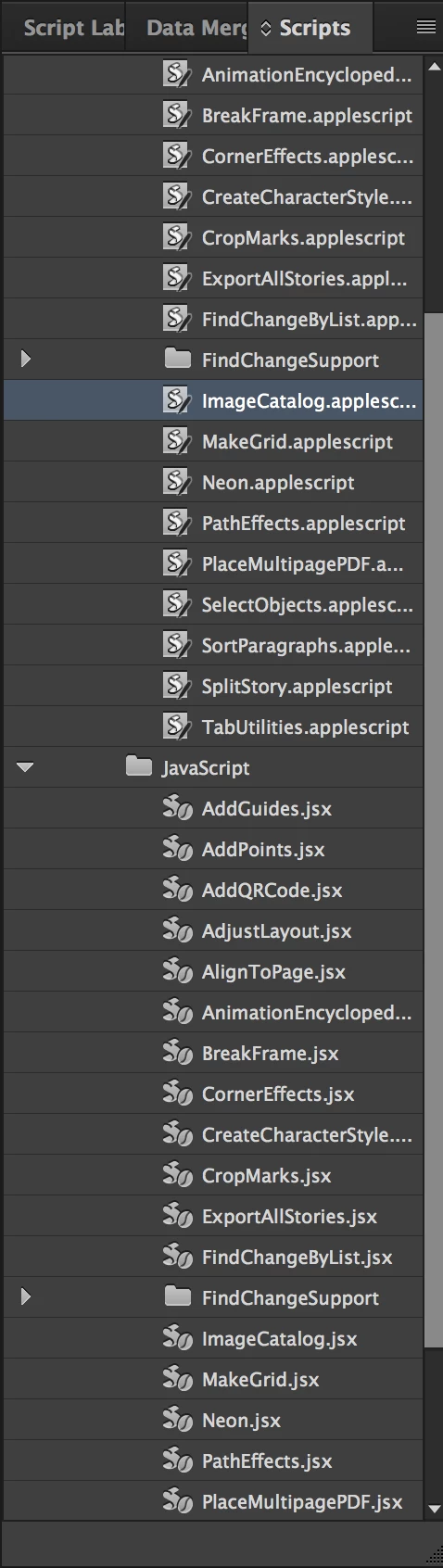
Indesign 2017 - Image Catalog script is Broken

  • November 4, 2016
  • 返信数 2.
  • 2694 ビュー

I use the script for image catalogs on a daily basis to generate reports. Can anyone please let me know if you are having the same problem.

I know other ways that take longer and more convoluted.

I also know that Photoshop has one as well. Not useful for my tasks as well.

I would just like to find a resolution to getting this script to work or finding a new script that will. or feel better that adobe will get this resolved and working quickly.

Thanks.
このトピックへの返信は締め切られました。

返信数 2

rob day
Community Expert
Community Expert
November 4, 2016
smartin1967作成者
Participant
November 4, 2016

Thanks for the script link.

Sushil Kumar Srivastava
Community Manager
Community Manager
November 4, 2016

smartin1967Hi Shean Martin,

Please open the AppleScript in "Script Editor" and check whether the application referred is "Adobe InDesign CC 2015" or "Adobe InDesign CC 2017".

If the referred application is "Adobe InDesign CC 2015" the please replace it with "Adobe InDesign CC 2017".

Thanks and Regards,

Sushil Kumar Srivastava

InDesign Team

smartin1967作成者
Participant
November 4, 2016

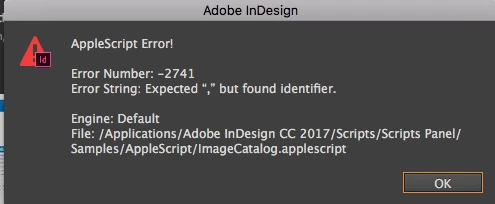
I did a replaced "Adobe InDesign CC 2015" with  "Adobe InDesign CC 2017"  no i get the error message below. I did a find and replace to make sure the 3 instances were replaced.

Any further help would be appreciated. thanks.