Known Participant
May 23, 2018
Question

InDesign bars are blurry, but not Illustrator?

  • May 23, 2018
  • 4 replies
  • 4949 views

I just got a new external screen specifically to use to for Adobe. My new Lenovo Yoga has a 13" screen. Operating newest update of CC 2018. (https://www.amazon.com/gp/product/B008DWITHI/ref=od_aui_detailpages01?ie=UTF8&psc=1 ).

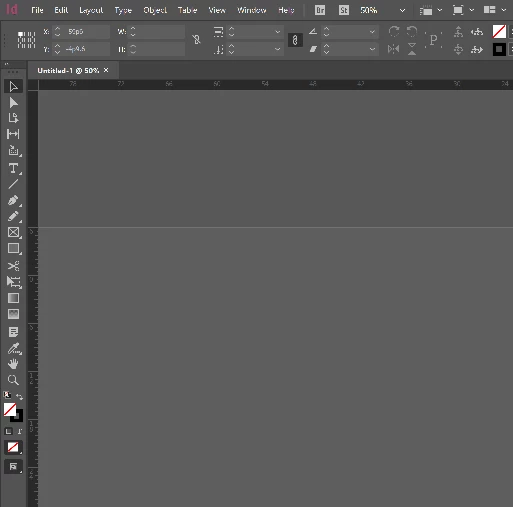
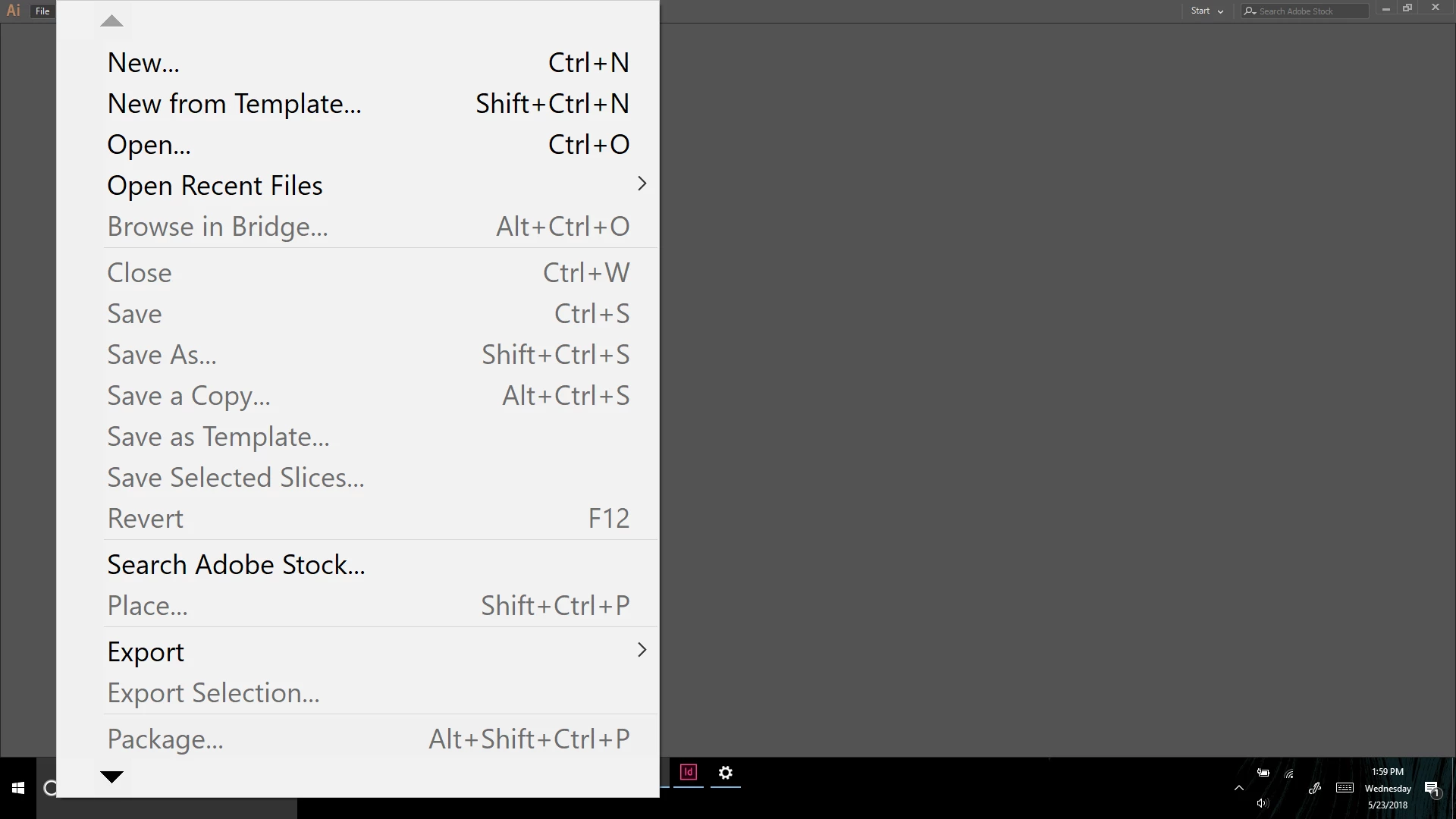
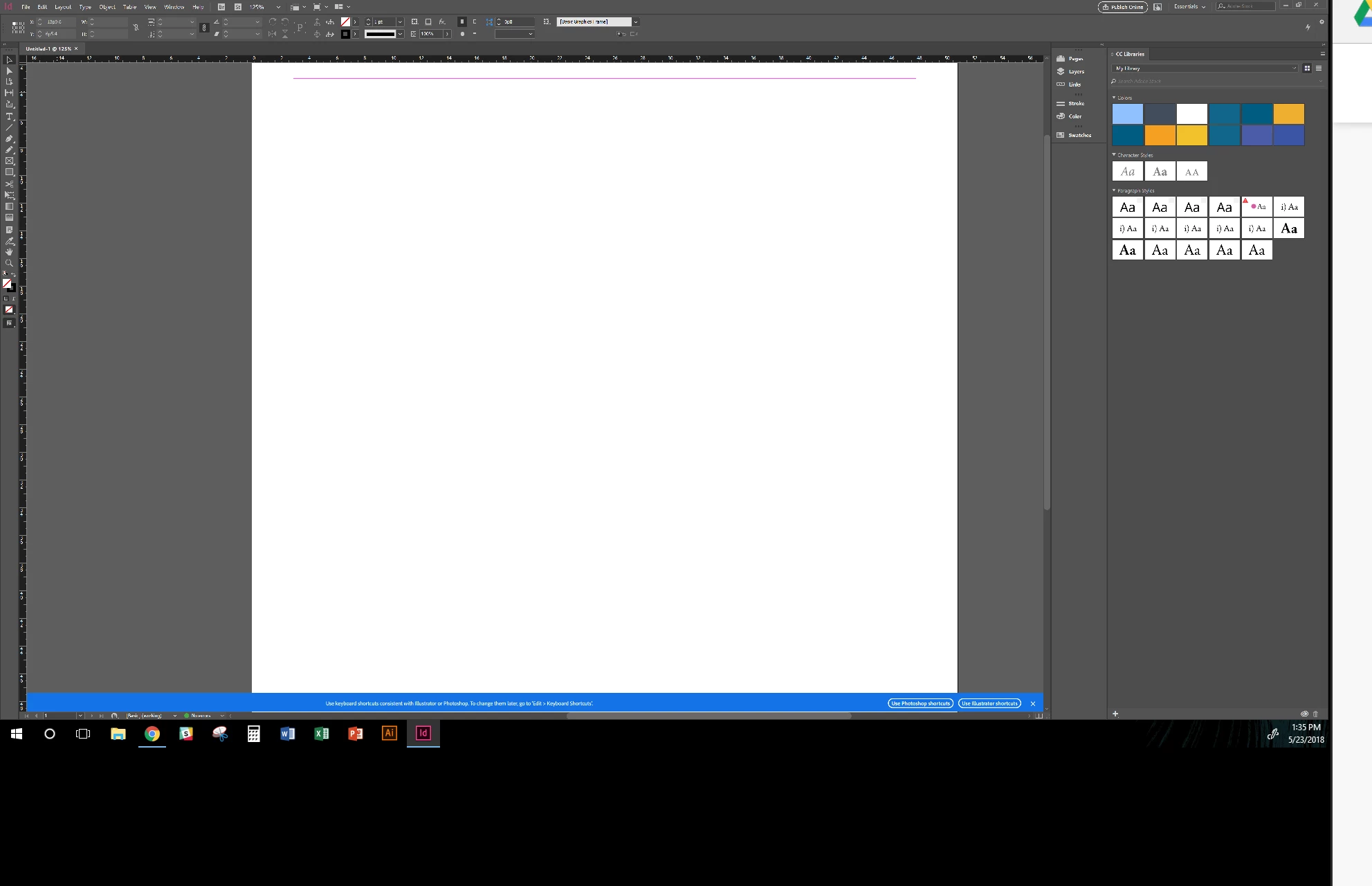
The image on the new 1080p screen is generally crisp, but is acting funky with some Adobe programs. See below how the File bar and the left vertical options are abnormally fuzzy. In Illustrator there are some scaling issues, but they are forgivable.

Under Display Settings. My first display (Yoga 720) is at 300% change size of text, apps, and other items with a resolution of 3840 x 2160

For the second display (Asus 1080p screen) is at 100% and 1920x1080.

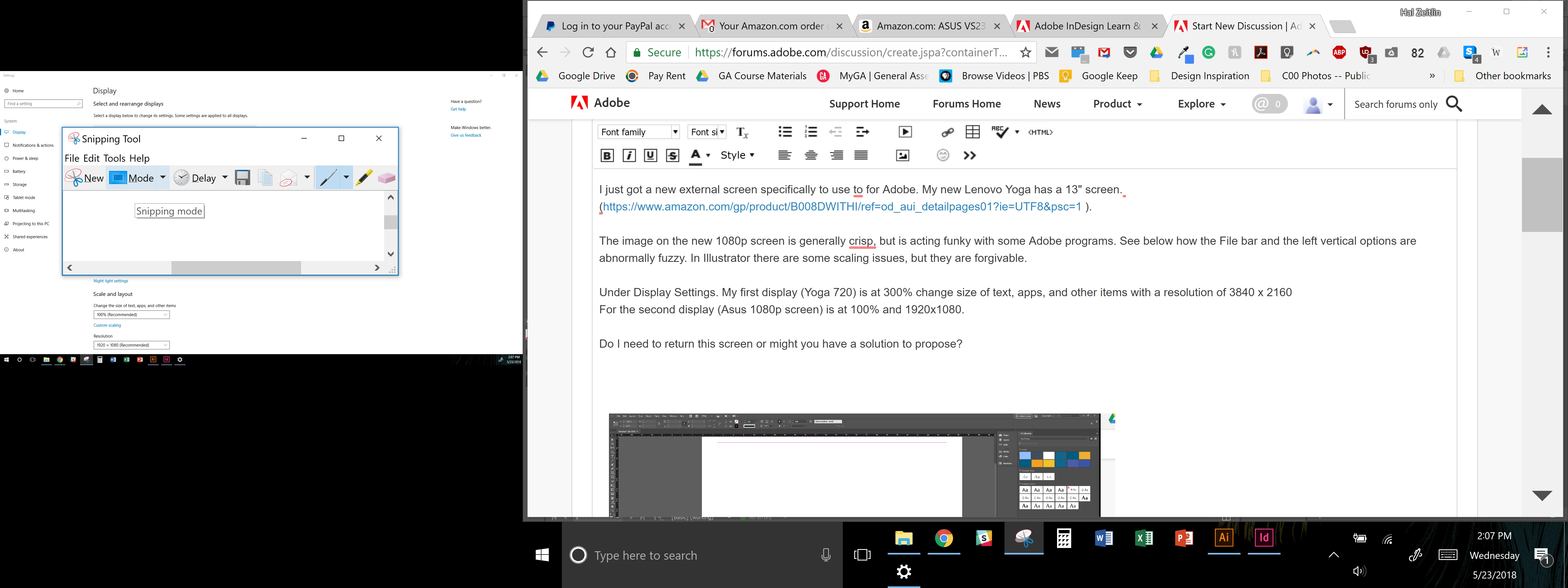
Some dialog boxes are also wildly large on the Asus screen (see image below of snipping tool - specifically File and horizontal bar on top and buttons).

Do I need to return this screen or might you have a solution to propose?
    This topic has been closed for replies.

    4 replies

    Known Participant
    June 13, 2018

    Great news to share. I decided to try again and contacted Lenovo. I was able to return the laptop since it was one month after the date of purchase. I just got today a replacement, Yoga 730, 15", 1920 x 1080, with NVDIA Geforce GTX graphics unit. It is working swimmingly! This is wonderful.

    BobLevine
    Community Expert
    Community Expert
    June 13, 2018

    Great news. Glad you got it all sorted.

    Bevi Chagnon - PubCom.com
    Legend
    June 3, 2018

    After looking up the specs on Lenova's Yogo line, it's possible that your laptop doesn't have the graphics memory to run the external monitor at a high enough resolution to handle Adobe InDesign's graphical interface. Reviewing it's technical specs:

    Lenovo Yoga 720 13" | Thin & Light 2-in-1 Laptop | Lenovo US   it uses an Integrated Intel® HD Graphics 620, which doesn't have any dedicated graphics memory for running hi-res screens, especially external monitors attached to the laptop.

    Here's a tech review of the HD graphics 620 processor Intel UHD Graphics 620 GPU Review - Benchmarks and Specs - NotebookCheck.net Tech   Note that it says the graphics processor isn't quite fast enough for gaming. As a former systems integrator for high-end digital media workstations, the translates as "it really doesn't have the power to process hi-resolution GUI or InDesign documents with lots of graphics."

    When my shop would spec hardware, we would always look at what the gamers rated the graphics cards because games and graphic design have one thing in common: they have to process a lot of graphical data (called pixel-pushing) really really fast.

    One other item to note: Generally, Windows prefers to have an external monitor that matches the pixel resolution of the main laptop. Yes, it can handle different resolutions on both, but quirky things can happen, possibly the fuzziness you're seeing.

    In Windows...

    • Go to the Start Menu and select Settings.
    • Select Display.
    • Check what the native (or recommended) resolution is of your Lenova laptop. Whichever setting has the word "recommended" next to is the "sweet spot" for your laptop. It will perform better if your external monitor matches this resolution.
    • Check also the Scale and Layout settings. These can cause funky stuff on the screen. Adjust up/down to see if things improve on your external monitor.
    • Note: After making changes here, it's best to restart your computer so that the changes really take effect. Not everything adjusts, especially with external monitors, if you don't restart the computer.

    Hope this helps!

    |    Bevi Chagnon   |  Designer, Trainer, & Technologist for Accessible Documents ||    PubCom |    Classes & Books for Accessible InDesign, PDFs & MS Office |
    BobLevine
    Community Expert
    Community Expert
    June 3, 2018

    Bevi, The OP has already shown us the specs. The laptop is 4K but the monitor appears to be HD which means there's no way to match them.

    Bevi Chagnon - PubCom.com
    Legend
    June 3, 2018

    Ah, sorry, Bob. The Forum had that hidden on my screen by default.

    Given the Lenovo's underpowered graphics processor, I don't think the fuzziness will be cured, but it's worth adjusting the various Windows display settings to see if it can be improved.

    @GoldenRetriever1893, Have you tried adjusting the Fix Scaling for Apps setting under the Advanced Display Options in Settings? Sometimes that has helped snap an external monitor into a better viewing setting.

    Also noticed that the text in the font menus is pixelated as if a non-scalable font is being used. Was the Windows system font changed? This is adjusted in the Personalization of the display, under themes and fonts. I prefer Segoe UI font.

    |    Bevi Chagnon   |  Designer, Trainer, & Technologist for Accessible Documents ||    PubCom |    Classes & Books for Accessible InDesign, PDFs & MS Office |
    BobLevine
    Community Expert
    Community Expert
    May 23, 2018

    One of the biggest weaknesses of InDesign on Windows is how poorly it handles mixed resolutions and scaling on Windows machines. Beyond having two identical monitors both with the same scaling, there are going to be trade offs.

    What are the resolution and O/S scaling set to for the laptop and the monitor? What is the UI scaling preference set to? InDesign can only scale to 100% 150% or 200%. Having the O/S scaling set to anything else will cause issues.

    Known Participant
    May 30, 2018

    OS Scaling is below on my comment. Which is 300%. When I change it to 200% for the OS, it is certainly too small. Hm. Great knowledge Bob about the 200%. Does that mean even another screen wouldn't solve the issue?

    BobLevine
    Community Expert
    Community Expert
    May 30, 2018

    I larger screen wouldn't require 300% scaling.

    Mike Witherell
    Community Expert
    Community Expert
    May 23, 2018

    What is native rez of the Yogo720 screen?

    Mike Witherell
    Known Participant
    May 30, 2018

    Is this right? I look on Amazon for 4K screens at that resolution for an affordable price, and I don't see any.