
Participant
September 4, 2020
Answered

InDesign 2020 (15.1.2) keeps crashing while not letting me save any files.

  • September 4, 2020
  • 2 replies
  • 834 views

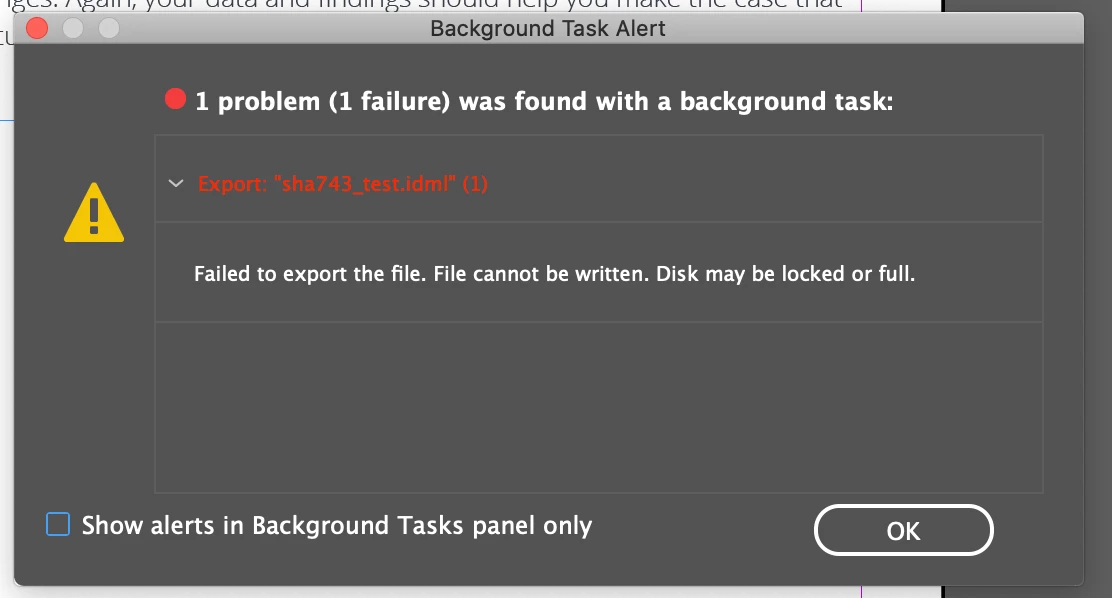
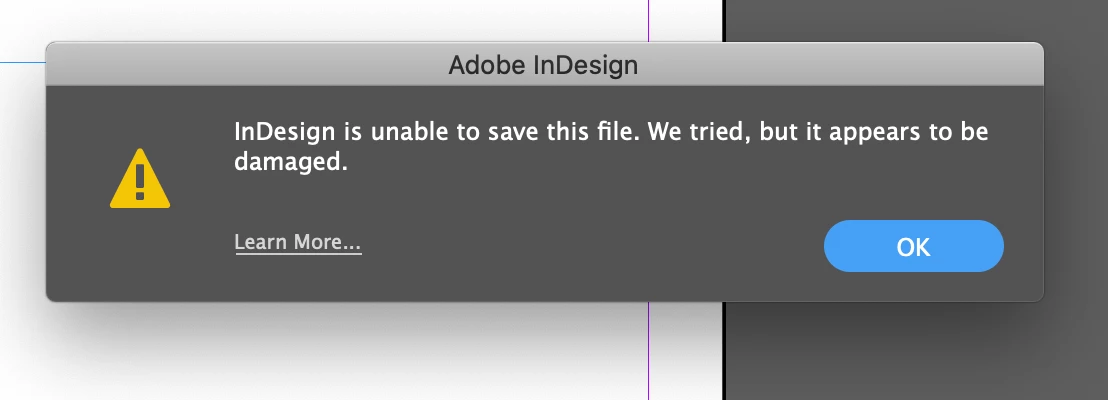
I am a graphic designer trying to save InDesign files on my computer/company server. It worked fine yesterday but today it is not letting me save ANY file from the server or my hard drive. I keep getting these notifications if I try to export or Save/Save As. 

I have restarted my comp, tried older versions of InDD, and gotten on another account in the computer and it still won't let me save anything. Can someone help???


This topic has been closed for replies.
Correct answer Srishti Bali

Hi there,


Sorry to hear about this trouble. In addition to the suggestions shared above, please try exporting your work as IDML to Desktop. Once done, try resetting InDesign preferences and then saving the files first to the Desktop and then on the server. 


You may also try the steps suggested on this page. Let us know if this helps, or the issue still persists.


Regards,

Srishti

2 replies

Srishti Bali
Community Manager
Srishti BaliCommunity ManagerCorrect answer
Community Manager
September 7, 2020

Hi there,


Sorry to hear about this trouble. In addition to the suggestions shared above, please try exporting your work as IDML to Desktop. Once done, try resetting InDesign preferences and then saving the files first to the Desktop and then on the server. 


You may also try the steps suggested on this page. Let us know if this helps, or the issue still persists.


Regards,

Srishti

Participant
September 8, 2020

it worked!!! thank you so much!

--
*Maddie Kennedy*
Interactive Graphic Designer I eCornell
*Cornell University*

Derek Cross
Community Expert
Community Expert
September 8, 2020

Best not to include personal contact details on this public forum.

jmlevy
Community Expert
Community Expert
September 4, 2020

Well... The first message warns you that the disk may be locked or full. Did you check this?

Participant
September 4, 2020

Disk and server have tons of room

jmlevy
Community Expert
Community Expert
September 4, 2020

Did you try to reset preferences?

But if this occurs with other InDesign versions, maybe the problem is with your system, not inDesign. Are you able to save with other applications?