
EmberPhoenix
Inspiring
July 15, 2018
Answered

InDesign ePub Issue

  • July 15, 2018
  • 1 reply
  • 877 views

Hello my fellow writers and designers, I’m in a bit of a pickle and really need some insight.

So, apparently, InDesign hates life and wants to put my WHOLE book into the TOC. It isn’t designed or set up that way and I cannot, for the life of me, figure what in the heck is wrong with it. I’ve tried so many things and good ol’ google isn’t any help either.

May I ask for some pointers and help to set me toward the right direction? I’m at my wit’s end, as I’ve had this issue the whole week with no progress. Attached are screenshots, if that helps.
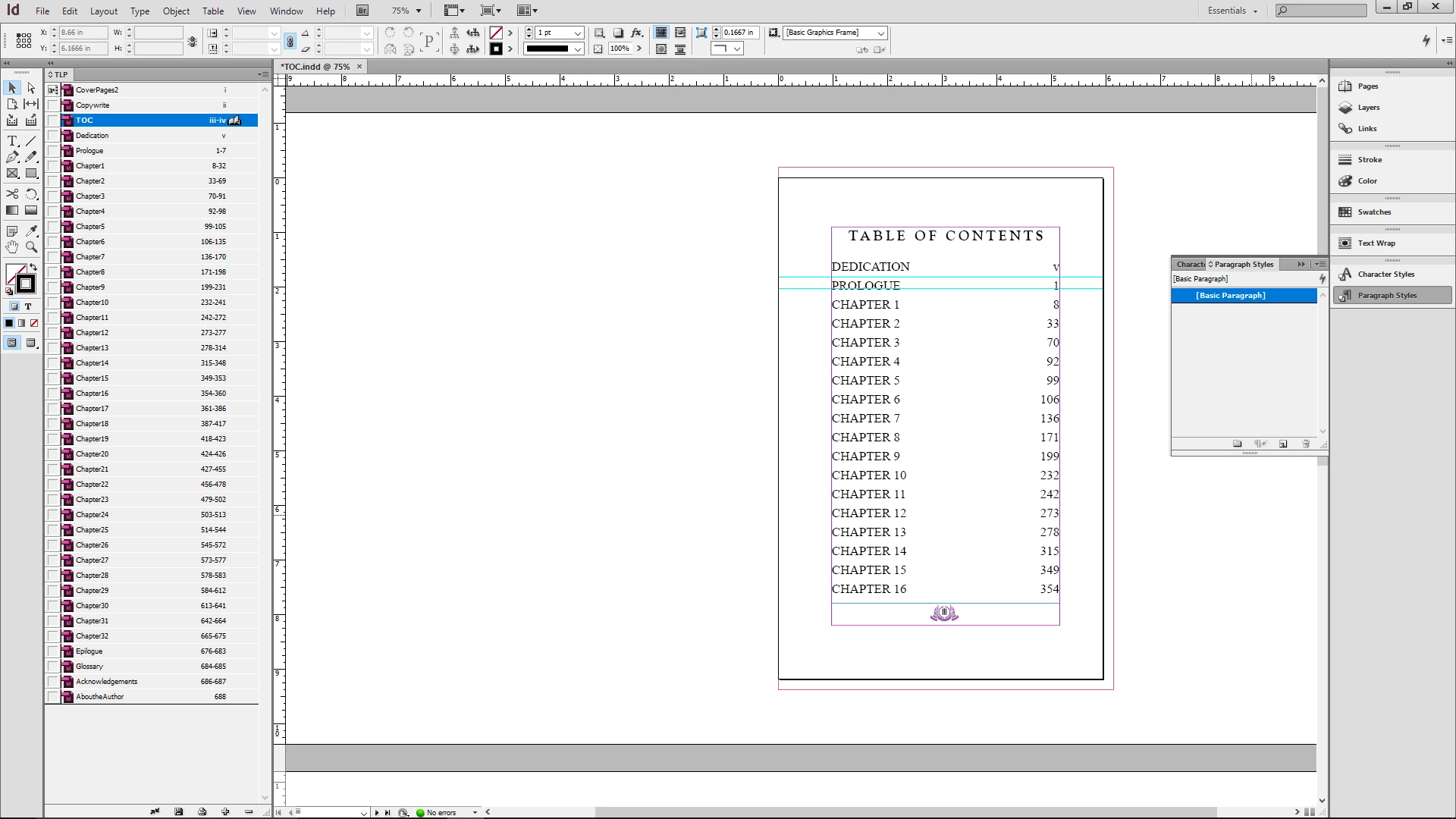
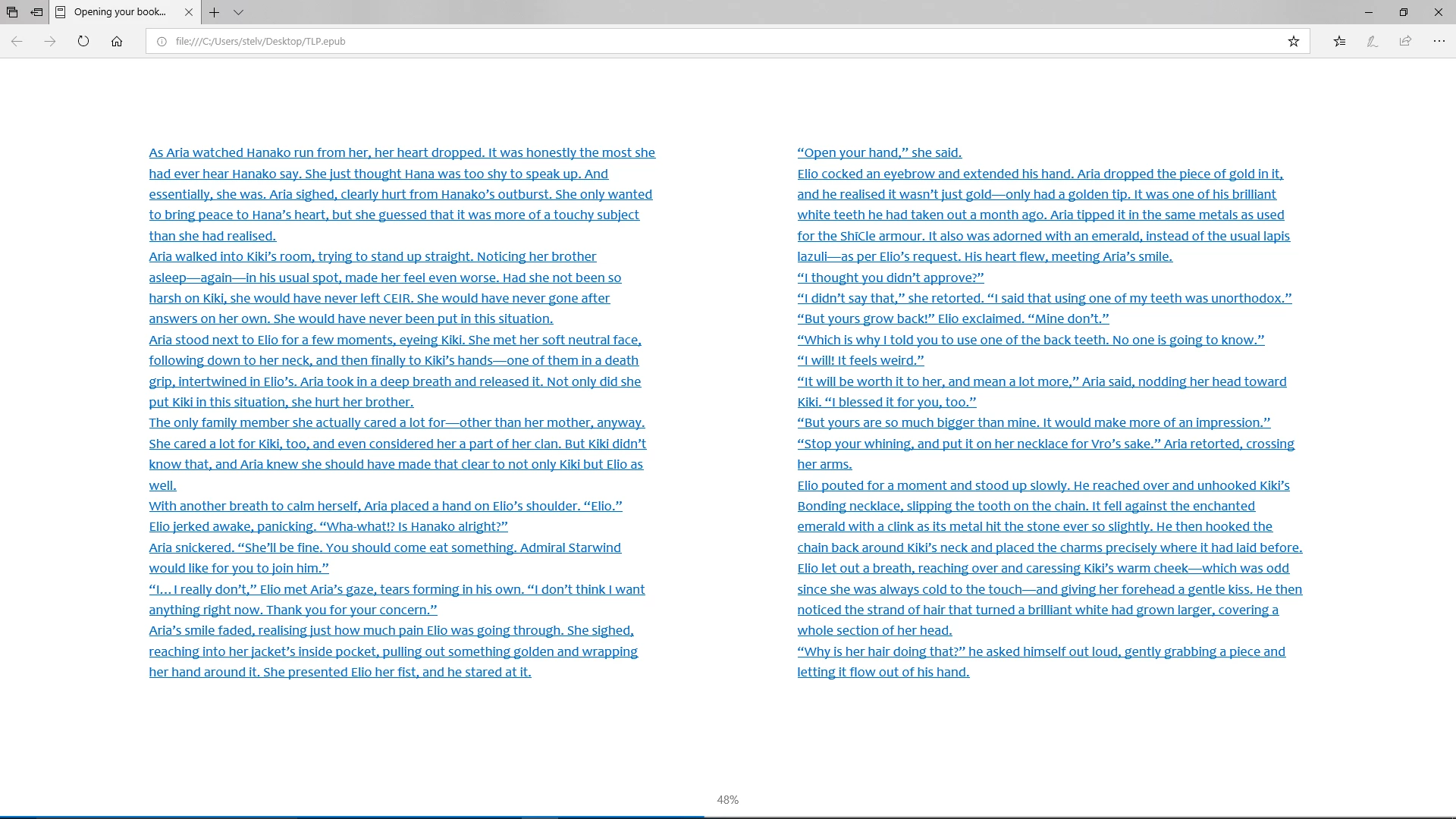
The top is how I have it set up in InDesign and the bottom is how it is viewing in the ePub. I'm working in CS6.

Thanks so much in advance!!

This topic has been closed for replies.
Correct answer EmberPhoenix

Found out that when I export the TOC by itself, it works. But when I export the whole Book, it doesn't work. Gods bless this Satan Filled Program. It probably has bananas somewhere in the coding.


SO! I figured it out. And since I cannot delete my forum, I'm gonna answer my own question.

What I did is I started a new Book file, put in my chapter indesign files, updated my TOC and BAM! It worked. It stopped putting my WHOLE novel in the TOC and now I have my chapters listed the way they need to be.

1 reply

Derek Cross
Community Expert
Community Expert
July 15, 2018

Is this a Reflowable text ePub or a FXL ePub?

You don’t appear to have used any Paragraph (or Character) Styles, so no wonder you’ve got problems!

EmberPhoenix
Inspiring
July 15, 2018

Actually, I DO have paragraph styles on all of my chapters. They're in their files set on a little piece of text on the bottom of the beginning of each chapter:

I'm actually unsure where I can see Reflowable text or FXL. When I export it, I choose Version 3.0 as most tutorials say to do.

EmberPhoenix
Inspiring
July 15, 2018

I also should note that I did have my TOC work before I had to go through to fix my chapter breaks and then got some kind of error, so I redid everything, and now it's doing this.