
InDesign exporting PDF is not giving me the correct black
Ok, I'll explain this the best I can.
I've been working on a catalog with a lot of black in it.
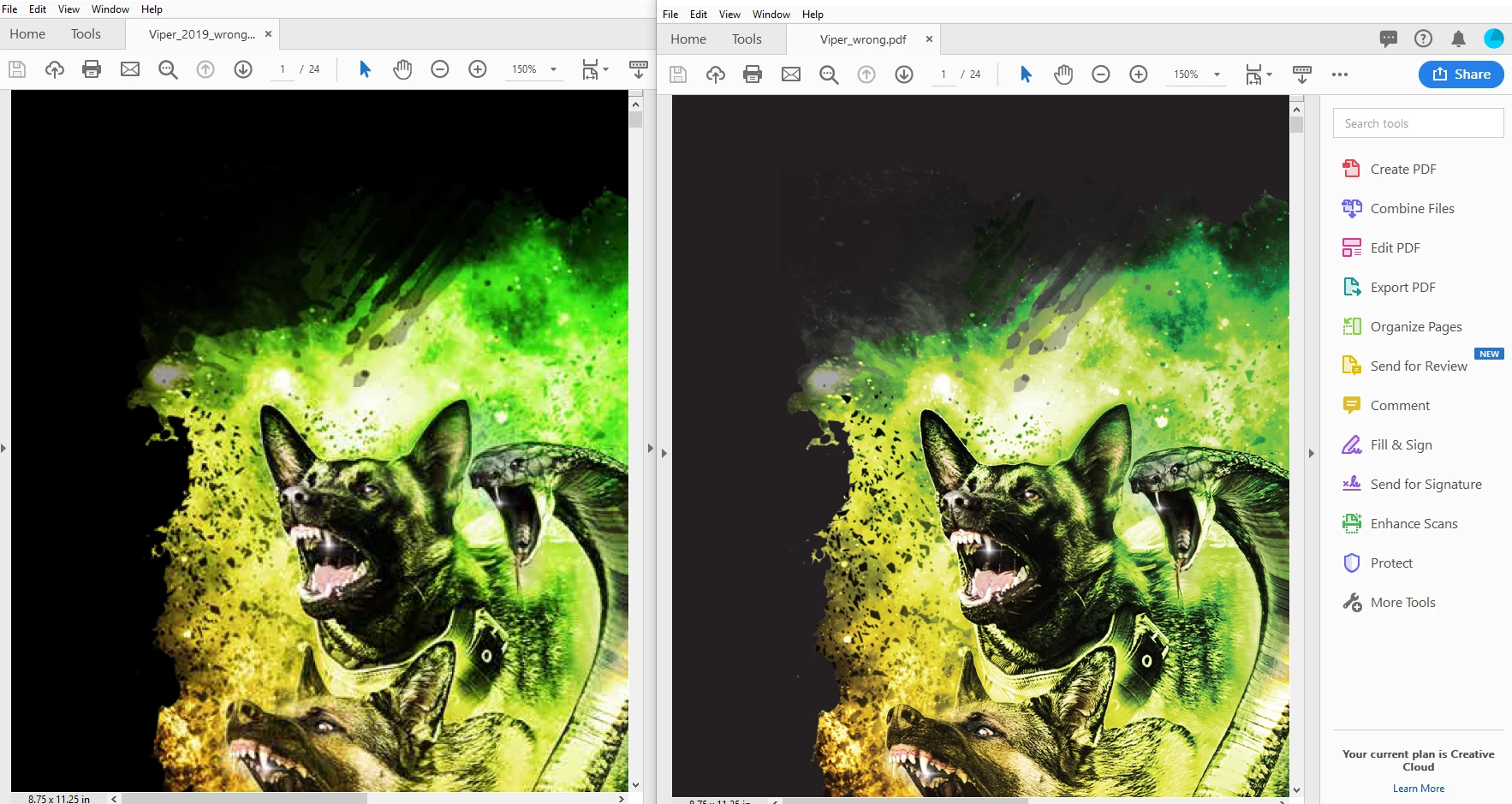
I get my bosses to review the content so I've been exporting as PDF "smallest file size" so it sends in email. Which results in the image on the left, grainy photos, but a rich black color. I don't care about the photos since my bosses are reviewing the content only and they are aware they are getting a low image quality PDF.
The problem is, I've exported the finished file as PDF "High Quality Print" and the images of course are super sharp, but it changes my black to a grey color which results in the image on the right.
I've never messed with the advanced options on either preset. The most I've ever done is tell it to have crop marks and use document bleed settings.
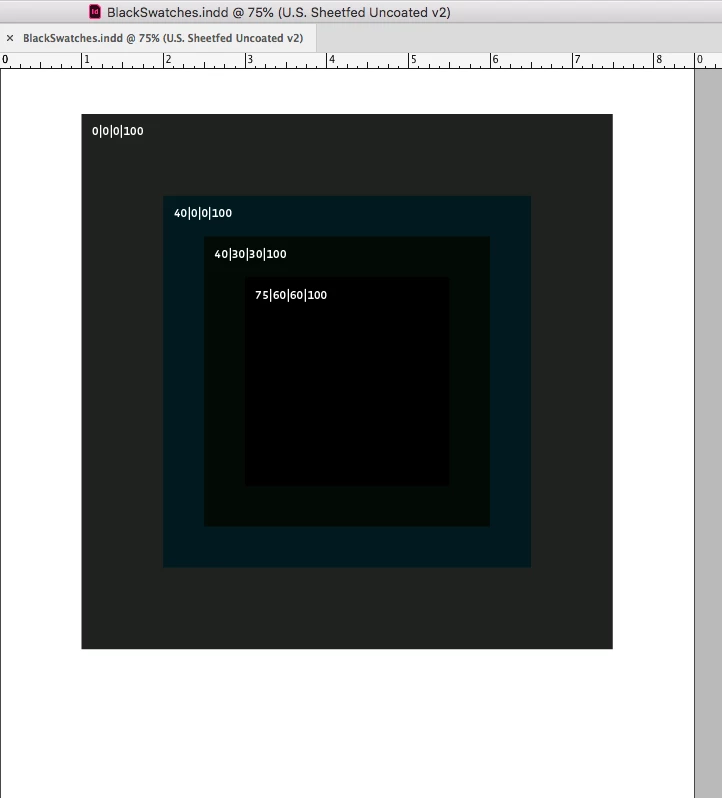
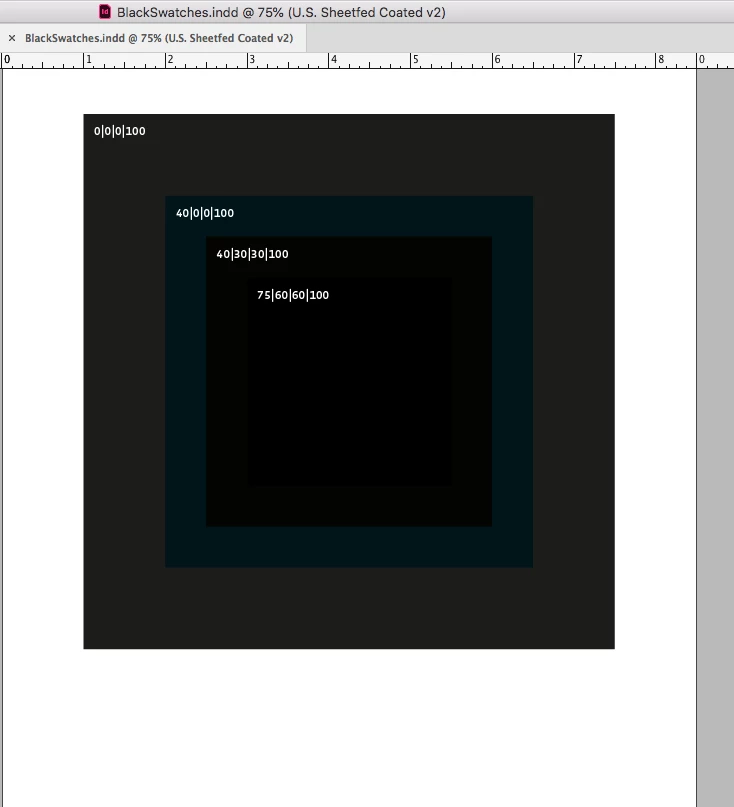
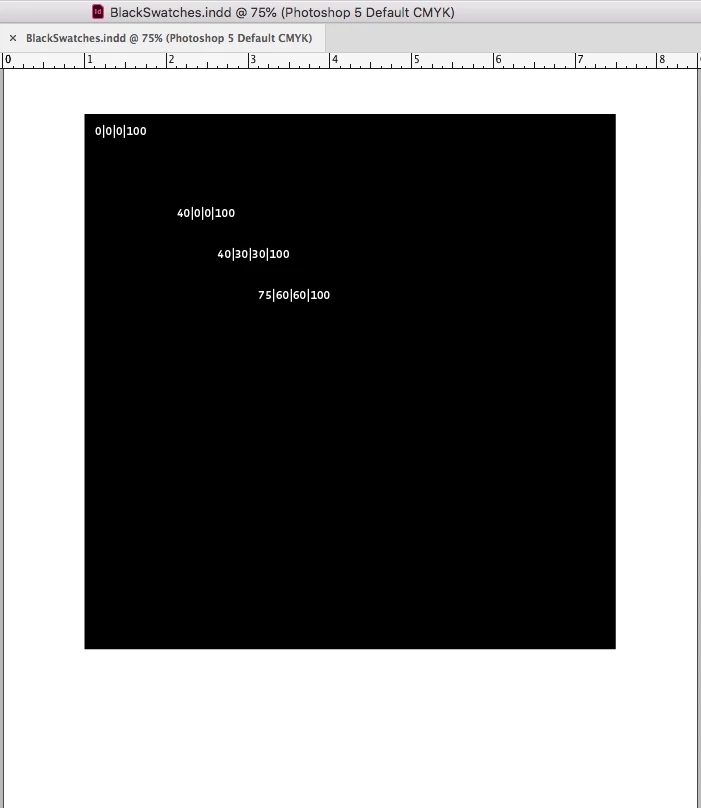
In the file that black color is the default black color that comes in the inDesign swatches.
I've mitigated some of this by going in the "Highest Quality Print" present going to Output and changing the color conversion to "Convert to Destination" not "No Color Converstion" then changing the Destination to "sRGB IEC61966-2.1" and changing the Profile Inclusion policy to "Include Destination Profile". Doing this change has given me my rich black color AND my super sharp photos.
I need to
1) know why this happened in the first place
2) Get the Highest Quality Print format back to were it gives me my rich blacks back
3) know if changing the color conversion, will that affect the printing process when i send it off to the printer to be printed?
Thanks in advance!
 AdChoices