
Question
InDesign JPG exports as wrong DPI
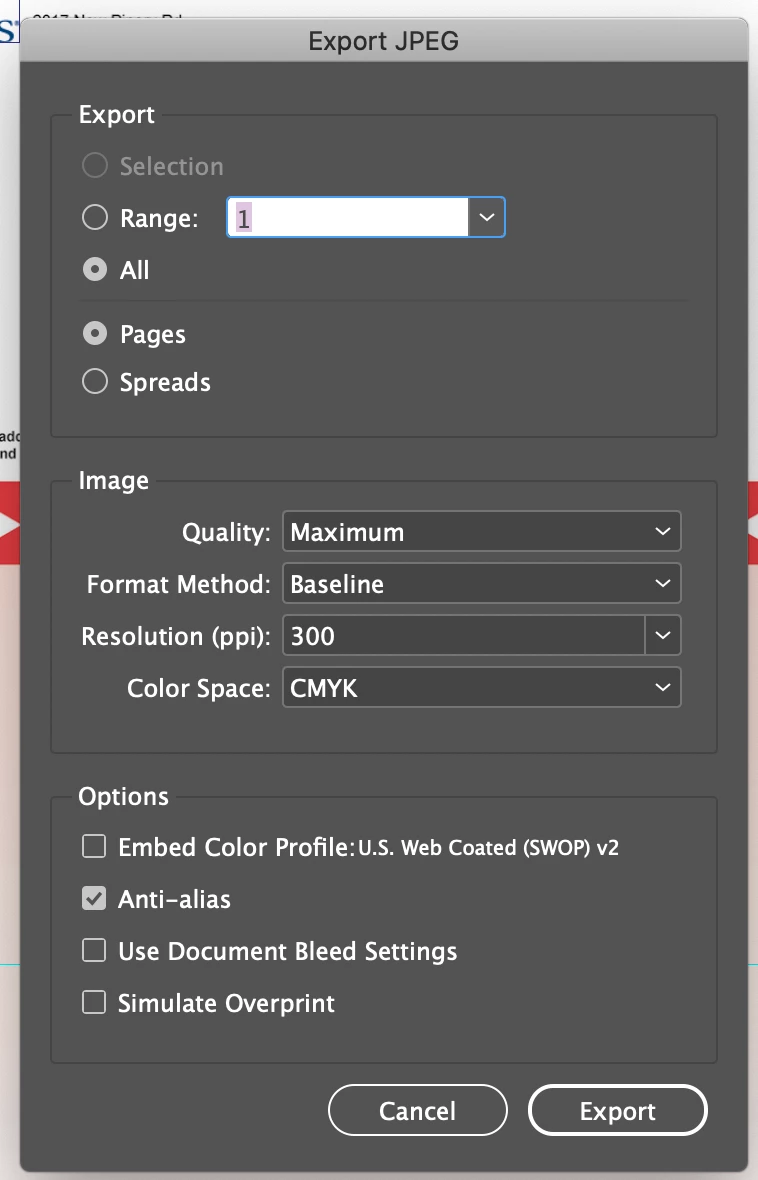
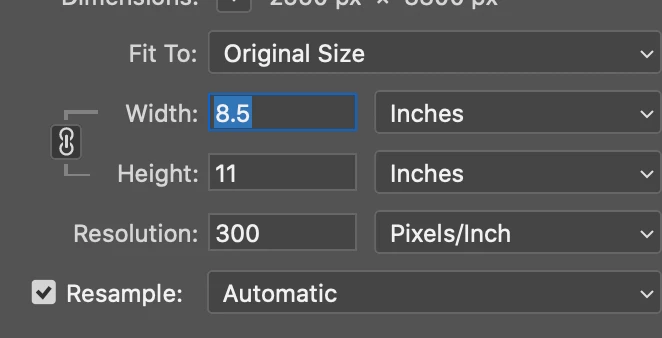
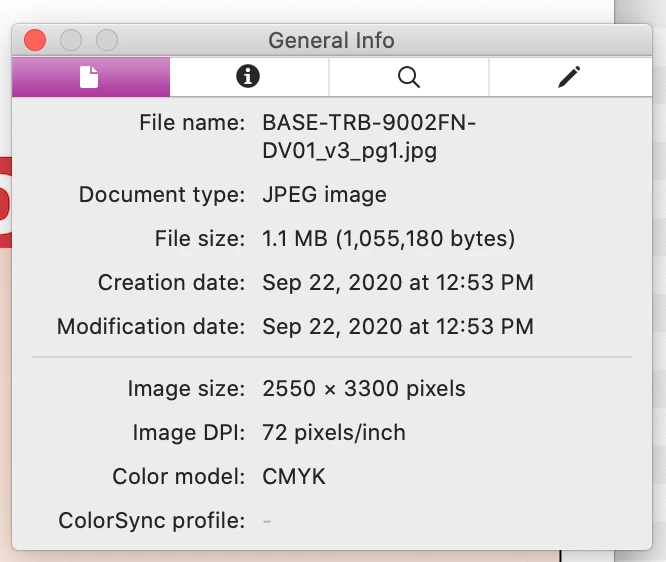
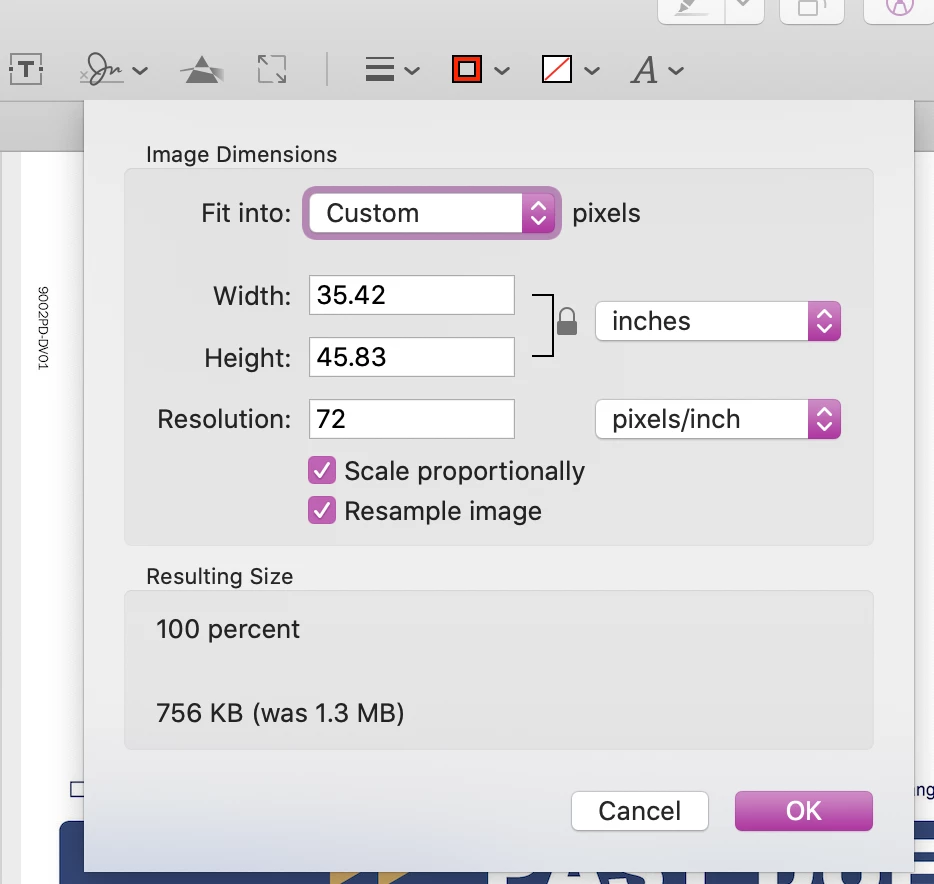
When I export a full page JPG from InDesign the settings aren't applying. I typically export the file as a CMYK 300 dpi file. When I open the file in Photoshop, it says the file is 300 dpi. But when I open the file in Preview, the file is 72 dpi. My developer using it in the background says it's importing at 72 dpi in his 3rd party document composition software as well. Any ideas why or if this is a bug?
 AdChoices