
Known Participant
July 12, 2021
Answered

InDesign Tables breaking across pages for no apparent reason

  • July 12, 2021
  • 2 replies
  • 789 views

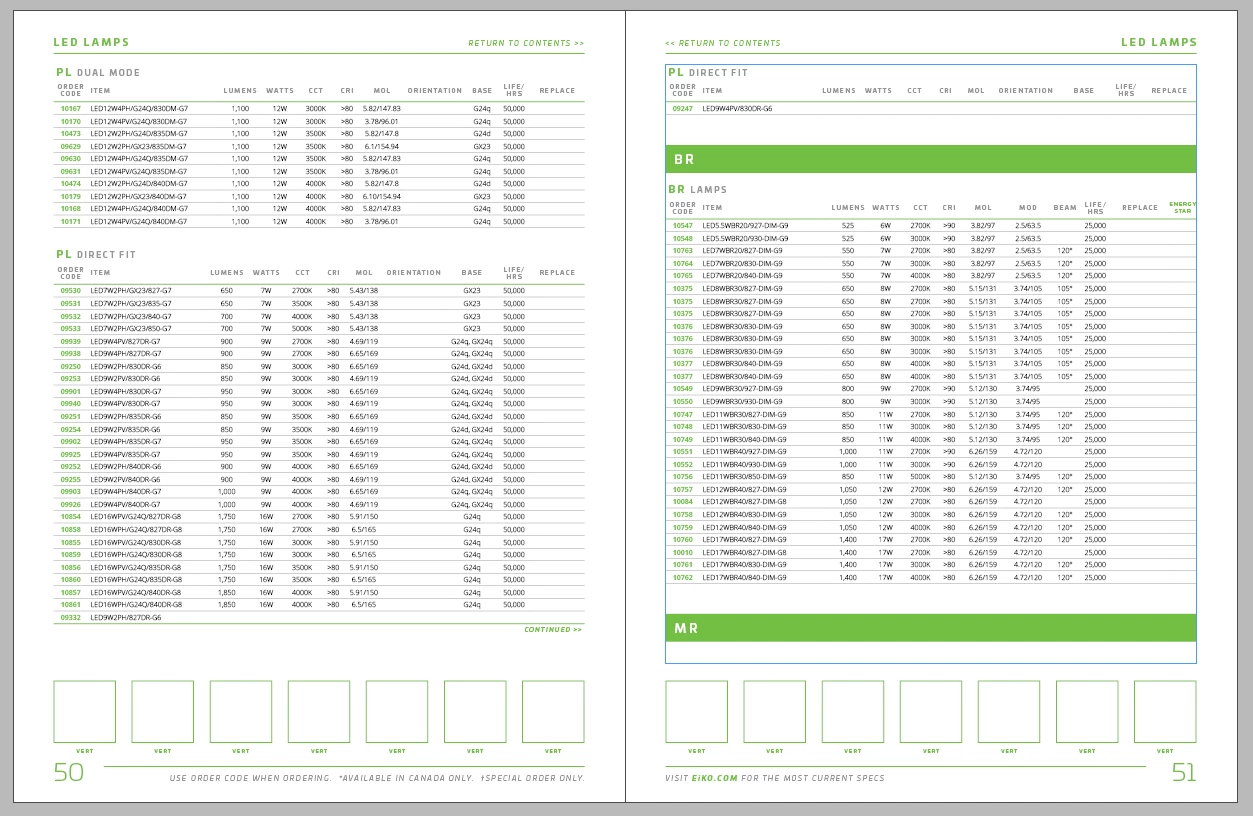
Running into this behavior throughout a catalog I'm working on. When there's more than enough room left on the page, it keeps kicking the last row of the table onto the next page. If I highlight all cells and go to Cell Options, Rows and Columns, and tick "keep with next row," it throws the entire table on the next page, leaving a huge gap on the page where it could've fit the whole thing. What option do I inadvertently have selected that's making this happen? See image
 

This topic has been closed for replies.
Correct answer vladan saveljic

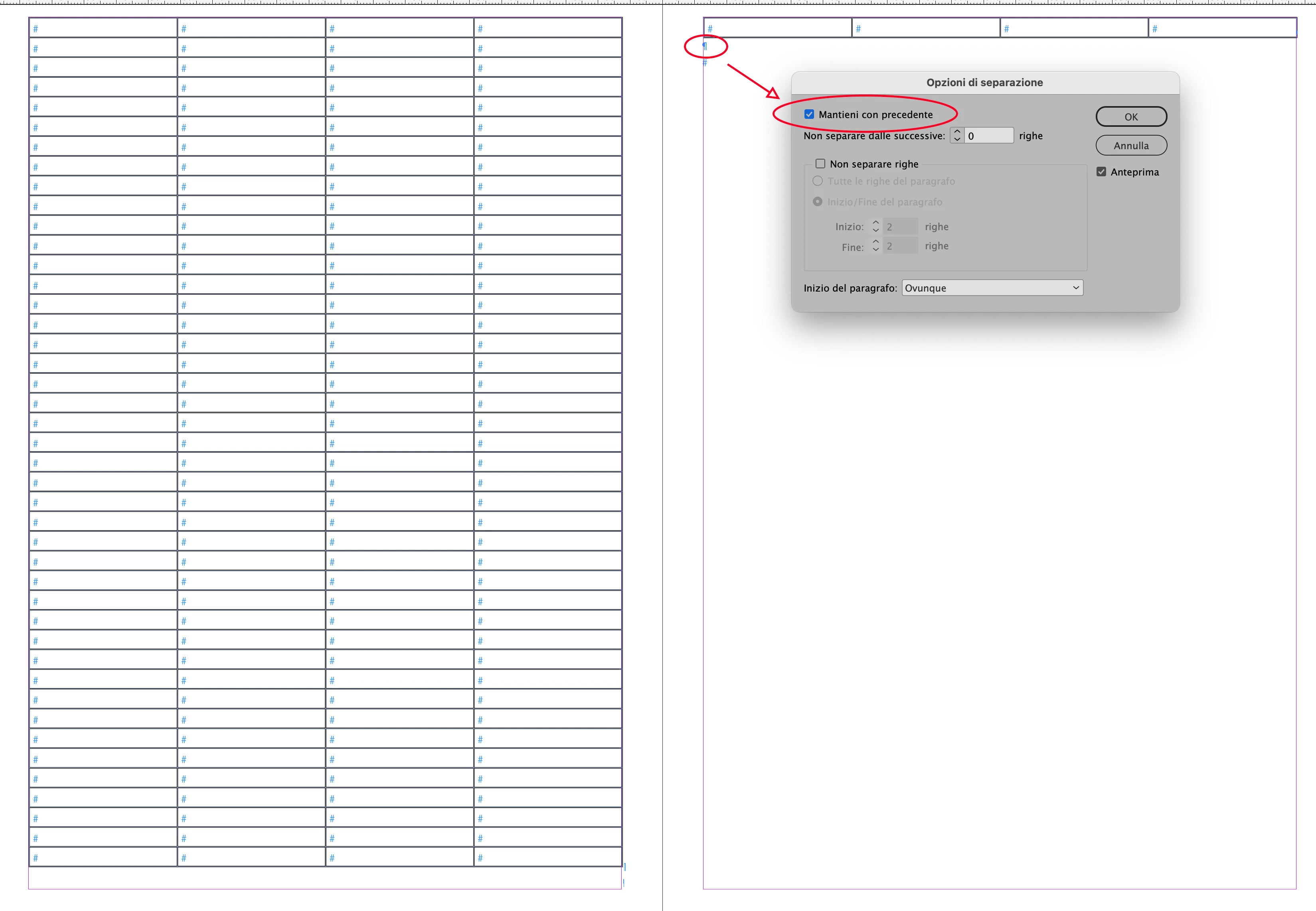
do you have perhaps, after the last row one paragraph return with option "keep with previous" enabled, as in my screenshot?


2 replies

vladan saveljic
vladan saveljicCorrect answer
Inspiring
July 12, 2021

do you have perhaps, after the last row one paragraph return with option "keep with previous" enabled, as in my screenshot?


Known Participant
July 12, 2021

OK, that DOES seem to have been the case...no idea how that happened! It was just on those two returns, which should've been no different than any others throughout the catalog. Now I want to try and figure out how that happened but as usual, I don't have time lol. Thanks Vladan

vladan saveljic
Inspiring
July 12, 2021

can you show us this screenshot but with visible hidden characters?

Known Participant
July 12, 2021

Oh good call - here ya go. Full spread and detail