christianl31169313
Participant
August 21, 2018
Question

InDesing does not start

  • August 21, 2018
  • 3 replies
  • 559 views

Hello

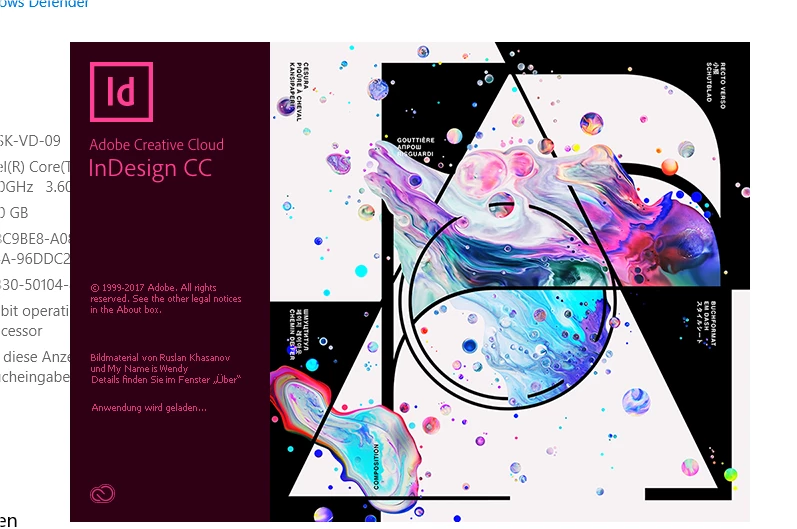
I have InDesing CC 2018, latest Version, but I'm not able to start InDesing.

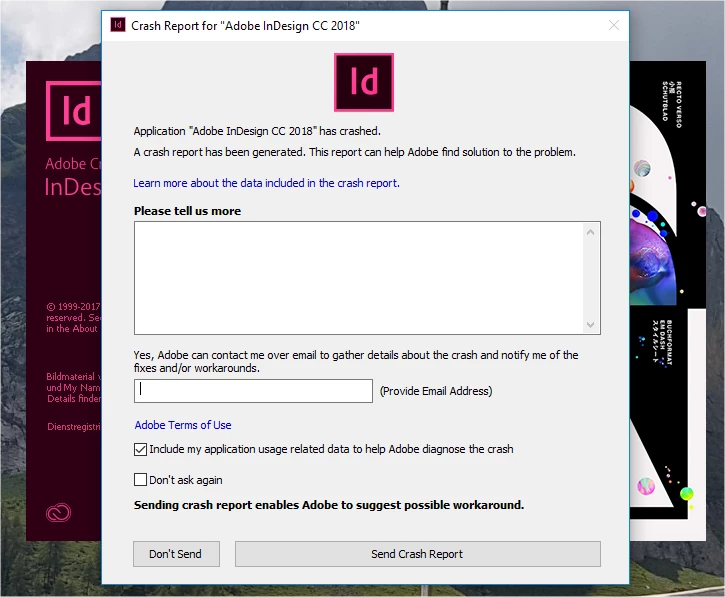
After the start Screen, the crash report pops up immediately.
  • I tried already all workarounds i found in the Internet.
  • I reinstalled the program a few times.
  • I started with administrator rights.
  • I deleted and renamed the folders in AppData / Local and Roaming.
  • I installed BugFixes_WIN.
  • I restarted the computer all the times after an action.

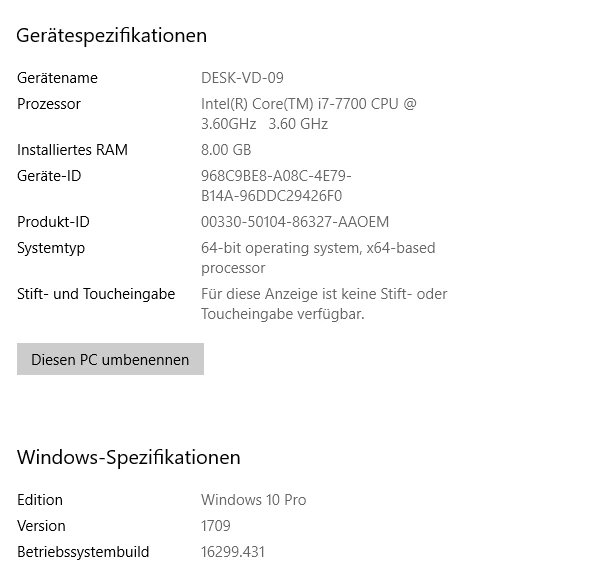
My Computer
What else can I do?

Thanks for your answer.

This topic has been closed for replies.

3 replies

Community Expert
August 21, 2018

christianl31169313  wrote

… What else can I do?

Hi Christian,

updating Windows to version 1803 perhaps.

Best,
Uwe

Bill Silbert
Community Expert
Community Expert
August 21, 2018

When you reinstalled did you do it in the following manner?:

In the app section of your Creative Cloud desktop app click on the “V” next to the app’s (InDesign) name and choose the “Uninstall” option from the pull-down menu that appears. After you’ve run the uninstall then use the Creative Cloud Cleaner Tool Use the Creative Cloud Cleaner Tool to solve installation problems . Then reinstall the program through the Desktop app. Before you reinstall, trash all preference files to make sure that your install is completely clean. Then launch InDesign and see if the problem persists.

Making sure that you thoroughly uninstalled and then used the Cleaner Tool before reinstalling could possibly make a difference.

christianl31169313
Participant
August 22, 2018

Thank you for the support.

Unfortunately, it did not help.

Everything what was proposed, I did in right manner.

Community Expert
August 22, 2018

Hi Christian,

did you update your Windows Pro version to 1803 ?

Regards,
Uwe

John T Smith
Community Expert
Community Expert
August 21, 2018

Do not count on Windows to be fully up to date when it comes to device drivers

Go to the vendor site to be sure you have an updated driver for your graphic adapter

•nVidia Driver Downloads http://www.nvidia.com/Download/index.aspx?lang=en-us

•ATI Driver Autodetect http://support.amd.com/en-us/download/auto-detect-tool

There are also intermittent reports that the newest driver is not always the best driver due to driver bugs or compatibility issues, so you MAY need to try an earlier driver version