

Interactive Buttons Not Working In EPUB
First off, thank you thank you to anyone and everyone who is able to help me with this. I am at my wits end, I have googled and googled and just cannot seem to to track down what it preventing my interactive buttons in InDesign to work in the EPUB file that I export.
I am working out of InDesign CC2018 on a Windows 10, and have an InDesign Book file file with individual sections/files --- I have put the TOC/Introduction file out into a WeTransfer link that is valid for 7 days if anyone wants to see the actual file: https://we.tl/t-bxqYFkY7Jg . Sprinkled through my files are .jpg images that I have converted over to buttons, so that when clicked a web browser window will pop up and take you to a website or youtube video. These screen shots below apply to the one button that is in the TOC/Introduction file/section that has one of these buttons in it, but this problem does affect ALL of my buttons throughout the whole book.
In this file, in the Button Panel, I have assigned it to be a "Go to URL", to trigger on "on Release or Tap", and an appearance of "Normal"
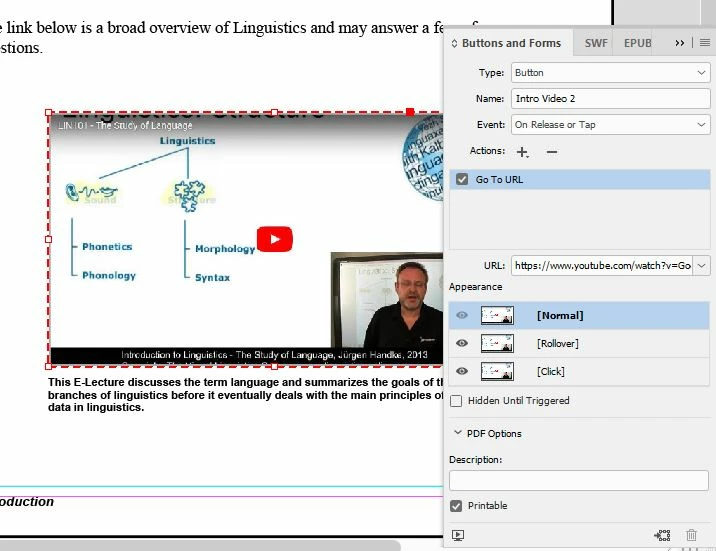
I have tested all of these buttons using both the EPUB Interactivity Preview panel and the SWF Preview Panel (although admittedly I do not really know that the SWF is, but did read the make sure that preview was working on any forurm...and it is!)
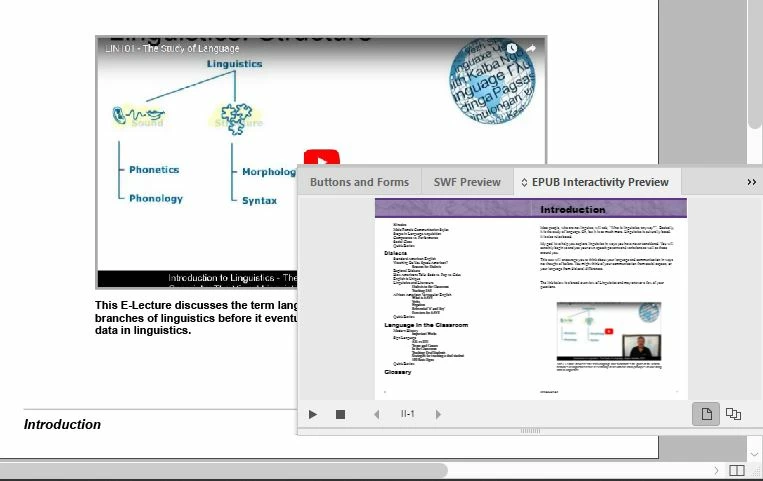
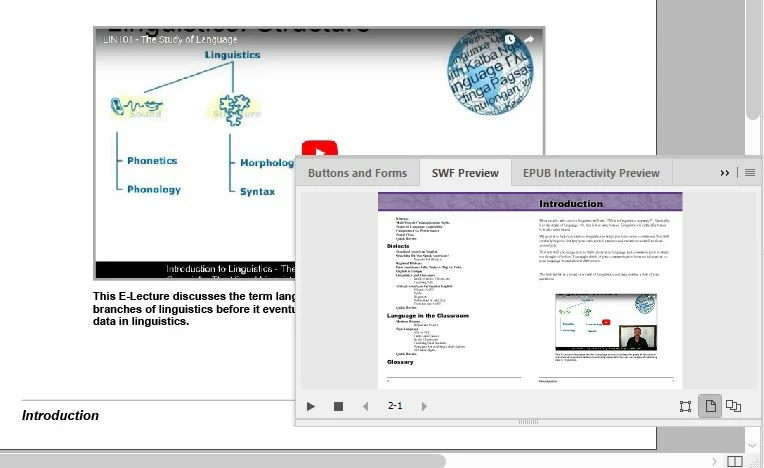
I am exporting this document (and when I export the whole Book) to an EPUB Fixed Layout. My machine opens that file in Microsoft Edge, that is the only software I have on my machine that will read the file. Everything looks great, the layout is great, the Table of Contents is great, I hover my cursor over the image and give the little white hand showing that I can click on it and.....NOTHING! I click and nothing happens. I ctrl+click and nothing happens. It's like the button is there, the interactivity is there, but not not pop up in a new tab and go to that URL. A colleague of mine has opened the EPUB file in an ereader called Calibre, and she experiences that same problem there where the buttons do not work.
On a side note, I can export this file (or the whole Book) into an Interactive PDF and the buttons work like a charm with no issues at all.
Please, if anyone can explain this and help me get these buttons to work in the EPUB file I will be eternally grateful!
Thank you!
Lovisa
 AdChoices