tlmurray23
Inspiring
March 6, 2019
Answered

Like to see easy way of different verso, recto margins

  • March 6, 2019
  • 3 replies
  • 1947 views

InDesign presently appears to deal with only inside and outside margins on a facing-page document. When I need to make one with different margins between verso and recto, sure, I can do it manually by dragging margins or by using different masters and flowing stuff manually, but a simple setting of verso and recto is certainly in order.

If someone has a solution you consider fairly simple, chime in. Thanks.
This topic has been closed for replies.
Correct answer Barb Binder

Hi tlmurray23:

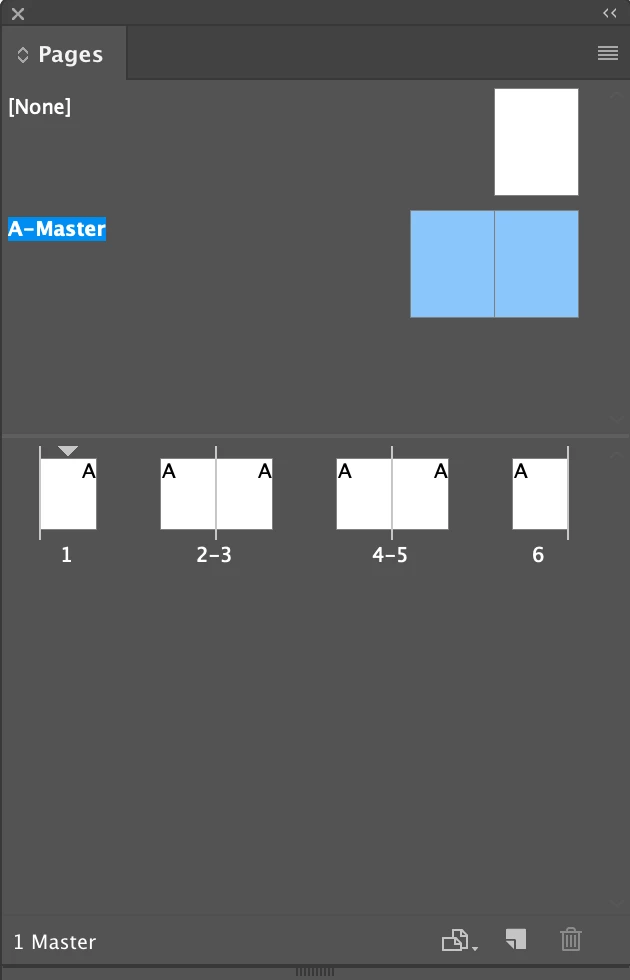
As you may know, when you navigate to the master pages, the whole spread is selected. You can set the inside/outside margins to get a mirrored effect.

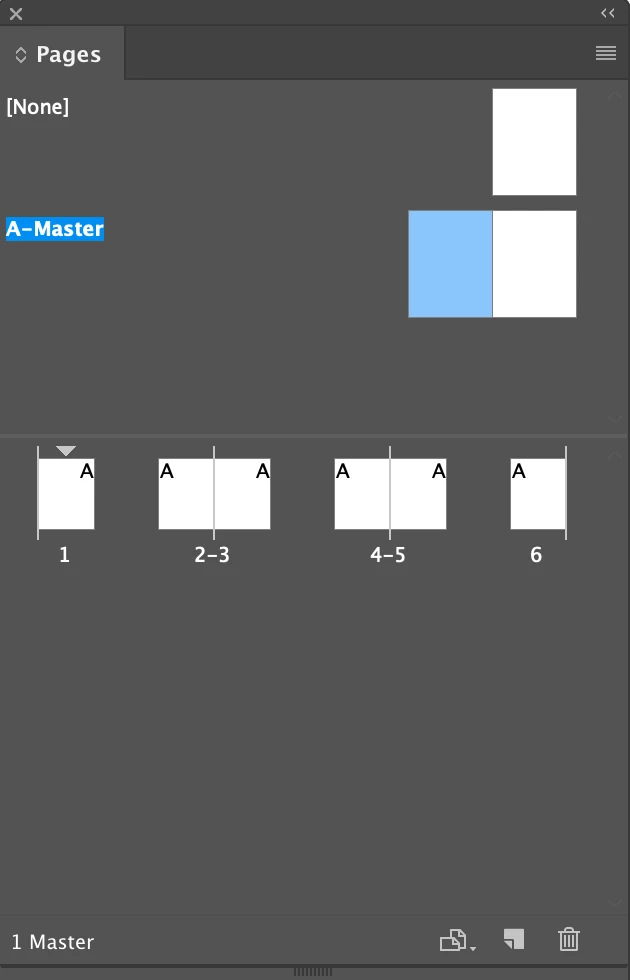
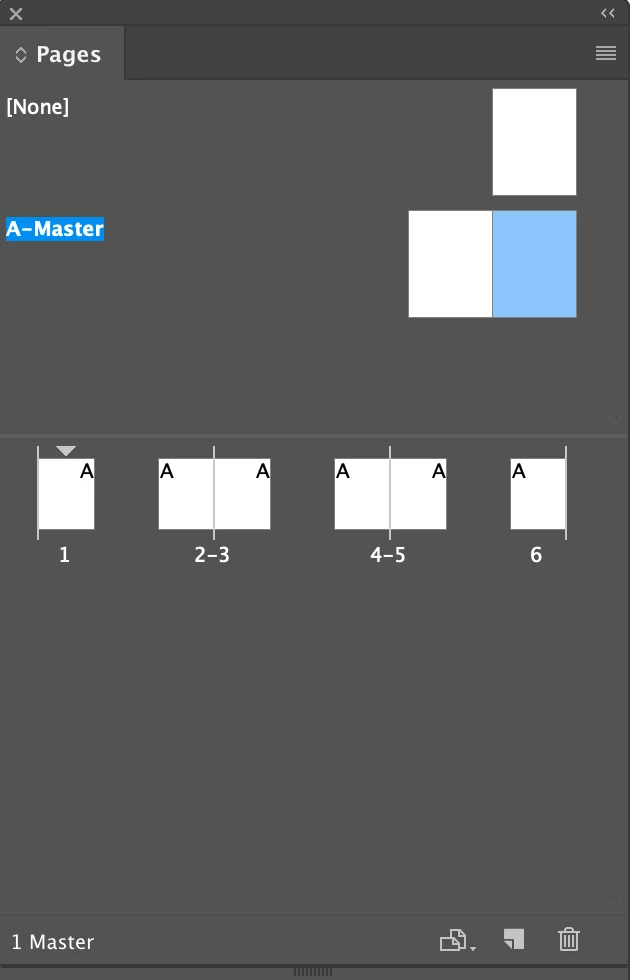
If you need different, not mirrored margins, just double click the left or right page, and set accordingly in Layout > Margins and Columns.  The wording "inside/outside" remains constant but you can set the two pages independently of each other. When you return to the body pages, the left and right pages will pick up the settings from the two underlying master pages.

To avoid "flowing stuff manually" define linked primary frames while you are on the master pages.

~Barb

3 replies

jane-e
Community Expert
Community Expert
March 7, 2019

tlmurray23  wrote

InDesign presently appears to deal with only inside and outside margins on a facing-page document.

Hi TL,

Are you attempting to have inside and outside margins on a single-sided document? If the document is single-sided, there is no inside/outside, so yes, InDesign as well as other page layout programs only have inside and outside when those features exist, which is on facing pages.

Or do I misunderstand what you are asking?

Barb Binder
Community Expert
Barb BinderCommunity ExpertCorrect answer
Community Expert
March 6, 2019

Hi tlmurray23:

As you may know, when you navigate to the master pages, the whole spread is selected. You can set the inside/outside margins to get a mirrored effect.

If you need different, not mirrored margins, just double click the left or right page, and set accordingly in Layout > Margins and Columns.  The wording "inside/outside" remains constant but you can set the two pages independently of each other. When you return to the body pages, the left and right pages will pick up the settings from the two underlying master pages.

To avoid "flowing stuff manually" define linked primary frames while you are on the master pages.

~Barb

~Barb at Rocky Mountain Training
tlmurray23
Inspiring
March 8, 2019

That worked. I didn't know you could select a master page and set its individual margins. Thanks.

Barb Binder
Community Expert
Community Expert
March 8, 2019

Happy to help, tlmurray23.

~Barb

~Barb at Rocky Mountain Training
Legend
March 6, 2019

If you use a two-page master spread, this takes care of itself.