Participating Frequently
February 16, 2018
Answered

linking table of contents, page ranges in document

  • February 16, 2018
  • 4 replies
  • 17683 views

Hello,

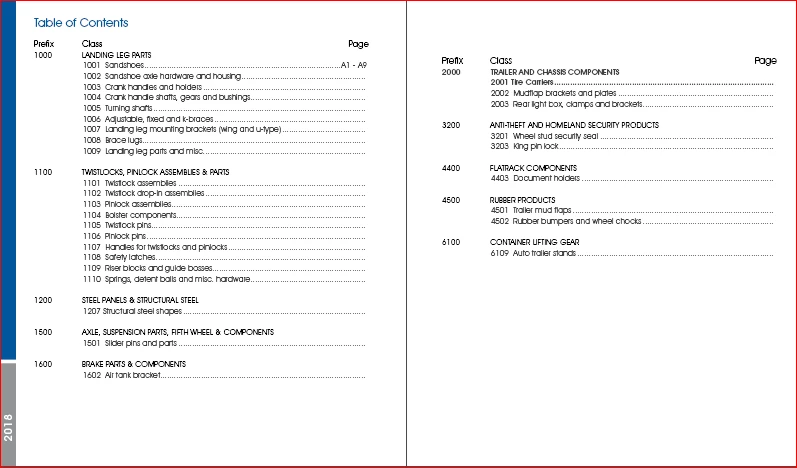
I have a catalog that needs setup. It contains a table of contents (not using TOC tool) and sections. We are constantly adding and removing parts so I need everything linked so that when I add a page then the page numbers on the TOC adjust automatically. I do not understand how to use the TOC nor know if it could apply to this.

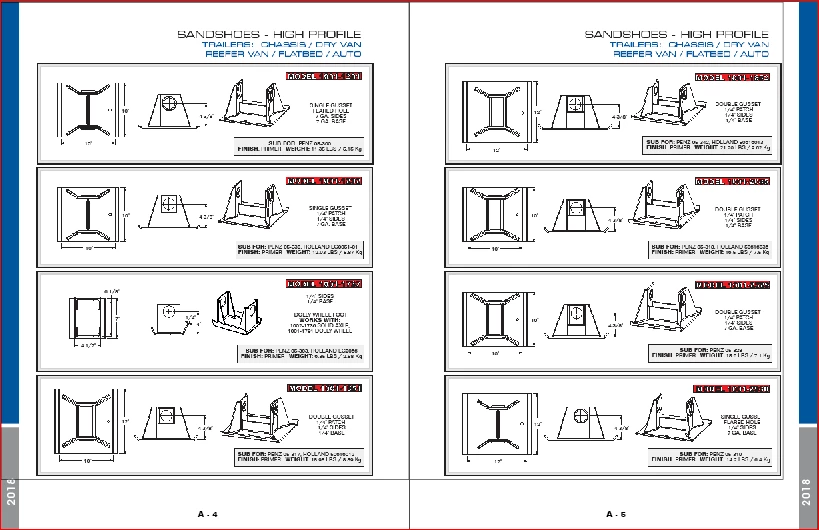
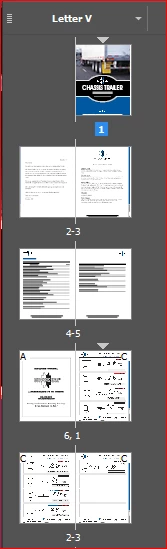
I have attached photos of the project.

I would love to just have the page numbers link to the page numbers in the document and that way they automatically adjust. Does anyone know if this can be done?

Or the best way to go about.

I currently have the C master with page numbers and artwork.

Thank you

Brooke
This topic has been closed for replies.
Correct answer TᴀW

The only way you're going to get page numbers to update automatically is by turning the page numbers into cross-references using InDesign's cross-reference feature.

This can be done manually, but it is a slow and fiddly process.

If you are able to get InDesign's TOC feature to produce the TOC you want, you can of course update the numbers with a single click ("update table of contents").

However, the layout options available through the built-in TOC are somewhat limited. For instance, you can't really do page spans.

You can do page spans with InDesign's indexing. Perhaps that's another option. Create an index instead of a TOC. It too would need to be updated manually, but only 1 click.

Ariel

4 replies

Community Expert
March 10, 2020

Hi creativeadvantech,

as Ariel already said: "If you are able to get InDesign's TOC feature to produce the TOC you want, you can of course update the numbers with a single click ("update table of contents")."


That's a menu command:

Layout > Update Table Of Contents


Details:

https://helpx.adobe.com/indesign/using/creating-table-contents.html#update_and_edit_a_table_of_contents


Regards,
Uwe Laubender

( ACP )

creativeadvantech
Inspiring
March 9, 2020

Hi, how do you link the contents of the catalog to match "table of content" using the table of content tool?  So when you update the contents of the catalog, the table of contents gets updated too?

Barb Binder
Community Expert
Community Expert
February 16, 2018

Hi Brooke:

I think I would do this with a index that pulls in page ranges. But note that while a TOC (which doesn't support page ranges can be chronological or alphabetical), and index is always alphabetical.

You can sort an index after it's generated, but wait until you think you are finished with the all the edits. https://indesignsecrets.com/sort-index-page-number.php

~Barb

~Barb at Rocky Mountain Training
Participating Frequently
February 16, 2018

Thank you Barb

I thought I could say that yours and Ariel's post is correct but it only allows me to select one. I am going to try this Index to see if it helps. If I insert a page or remove in the document, will the index numbering change?

Barb Binder
Community Expert
Community Expert
February 16, 2018

Hi Brooke:

Glad we were both helpful to you—that's most important.

If I insert a page or remove in the document, will the index numbering change?

Yes. Like a Table of Contents, after edits, you have to update the Index—it's the little button outlined below. InDesign does not update a TOC or Index as you go, it waits until you tell it to update.

~Barb

~Barb at Rocky Mountain Training
TᴀW
TᴀWCorrect answer
Legend
February 16, 2018

The only way you're going to get page numbers to update automatically is by turning the page numbers into cross-references using InDesign's cross-reference feature.

This can be done manually, but it is a slow and fiddly process.

If you are able to get InDesign's TOC feature to produce the TOC you want, you can of course update the numbers with a single click ("update table of contents").

However, the layout options available through the built-in TOC are somewhat limited. For instance, you can't really do page spans.

You can do page spans with InDesign's indexing. Perhaps that's another option. Create an index instead of a TOC. It too would need to be updated manually, but only 1 click.

Ariel

Participating Frequently
February 16, 2018

Thank you Ariel. I wish I can make sense of the TOC but I cannot. I created the Table of Contents with paragraph styles then typed the TOC out the way I wanted it to be so it is in one text box. I was not able to get the Index to work. Cross referencing seems to be more for interactive (hyperlinks).

Have you heard of people using master pages to do page ranges? if I add or change the page master that i added or removed but this still has not association with the range in the table of contents.

If you have anymore insight awesome but if not I understand. I appreciate your support.