Answered
making custom keyboard shortcuts in indesign
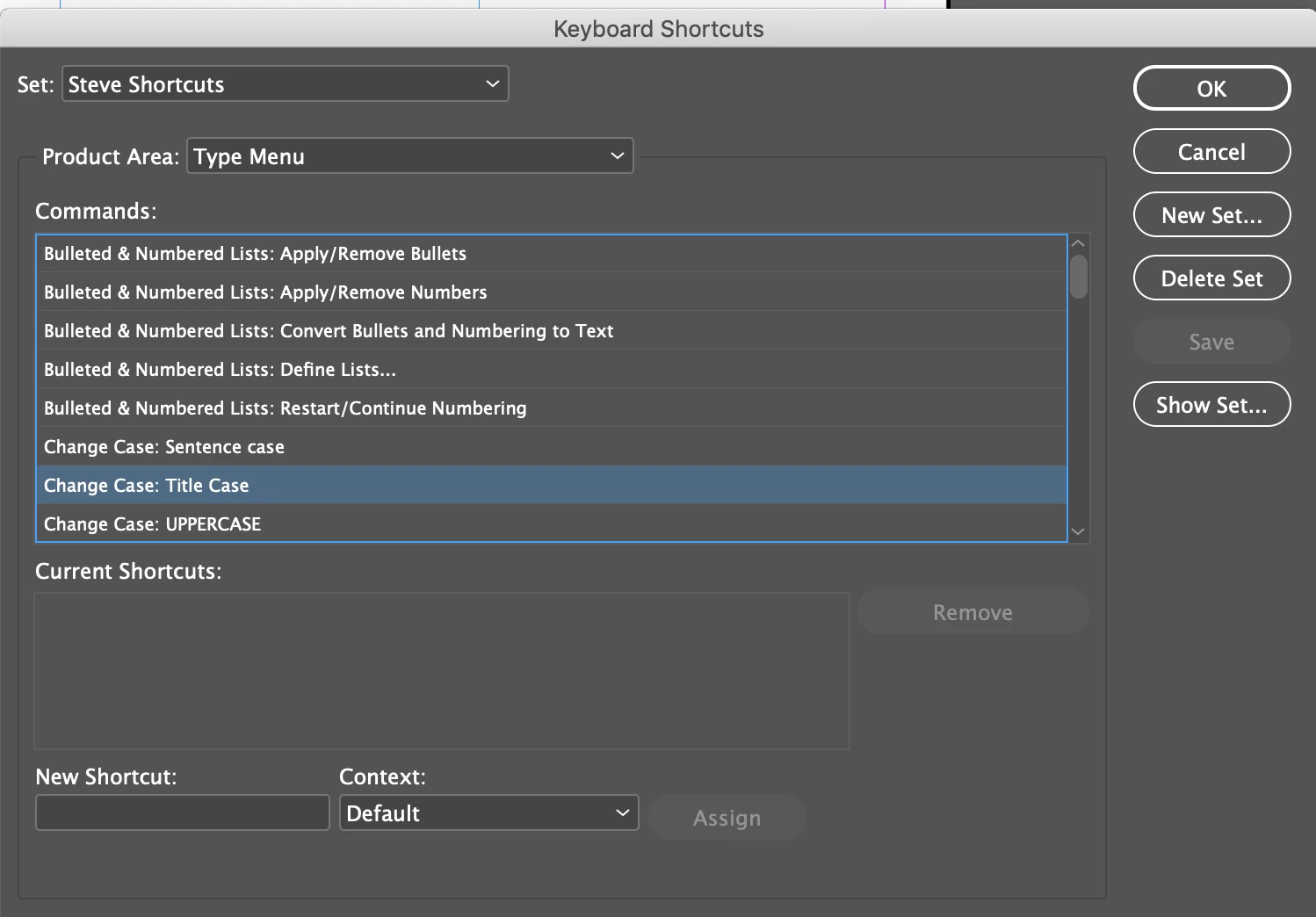
I would like to create a custom keyboard shortcut for Type> change case> title case. Currently this dose not have a shortcut. Can i create my own? Preferably, command+tc

I would like to create a custom keyboard shortcut for Type> change case> title case. Currently this dose not have a shortcut. Can i create my own? Preferably, command+tc
Edit > Keyboard Shortcuts. Create a new set. Choose the Type menu as the Product Area. You can choose a single modifier (Ctrl, Shift, or Alt in Windows; Cmd, Shift, Option or Ctrl on Mac plus one letter.
Already have an account? Login
Enter your E-mail address. We'll send you an e-mail with instructions to reset your password.
 AdChoices