Inspiring
September 26, 2017
Answered

Master page lock icons not showing in pages

  • September 26, 2017
  • 1 reply
  • 1139 views

I applied a master to a page in my indd document and the lock icon does not appear on the objects on that page. Also, when I look at the layers panel, there is no items/objects listed - the layer is empty. But, when I go to the master,  the items in that layer are all there. The lock icon seems to be working ok in some of my other indd documents.  I know I can choose 'Override all Master Page Items' in order to unlock them but I'm wondering why the lock icon isn't showing up. Any tips would be appreciated!
    This topic has been closed for replies.
    Correct answer winterm

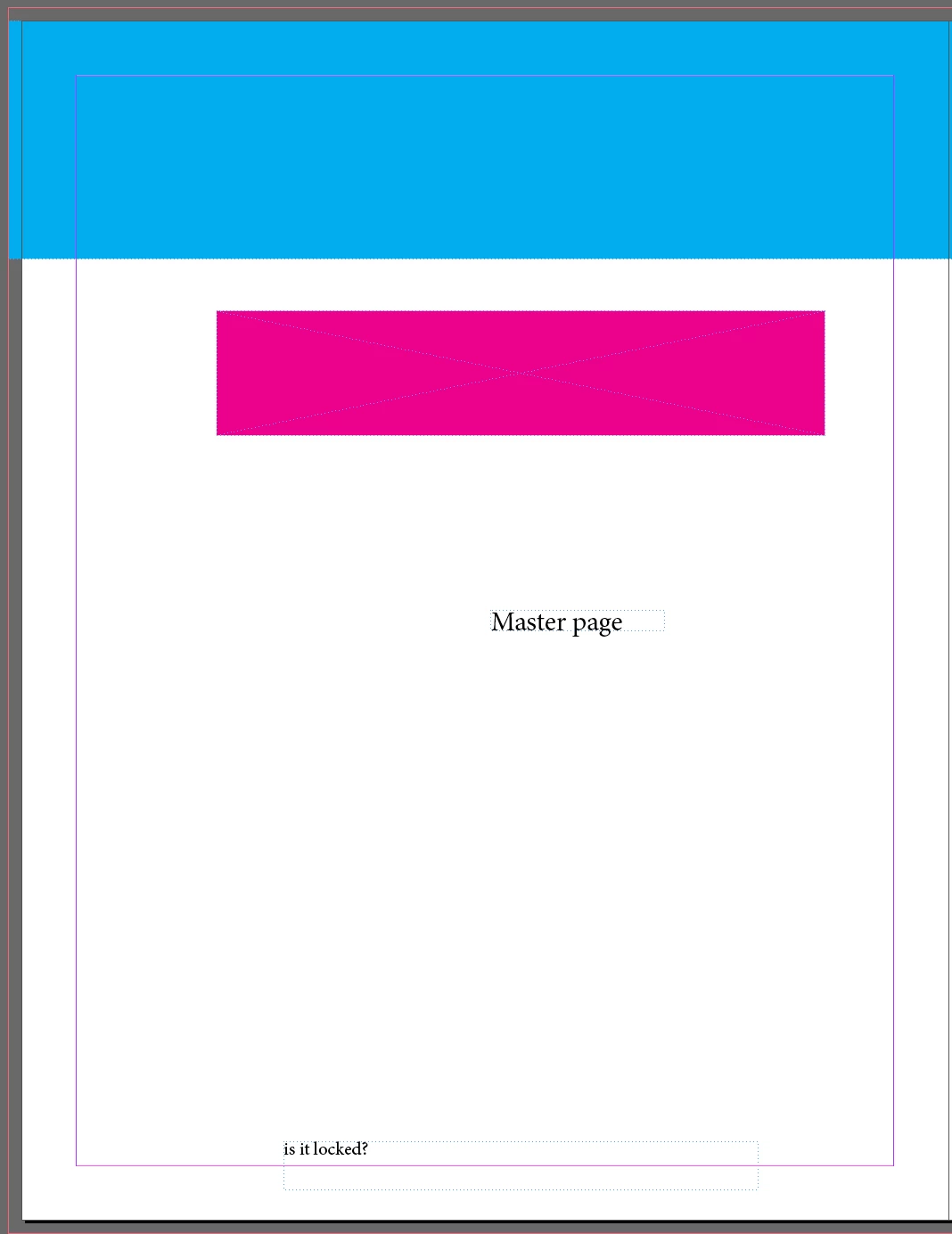
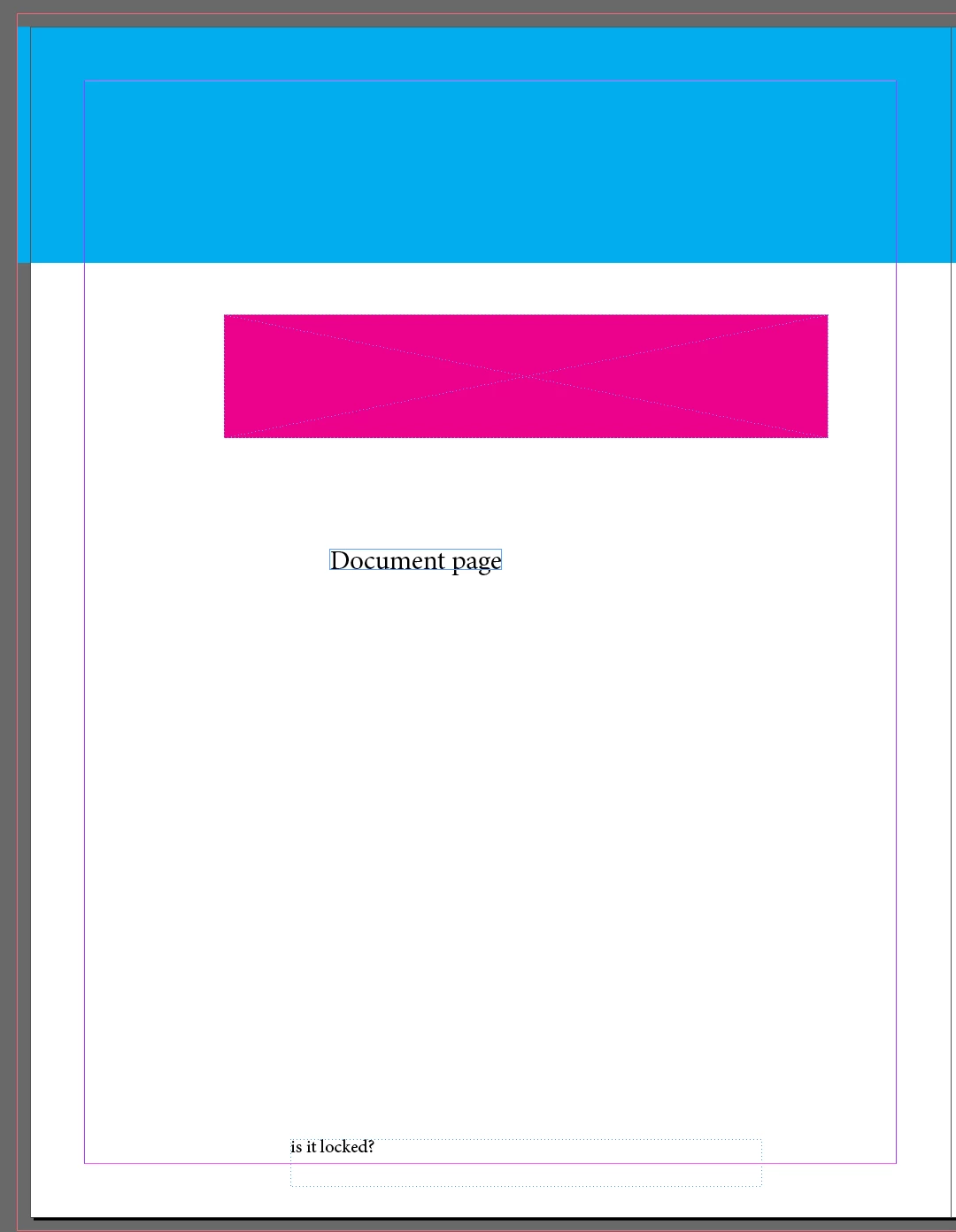
    Thank you, Winterm.  I was hoping that would be the answer but I was in Normal screen mode, with Overprint Preview off and I did not have 'Hide Frame Edges' checked. Here's a screen shot- as you can see the master page and the document page look alike - no lock icon and both have a dotted line around the objects.


    I second Bob. From what I see I'd say there's no locked items. I don't know any way how one could see Frame Edge (dotted or not) of the locked and not selected object, but not the lock icon. Here it is - locked item on a master page:

    1 reply

    BobLevine
    Community Expert
    Community Expert
    September 26, 2017

    This is completely normal. I’m going to guess you’re a Quark convert.

    InDesign master objects are ONLY on the master. You can override them by CMDShiftclick or CTRLshiftclick to make them live.

    Inspiring
    September 26, 2017

    Thanks, Bob.  However, there is no dotted line frame or lock icon to select.  BUT, if I guessestimate where the bounding box is and hit command+shift, it did work to select it and override. I'm still wondering what happened to the lock icon as it is visible in other documents...

    winterm
    Legend
    September 26, 2017

    JTO  wrote

    I'm still wondering what happened to the lock icon as it is visible in other documents...

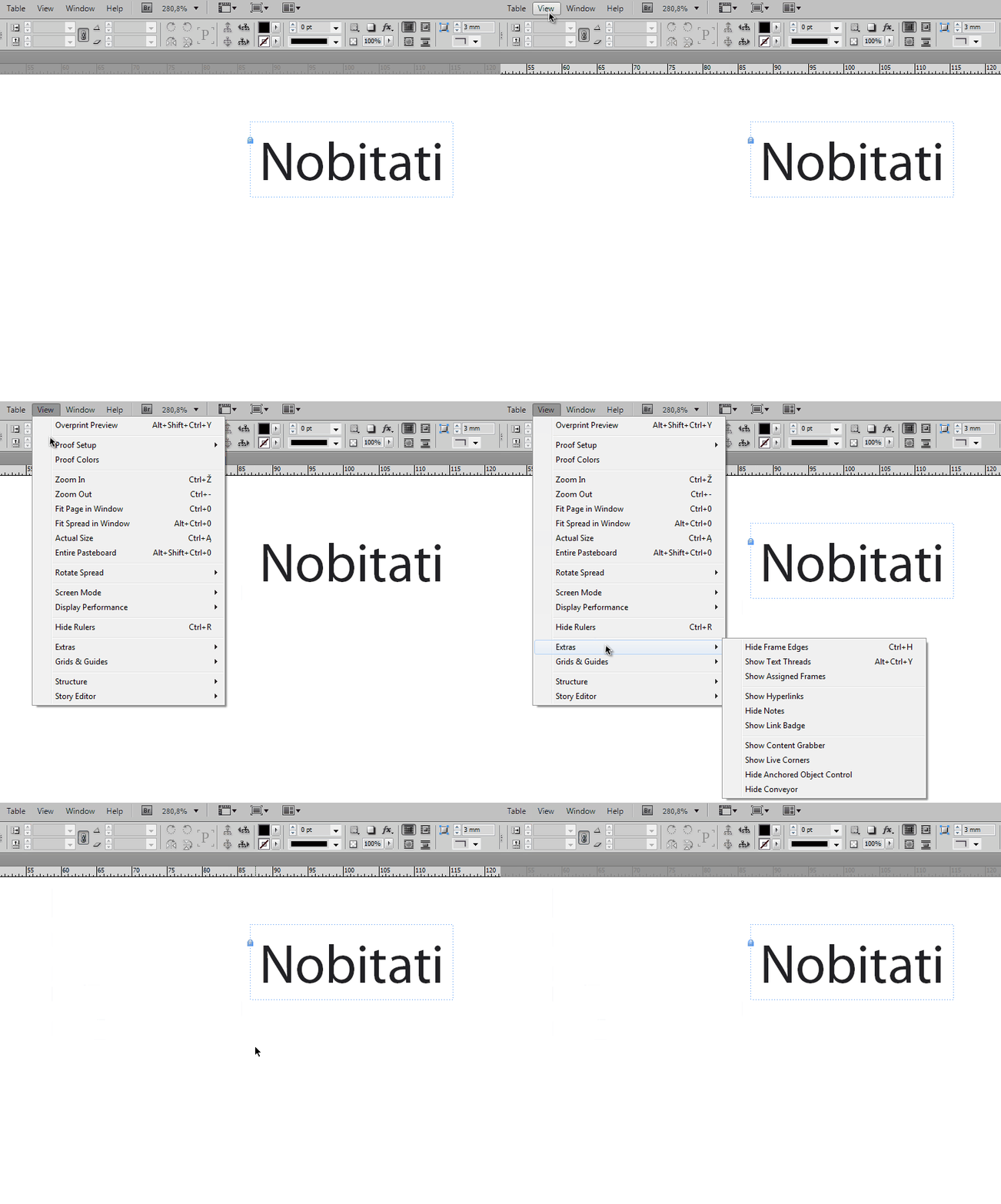
    In order to see it, you must be in Normal Screen Mode, with Overprint Preview OFF and Show Frame Edges ON.

    Do you? Any of these conditions prevents you from seeing lock icon, as well as that dotted line.