
Participant
March 30, 2018
Answered

Only part of an image will show up

  • March 30, 2018
  • 1 reply
  • 832 views

I am trying to drop in a picture to a layout, but when i do, only a small portion shows up. i have saved the picture file over and over in various formats from TIFF, PNG, JPG and PSD, still the same result.

here is a screen shot of the image opened in photoshop:
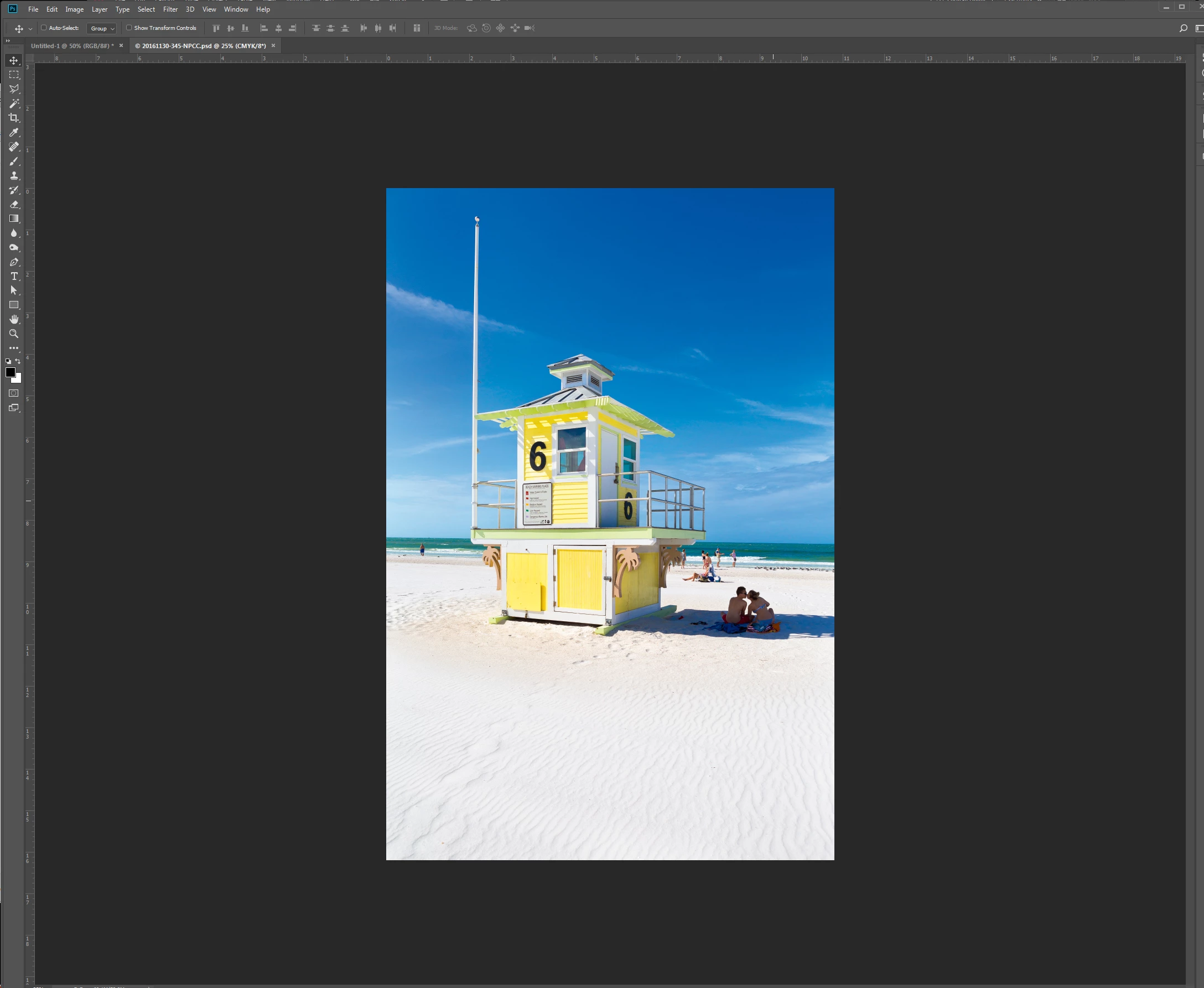
and here is what happens when i drop it into Indesign:
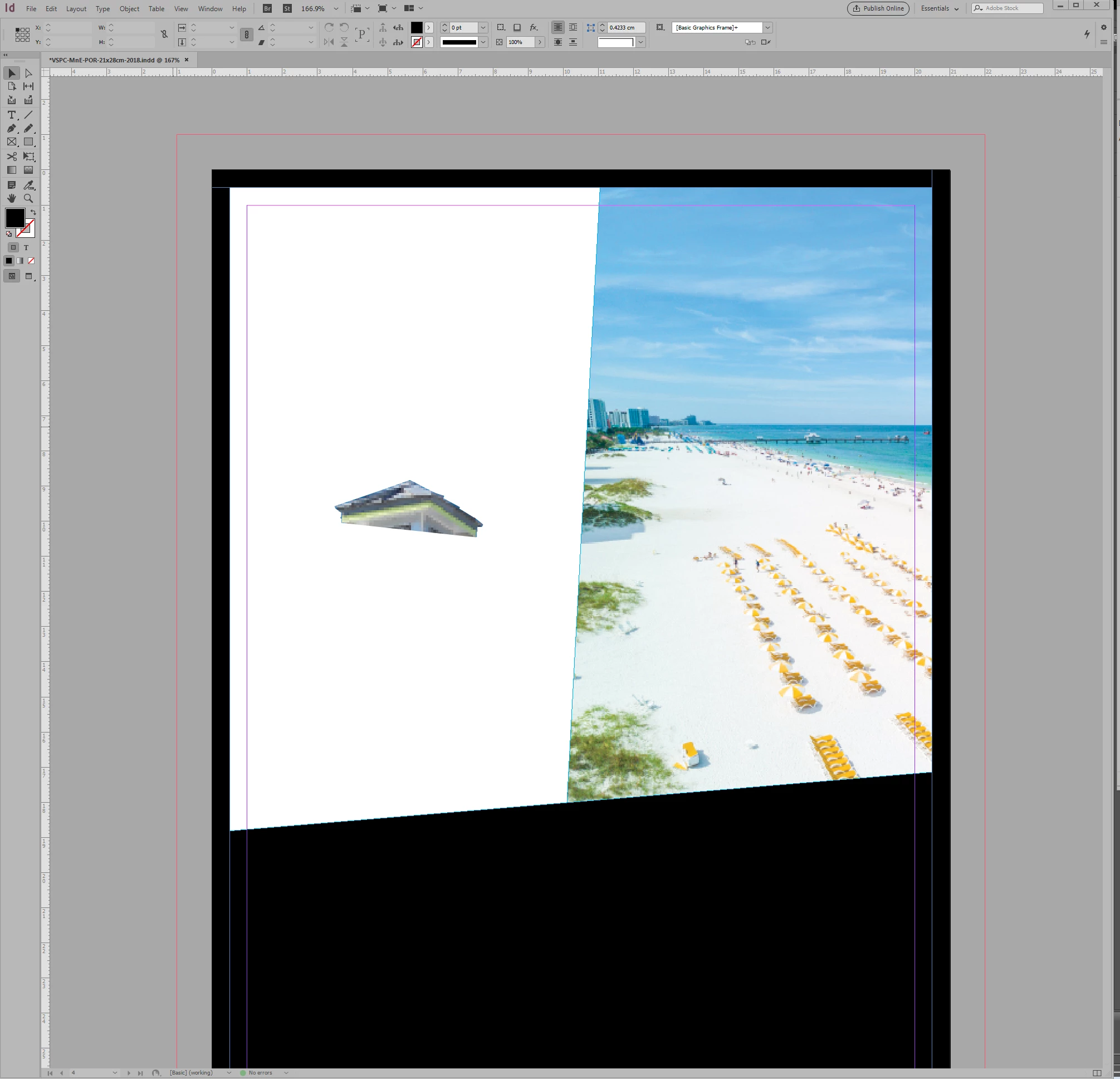
i should add that the picture was used as a cut out in a previous magazine where the top of the lifeguard stand is over some letters.

I dont understand why it looks like this. The image is flattened on a single layer in photoshop.

any help?

This topic has been closed for replies.
Correct answer winterm

Select placed image, and check Clipping Path Options (Alt+Shift+Ctrl+K). Ensure Type is set to None.

Another guess: you’re dropping into already existing frame on ID’s page. Try using File > Place to be sure it’s not the case.

1 reply

winterm
wintermCorrect answer
Legend
March 30, 2018

Select placed image, and check Clipping Path Options (Alt+Shift+Ctrl+K). Ensure Type is set to None.

Another guess: you’re dropping into already existing frame on ID’s page. Try using File > Place to be sure it’s not the case.