

Question
OpenType/Contextual Alternates not working?
Hi all!
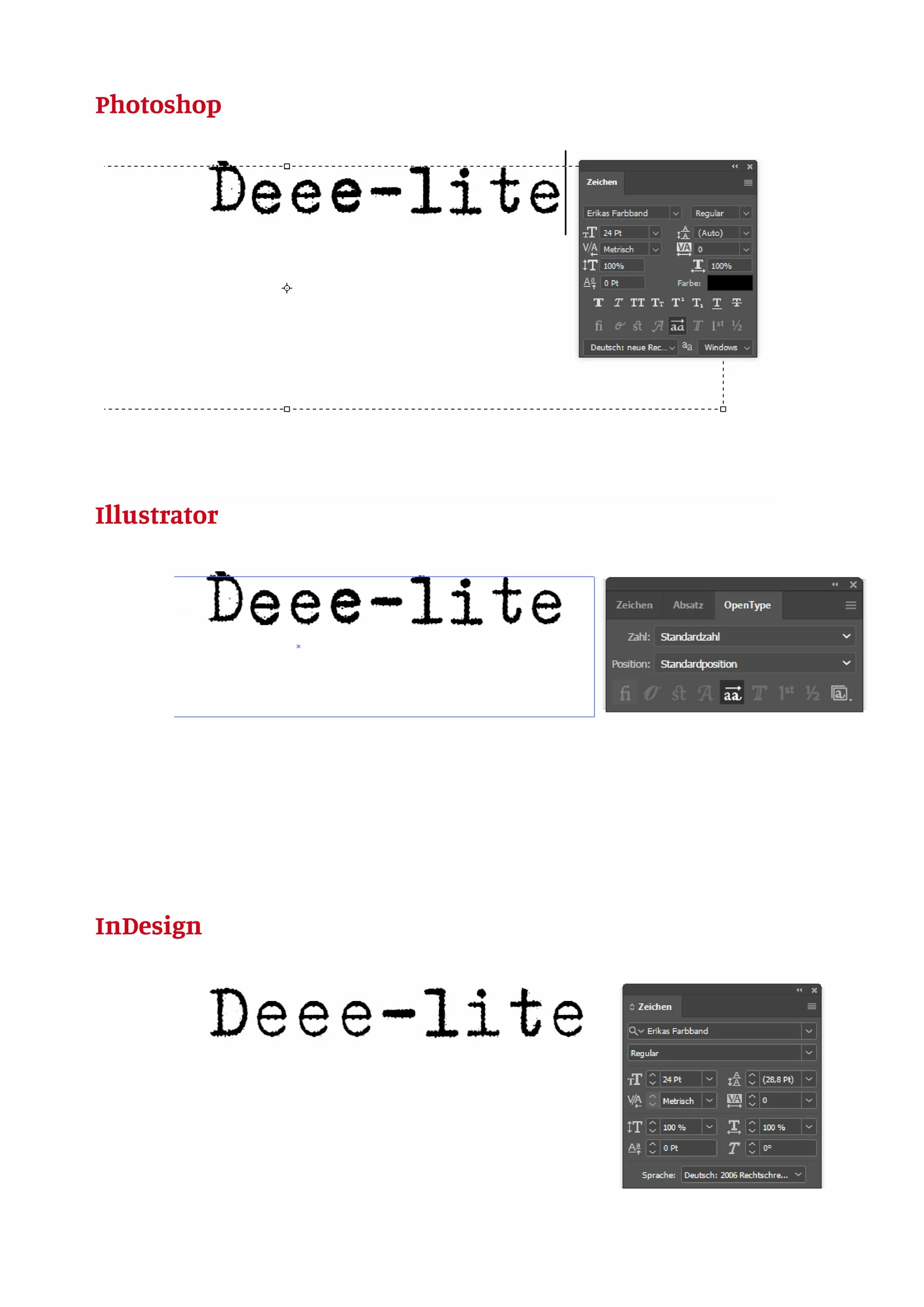
Using the typeface »Erikas Farbband«, a typewriter style monospaced font, one can emulate some sort of »natural deviation« in glyph shapes, since every single character seems to have several alternative versions included in the font data.
This works fine with Illustrator and even Photoshop – but I can’t get it to work with InDesign, even though Contextual Alternates are activated. 😞
See the attached screenshot, showing four beautifully deviating e’s with Illustrator and Photoshop, but not with InDesign.
Any idea what to do about this?
 AdChoices