In InDesign Pixels are a static unit of measurement, and is not related to image resolution—an InDesign page has no resolution.
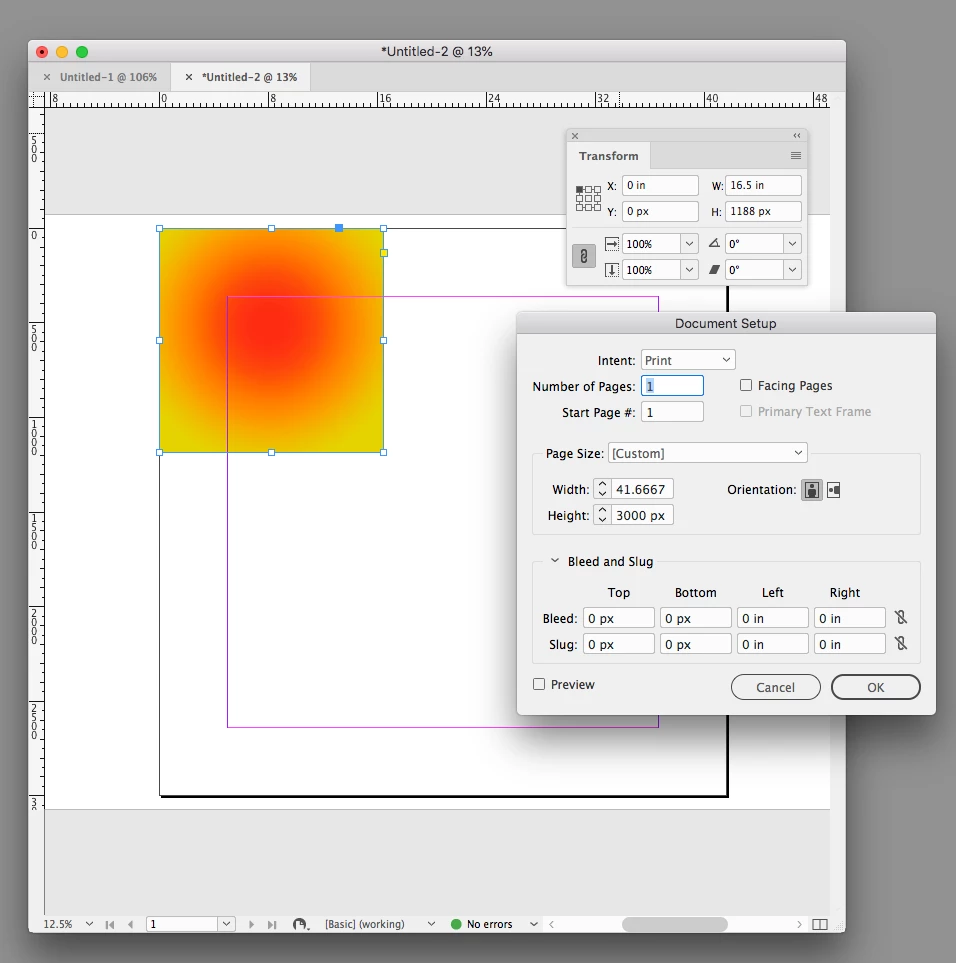
As a unit of measurement a pixel is equal to 1/72". If you change your ruler units to inches, you'll see that the page's output dimensions are 41.666" x 41.666". The scale of a placed object is always relative to the page’s print output dimensions—pixel dimensions are not considered.
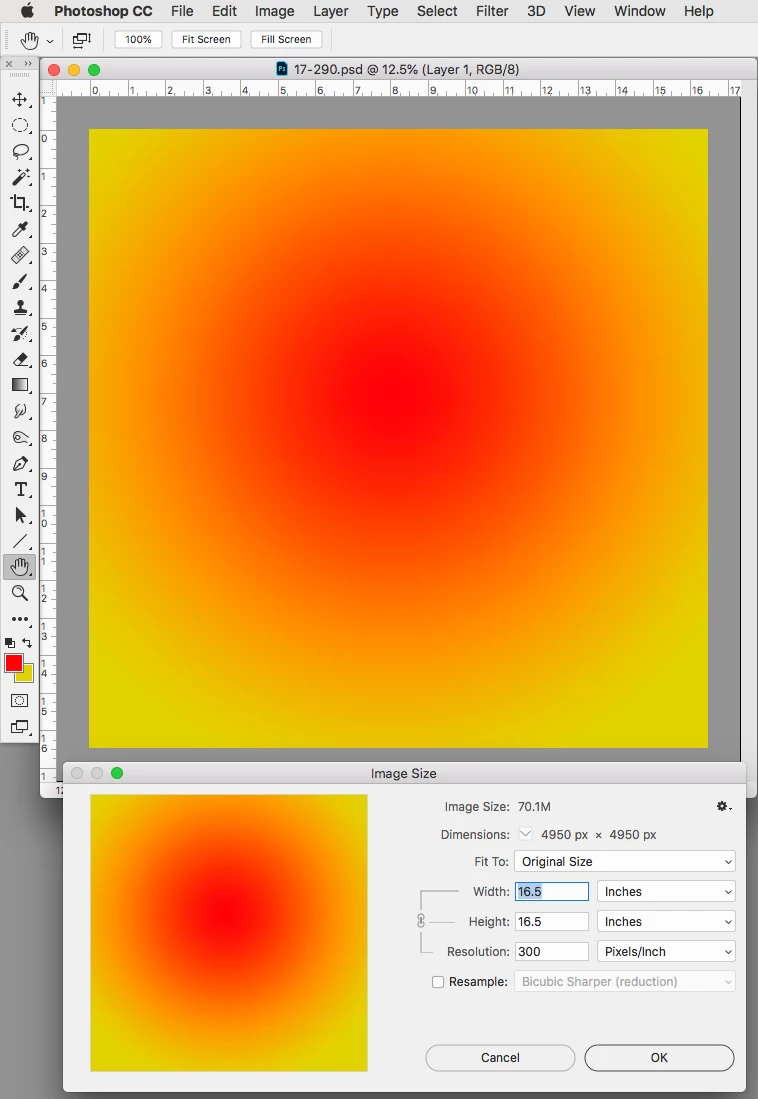
To illustrate winterm's #1, your 4950px image can have any print output dimension depending on how its Image Size is set in Photoshop:
It could be 16.5"x16.5" (300ppi)...
...or 68.5" x 68.5" (72ppi)
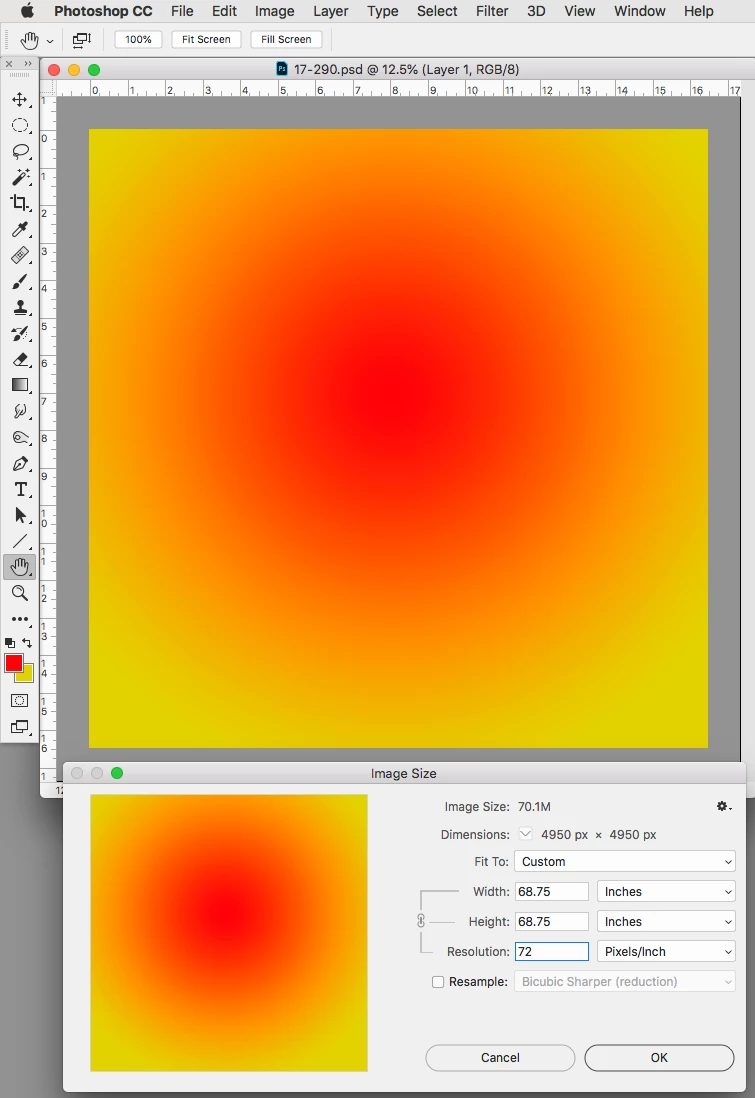
When you place at 100% the Width and Height, and not the pixel dimensions are used for scaling.
The 16.5"x16.5" 300ppi image placed on a 3000 x 3000 pixel (41.666"x41.666") page. The 1188 px showing as the height in the Transform panel is the dimension of the frame, not the resolution of the image:


 AdChoices