



Placing icons into InDesign and ability to change colors
OK, bear with me. I am not a newbie but this one is puzzling me and a coworker.
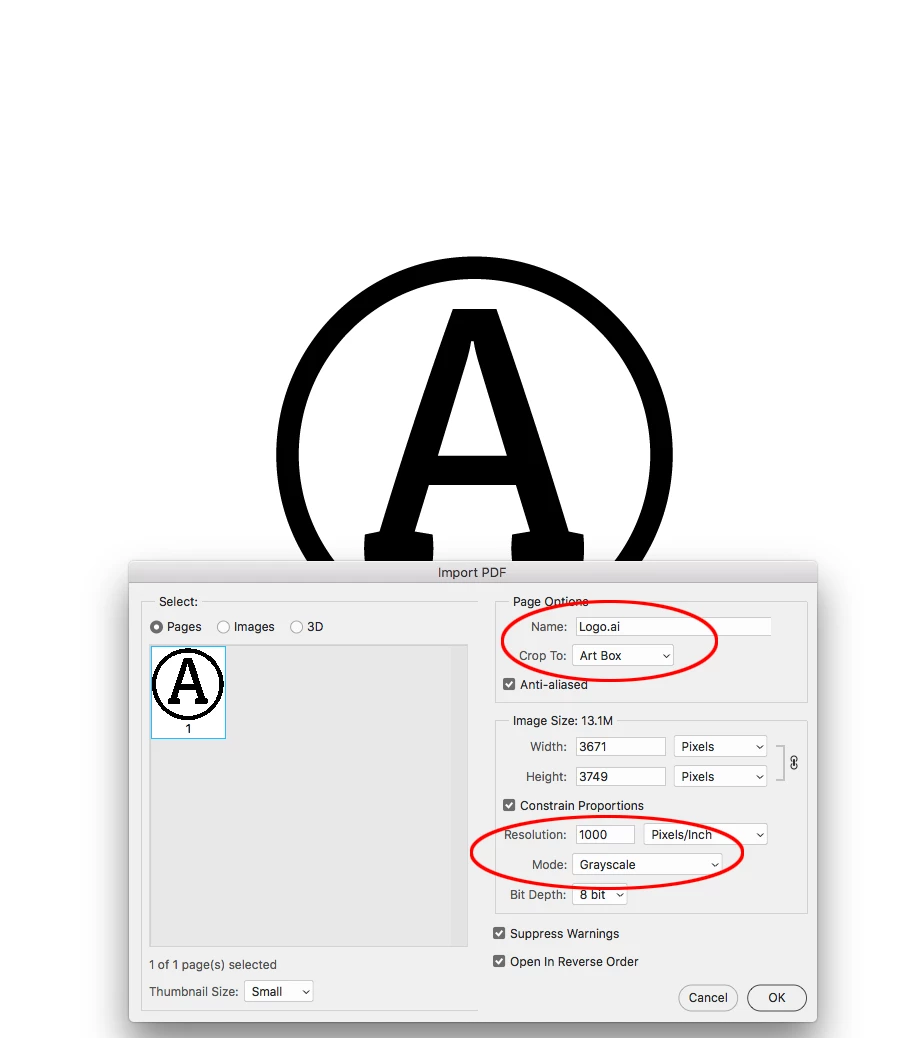
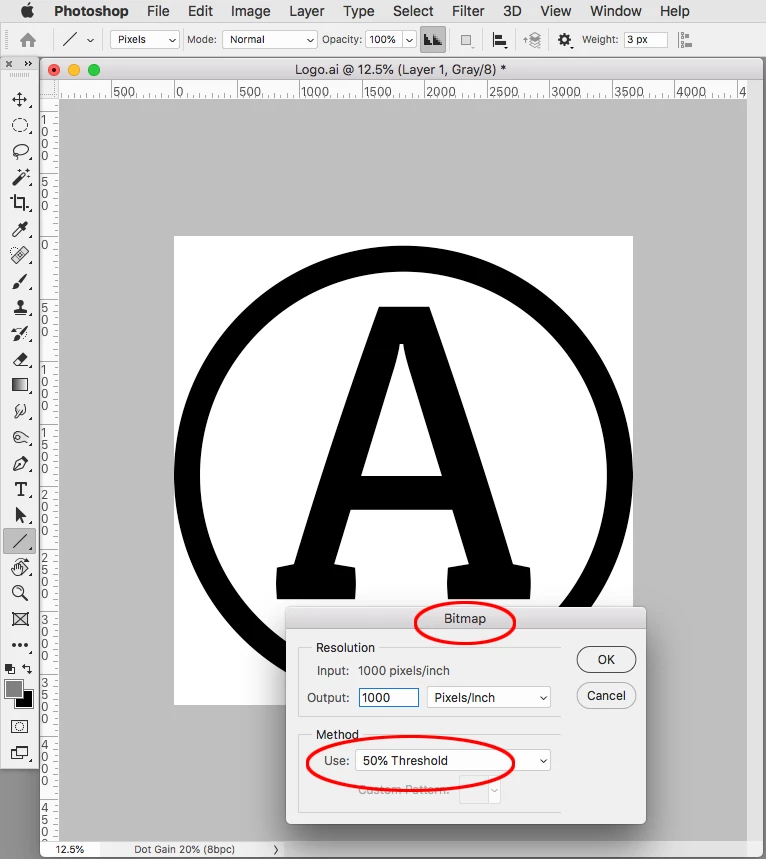
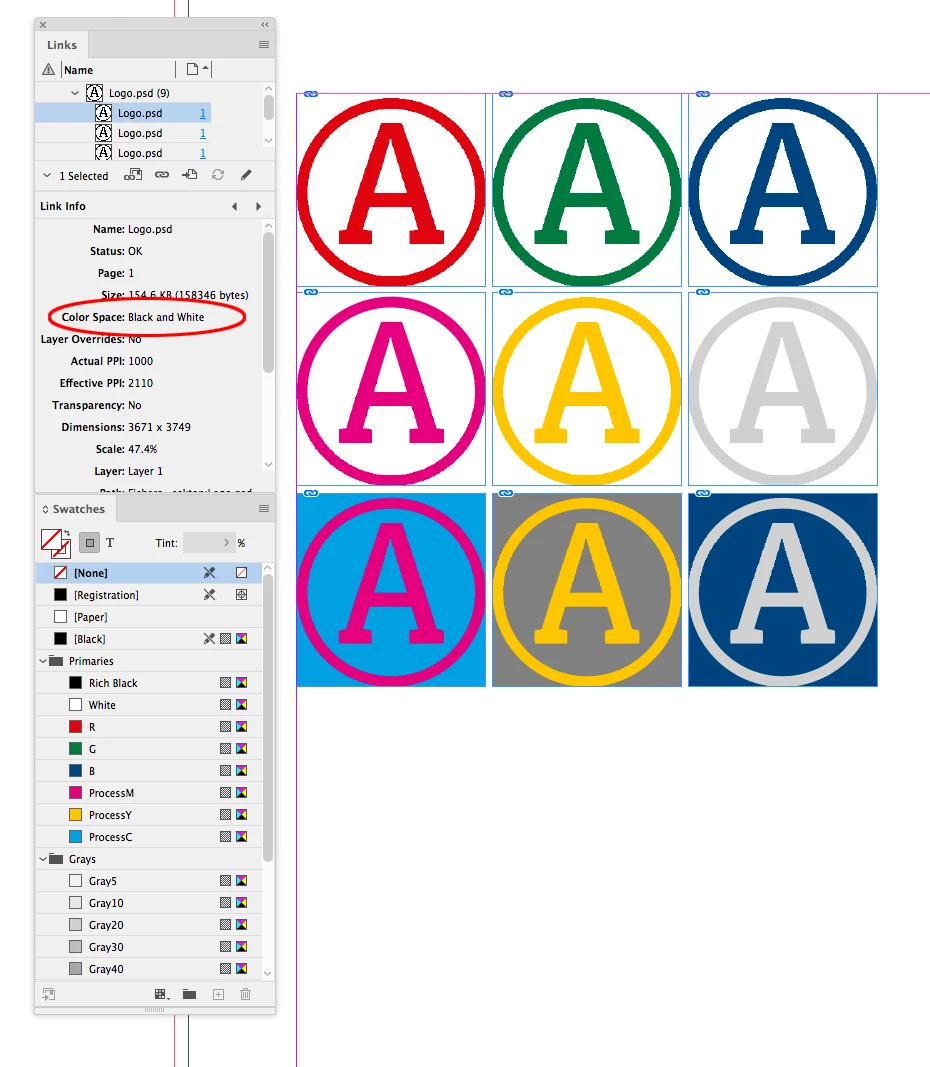
We have a set of say 50 icons created in Illustrator. I want to use these in all adobe products but particualrly InDesign. I also want the ability to change the color of the icons (they are a single color) quickly. I can do this by opening the Illustrator file, changing colors and copy/pasting every time. Kinda works as you know Indd doesn't always do the best with pasted icons from Illustrator.
I was hoping to have these icons in a CC Library I could share. The issue is, when the icon is dragged from the CC Library, it's a 'placed' object, and I can no longer change the color of it.
I am just trying to avoid having these 50 (or more as time progresses) icons created in the 6 brand colors that we use. I thought it'd be simple to drag & drop, click and change color.
Funny thing, we've just created a bunch of templates on Canva.com for local teams to use and there I can upload the icon as a .svg, and users and drag & drop, click and change colors.
Am I missing something obvious? Thanks.

 AdChoices