Participant
August 29, 2017
Answered

Text Box Mimic

  • August 29, 2017
  • 2 replies
  • 575 views

This may be the wrong place to ask, but i can't seem to find an answer anywhere else. I want to know if it is possible to have one text box mimic another...For example if i had one text box on page 1 and it said "hello" in it, could i copy that text box to page 2 and have it automatically update when i change the "hello" on page 1 to "hello there"

This topic has been closed for replies.
Correct answer Obi-wan Kenobi

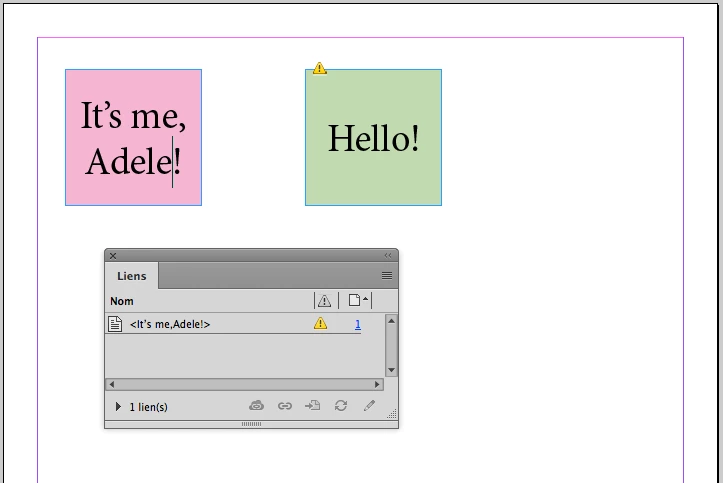
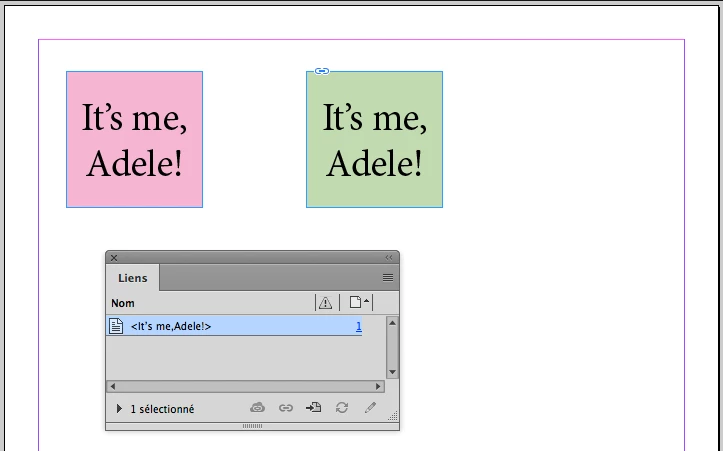
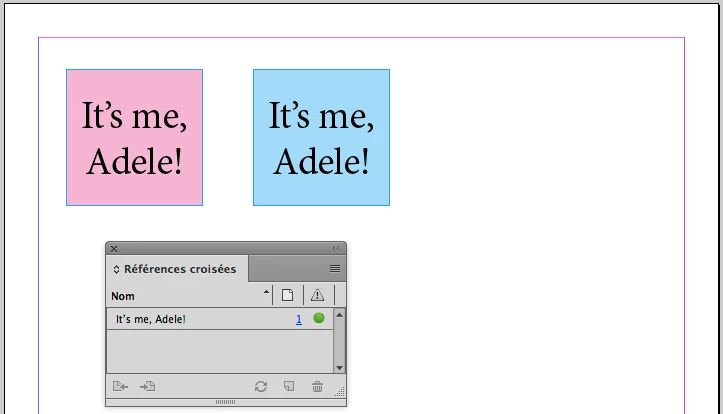
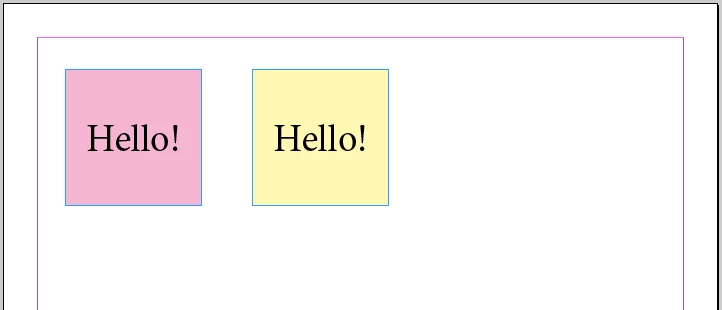
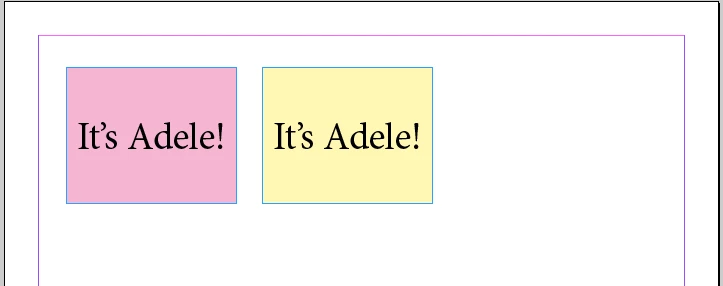
Would you like the same behavior if "it's me, Adele!!"? 

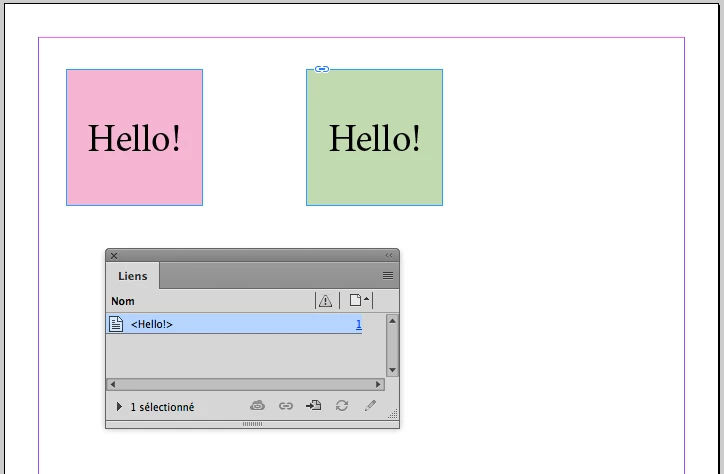
Something like this!  "Text Link"

… Or that:  "Cross-Reference"

… Or that:  "Variable"

… What else? … Maybe a coffee! 

(^/)

2 replies

Obi-wan Kenobi
Obi-wan KenobiCorrect answer
Legend
August 29, 2017

Would you like the same behavior if "it's me, Adele!!"? 

Something like this!  "Text Link"

… Or that:  "Cross-Reference"

… Or that:  "Variable"

… What else? … Maybe a coffee! 

(^/)

Participant
August 30, 2017

Thank you very much, I believe the text link will solve my issue.

Cheers

Om Nath Jha
Legend
August 29, 2017

Hi there,

You can use the concept of Master Pages for this kind of work. If you will update the content of the Master Page, all the pages on which that Master is applied will automatically update. Here's a link with details: Learn how to use master pages in InDesign

Regards,

Om