
Participant
June 14, 2021
Answered

Text doesn't display

  • June 14, 2021
  • 1 reply
  • 2639 views

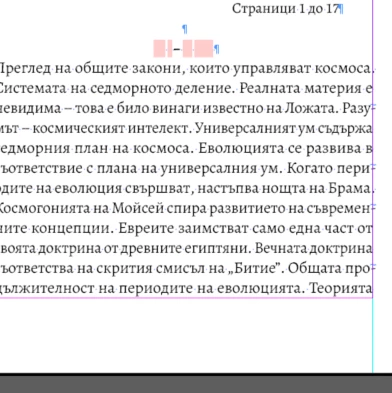
I was doing a long document in bulgarian language. I didn't package my indd file, only have it as pdf and indd. My computer died completely and I got a new one while this project went on hold for a long time. Now when I open the indd file on my new laptop all the text has disappeared and I just get pink highlith instead. I have tried replacing the font. What may be wrong? I can't figure out. All the fonts are installed and so is the language...
This topic has been closed for replies.
Correct answer jmlevy


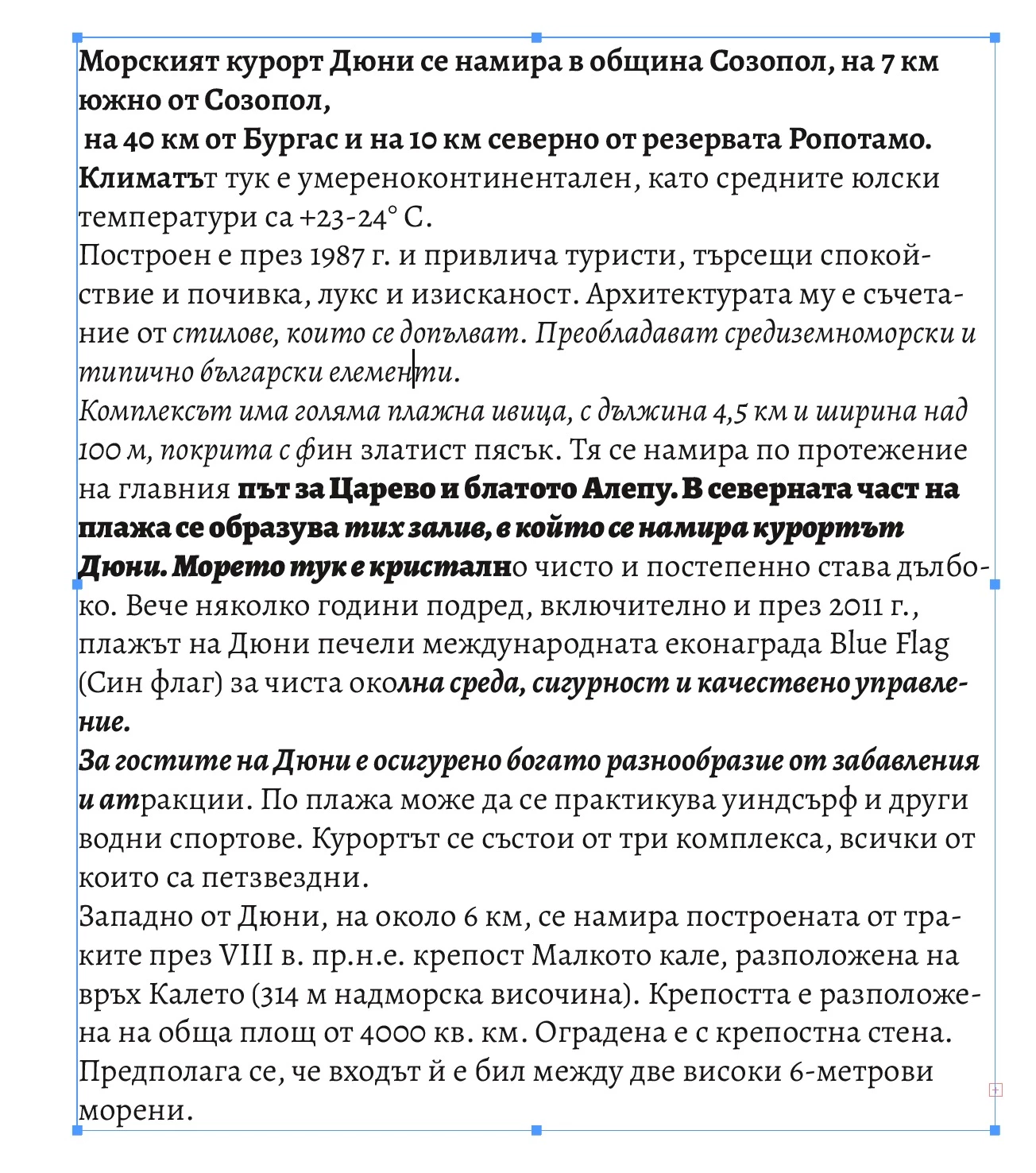
You should uninstall and reinstall the fonts. I did a very quick test: I have copied a text from the Bulgarian tourist office website and pasted it in an InDesign document, using Alegreya (regular, bold, italic, bold italic, black, and black italic). Absolutely no problem:

1 reply

jmlevy
Community Expert
Community Expert
June 14, 2021

If text is highlighted in pink, font is missing.

Can you post a screen shot of the Find font window and one other of any page?

jane-e
Community Expert
Community Expert
June 14, 2021

@irinas64121795 

To clarify, the "Find Font" dialog is in the Type menu.

~ Jane