
Participant
September 22, 2019
Answered

text manipulation (warp effect)

  • September 22, 2019
  • 2 replies
  • 1710 views

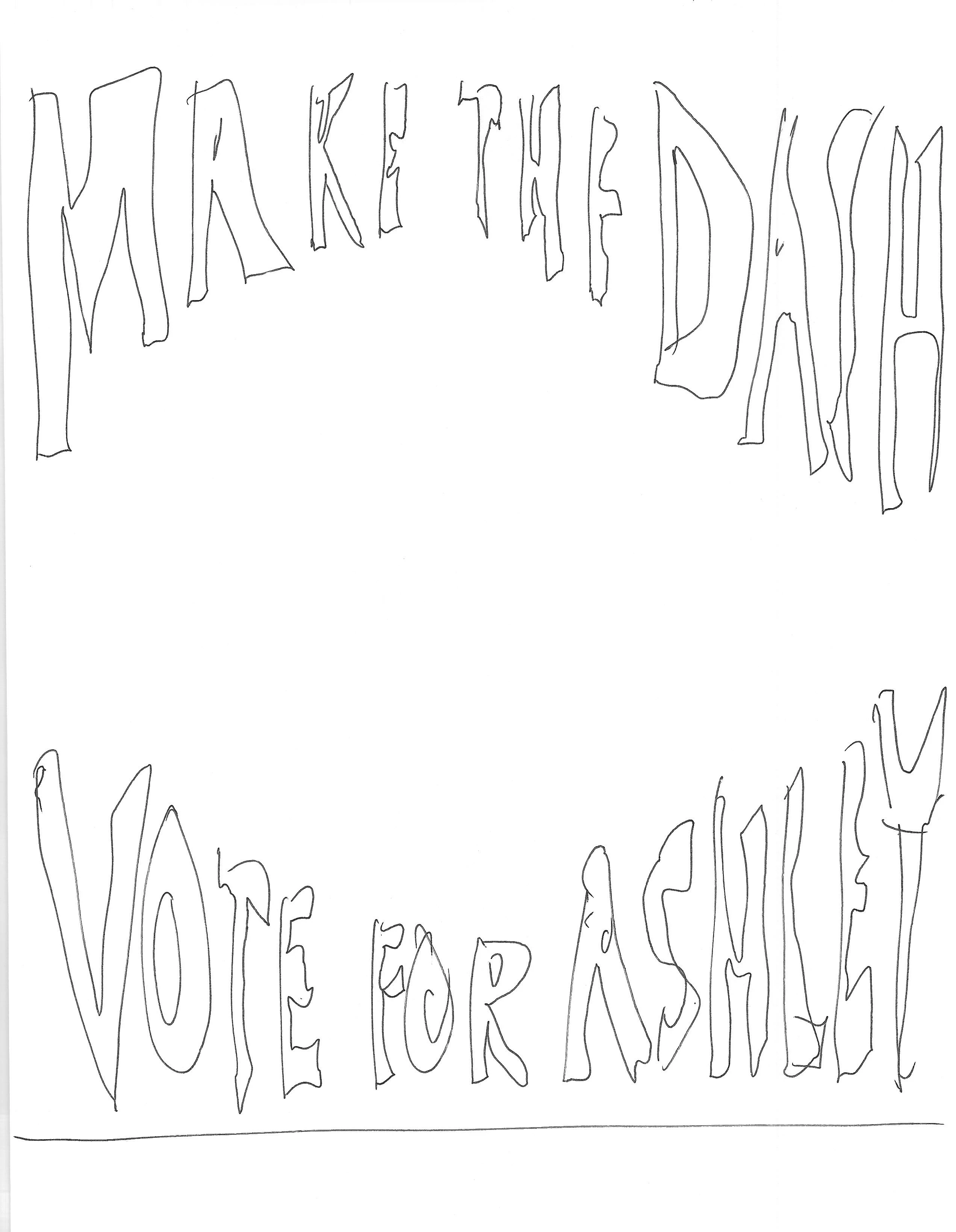
Not sure how to describe this.  Think about an old hippie (Grateful Dead) poster where the text is at the top and bottom.   Take the top text.  Goes left to right across the whole page.   I want the left and right portions to be long letters with the middle area being pushed up (so shorter)    and all this follows an arch shape.   Make sense.   Ok I can attach a drawing.  Im using In Design   THANKS
    This topic has been closed for replies.

    2 replies

    Barb Binder
    Community Expert
    Community Expert
    September 22, 2019

    InDesign doesn’t have a Warp feature but both Photoshop and Illustrator do. You can create the text in either application, warp it as shown then place the art into your InDesign document. 


    ~Barb

    ~Barb at Rocky Mountain Training