
top of page cut off when exporting Indesign file to pdf
hi there,
I've just finished working on a quite long Indesign document and am trying to export it to pdf.
when exporting I get the following message:
'1 problem was found with a background task' ....
I've no idea what the actual problem is, but it shows up as a missing section at the very top of the pdf - a bit less than a page. the rest of the document is there, and it looks fine.
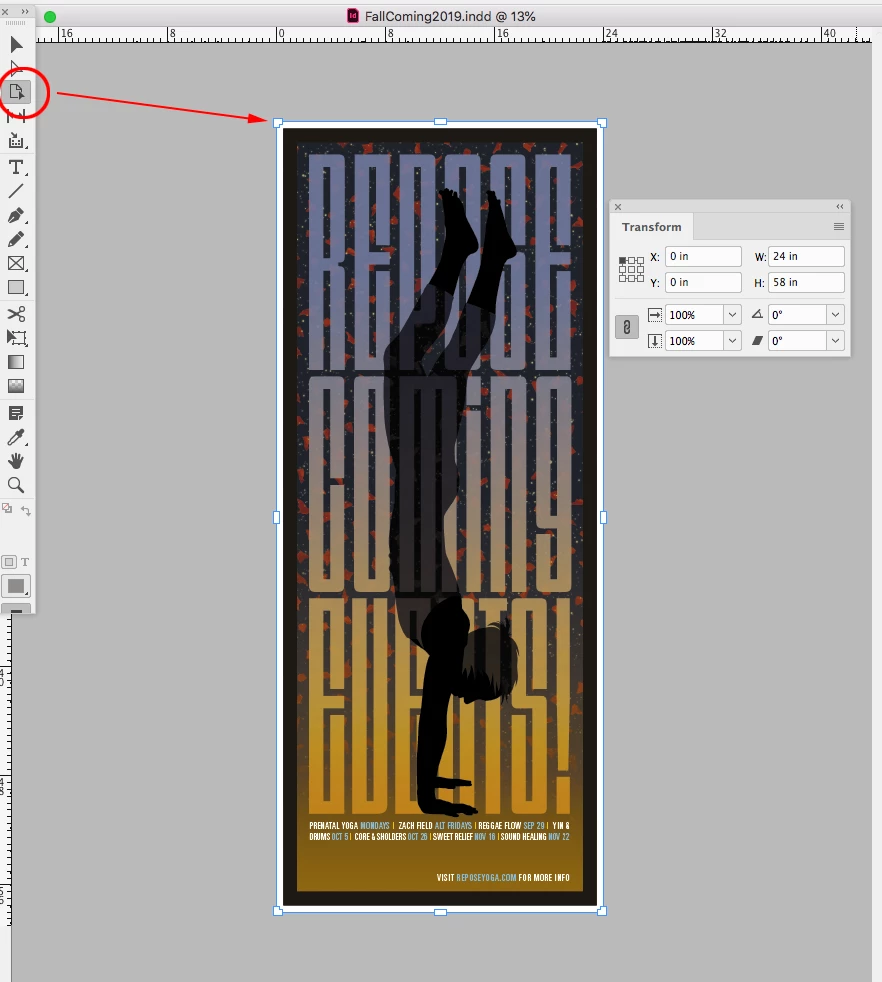
the page itself is a very long narrow one - when I created it, I used a width of 1024px, and a length that I believe was around 11000 px, but I can't tell now, because when i got to 'Document Setup', it tells me that my page height is 3600px. However, I believe I'm seeing more than that on the screen.
I've tried saving as idml and exporting from there - the problem persists. I've also tried exporting as Acrobat 5 - same problem.
there are no errors in the Indesign file (little green dot)
I'm running Indesign 14.0.2, and macOS Mojave 10.14.6
any ideas? thank you in advance.
e

 AdChoices