Participating Frequently
April 27, 2019
Answered

Trouble copy pasting Sanskrit from Word

  • April 27, 2019
  • 2 replies
  • 10325 views

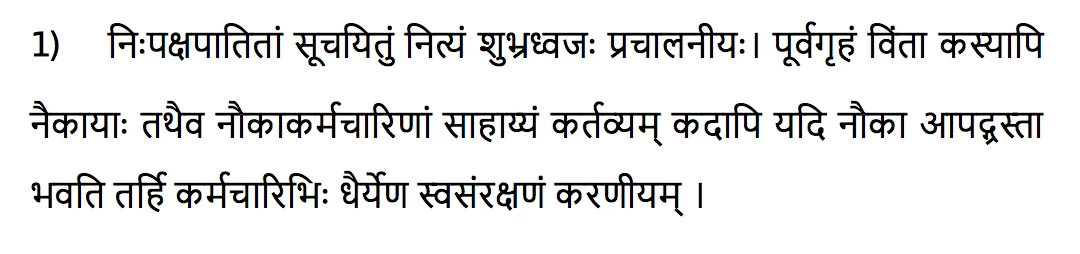
I am having trouble copy-pasting some Sanskrit text from a word document to my indesign file. Here's a screenshot from the word file. It is in the Nirmal UI typeface—
Here's what I get in indesign when I copy and paste it—
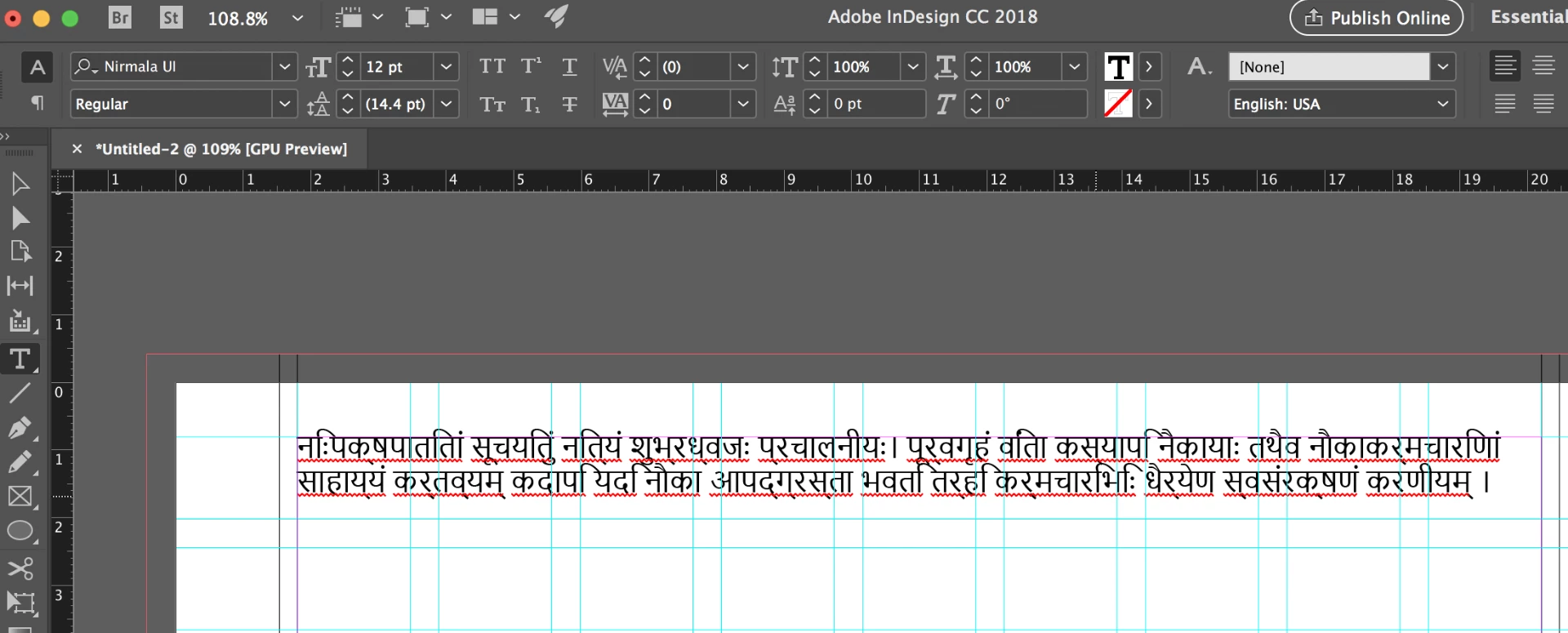
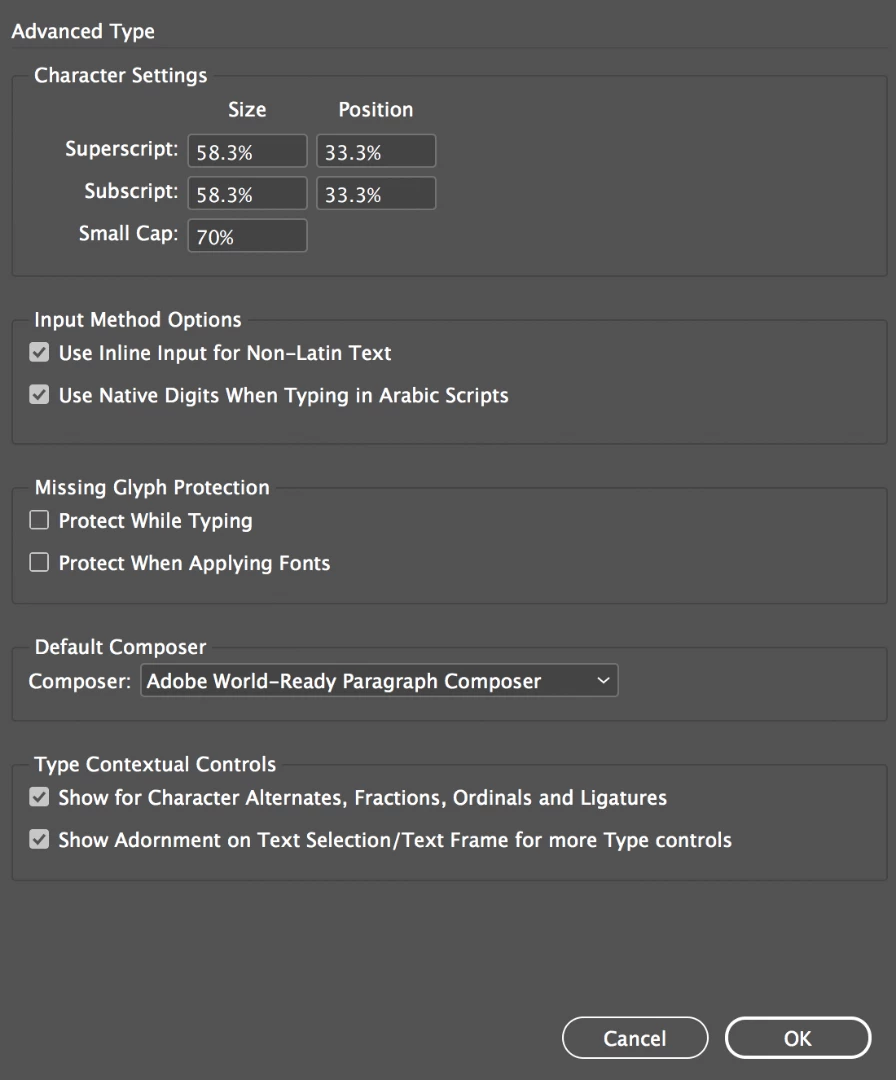
As you can see, indesign shifts some of the glyphs, especially the "ि" and " ी" by a few spaces. I have tried different typefaces for the word document as well as for the indesign document, but none of them work. I also tried placing the word file as well as a pdf version of the word document inside the indesign document, but it did not solve the issue. A solution which was suggested was to make sure I had the World Ready composer selected under preferences, but that did not help either.
This topic has been closed for replies.
Correct answer Marvest

I tried Adobe Devnagari, Mangal, and Nirmal ui. They work beautifully in word, but have the same problems in Indesign.

Here's the text:

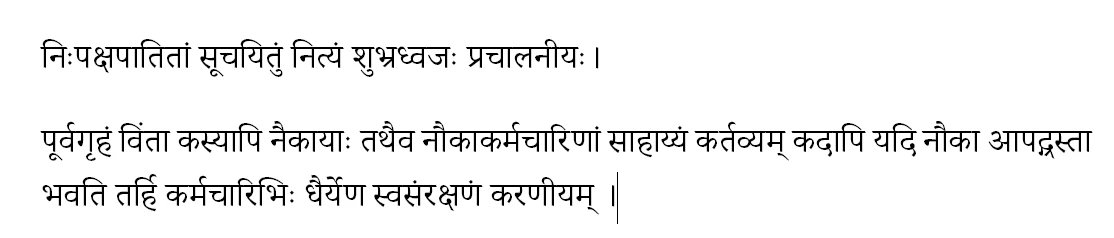
निःपक्षपातितां सूचयितुं नित्यं शुभ्रध्वजः प्रचालनीयः।

पूर्वगृहं विंता कस्यापि नैकायाः तथैव नौकाकर्मचारिणां साहाय्यं कर्तव्यम् कदापि यदि नौका आपद्ग्रस्ता भवति तर्हि कर्मचारिभिः धैर्येण स्वसंरक्षणं करणीयम् ।

Surprisingly chrome and google docs have no trouble with it.


This is what I get when I apply a paragraph style with Adobe Devanagari, Hindi language, Adobe World Ready Paragraph Composer:

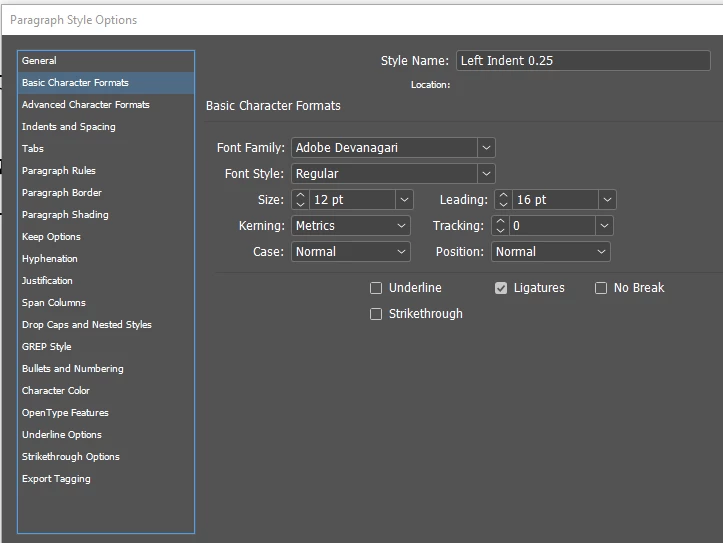
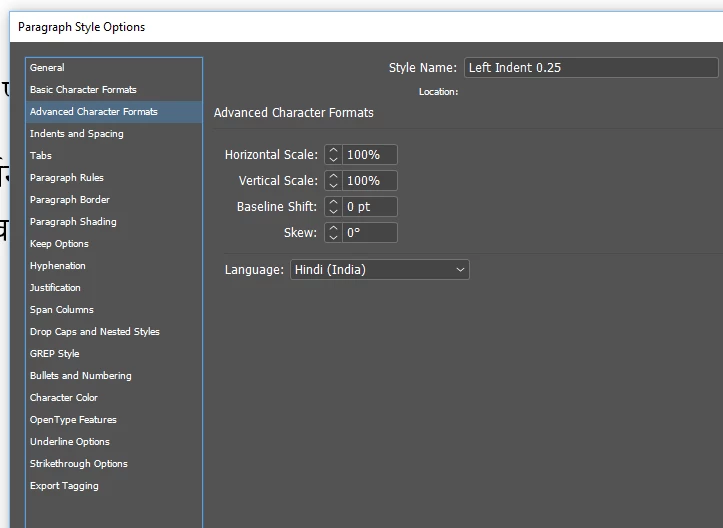
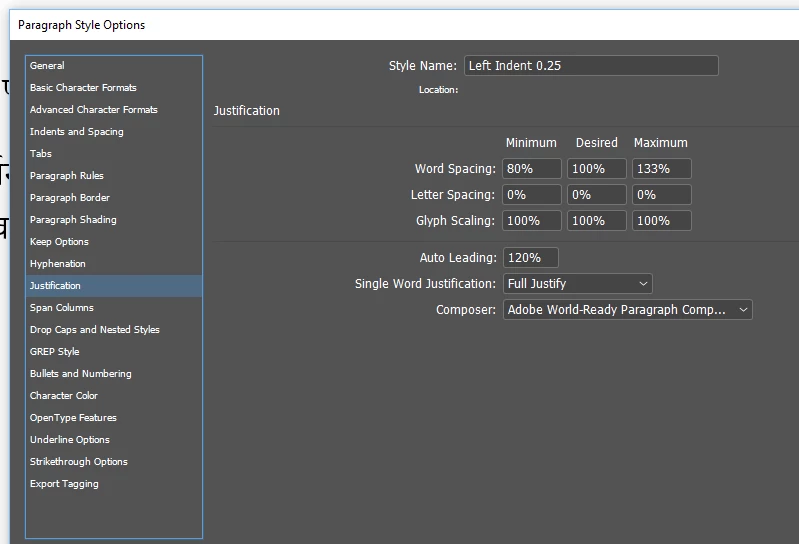
Please make sure you have a specific paragraph style with the above attributes to apply to your text. These are screenshots of the paragraph style I used:

2 replies

Legend
April 27, 2019

Have you tried placing the Word document into InDesign, rather than copying from Word and pasting into InDesign?

Steve Werner
Community Expert
Community Expert
April 27, 2019

I agree with Migintosh. It's much more likely to work with File > Place. Copying just doesn't cut it when there are different languages or encodings.

Marvest
Inspiring
April 27, 2019

Have you tried changing the language? Maybe Hindi because Indesign doesn't have Sanskrit.

Participating Frequently
April 28, 2019

Yes, I changed it to Hind as well as Marathi, but it's the same trouble.

Marvest
MarvestCorrect answer
Inspiring
April 30, 2019

I tried Adobe Devnagari, Mangal, and Nirmal ui. They work beautifully in word, but have the same problems in Indesign.

Here's the text:

निःपक्षपातितां सूचयितुं नित्यं शुभ्रध्वजः प्रचालनीयः।

पूर्वगृहं विंता कस्यापि नैकायाः तथैव नौकाकर्मचारिणां साहाय्यं कर्तव्यम् कदापि यदि नौका आपद्ग्रस्ता भवति तर्हि कर्मचारिभिः धैर्येण स्वसंरक्षणं करणीयम् ।

Surprisingly chrome and google docs have no trouble with it.


This is what I get when I apply a paragraph style with Adobe Devanagari, Hindi language, Adobe World Ready Paragraph Composer:

Please make sure you have a specific paragraph style with the above attributes to apply to your text. These are screenshots of the paragraph style I used: