Participant
June 30, 2020
解決済み

Trouble Print document to PDF on Indesign

  • June 30, 2020
  • 返信数 5.
  • 1582 ビュー

Hi, 

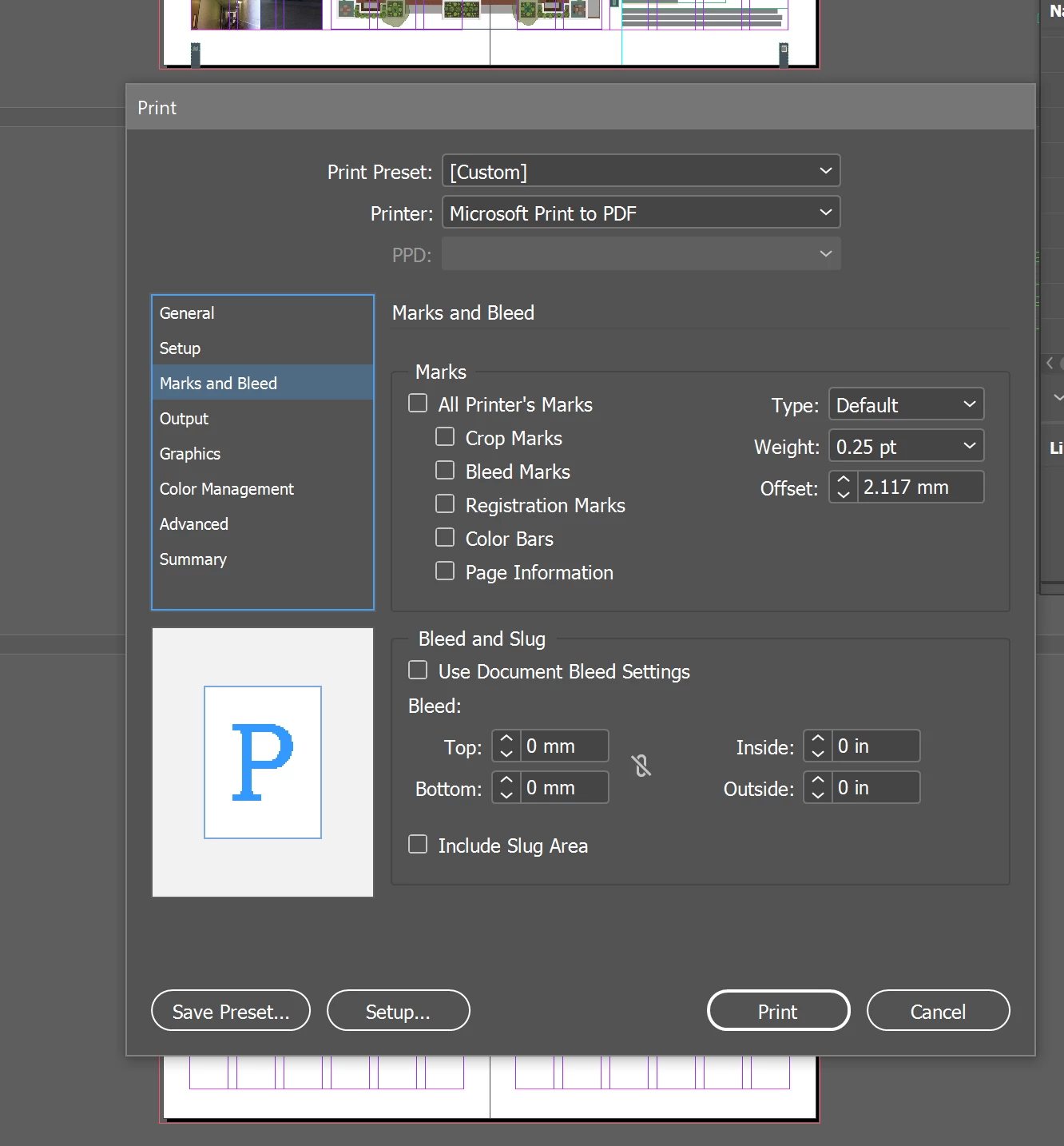
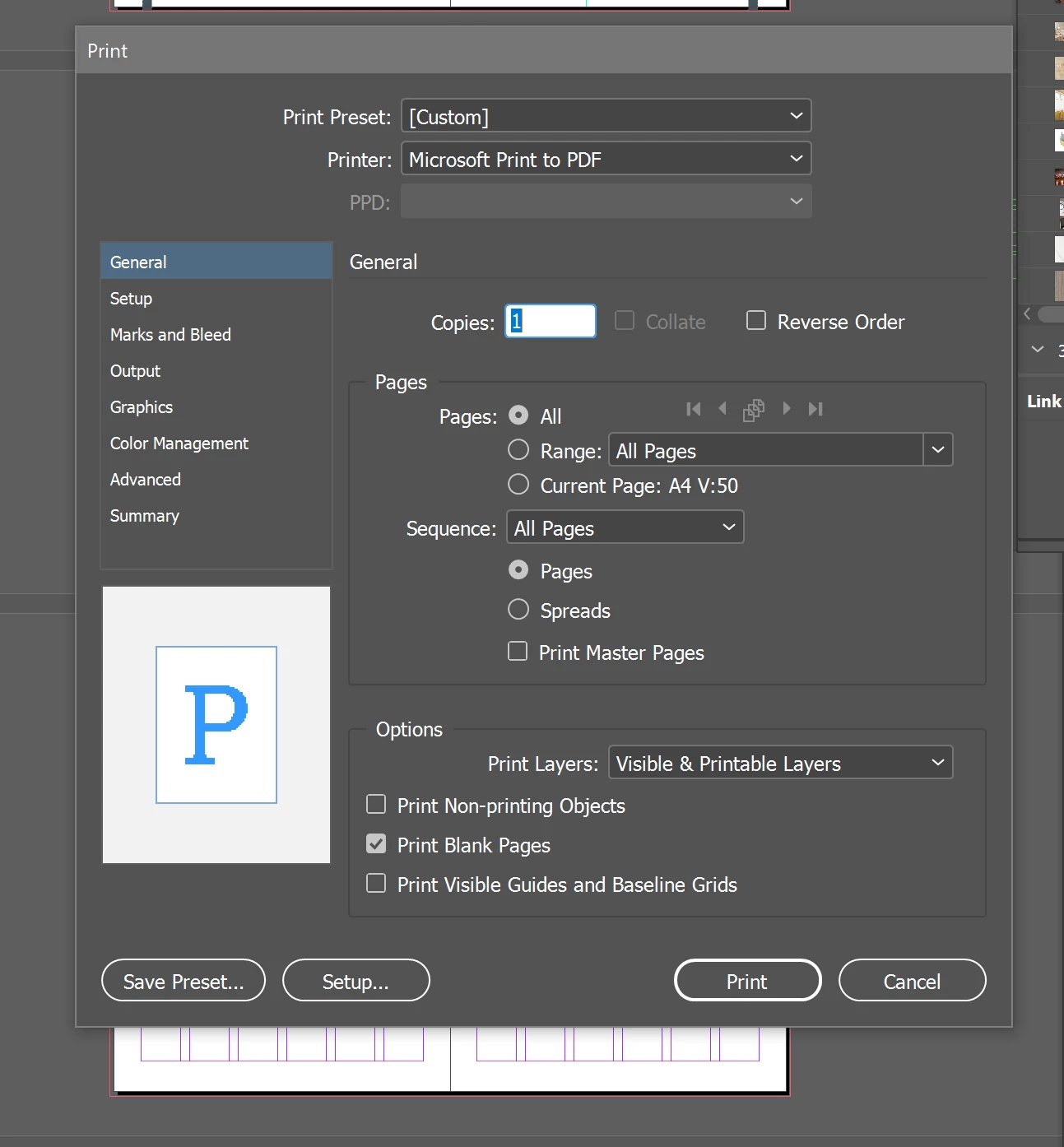
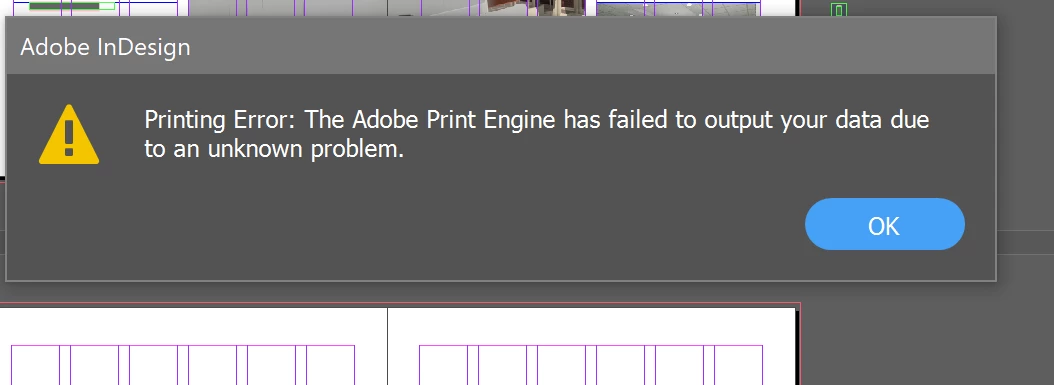
I am trying to print my portfolio to a regular PDF to post to a website. My portfolio is 58 pages and keeps showing a error everytime i try to save as a regular PDF and when I try to export to PDF. Any

suggestions would be really helpful.
 

    このトピックへの返信は締め切られました。
    解決に役立った回答 rob day

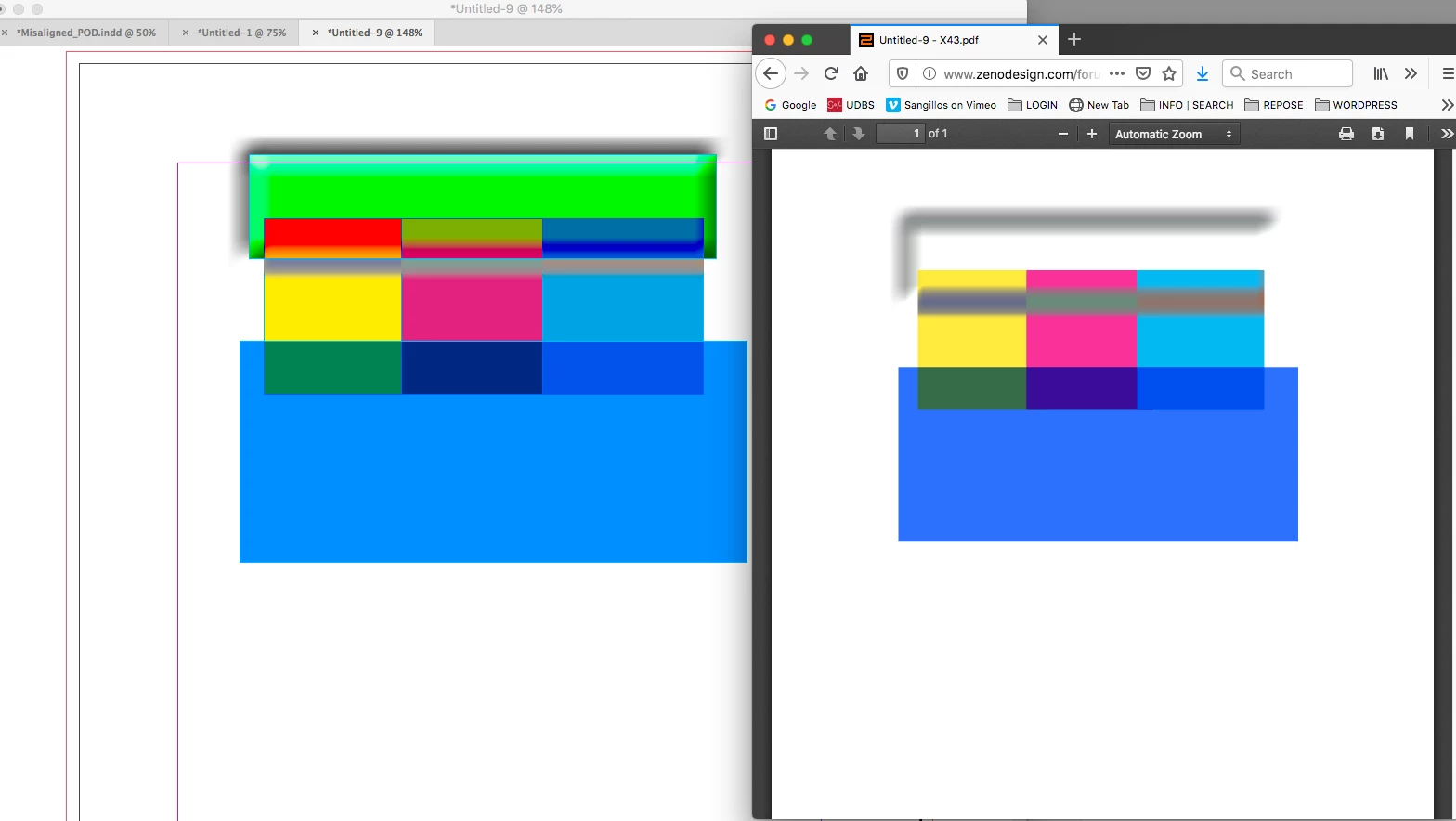
    This is a PDF/X-4 in Firefox on the right and ID on the left—there are both transparency and color problems:


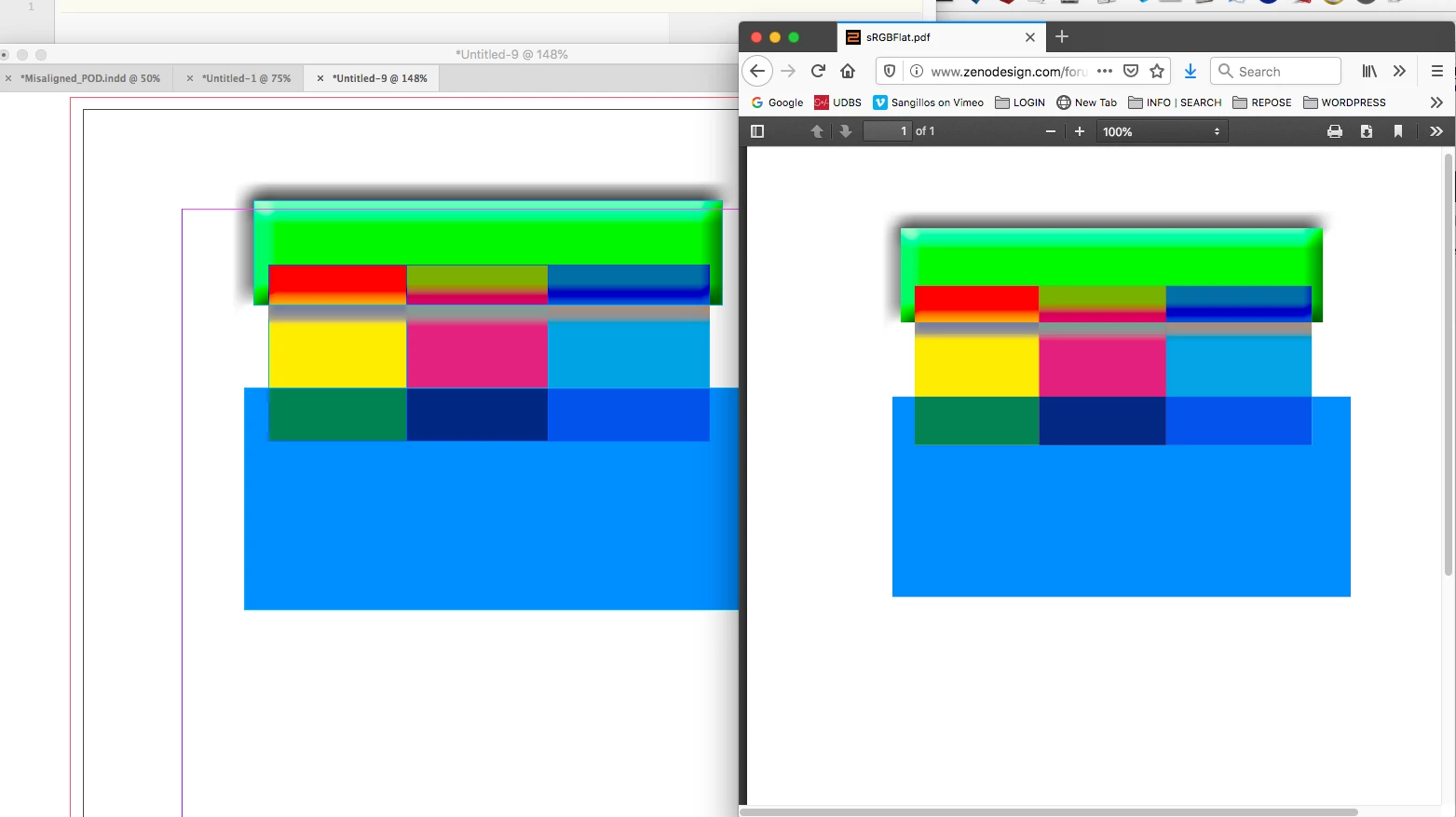
    And this is flattened sRGB, Whether there is stitching depends on how the reader application or browser anti-aliases the tile edges. There’s no visible stitching in this example in any of my OSX browsers:


    返信数 5

    Sheena Kaul
    Community Manager
    Community Manager
    July 10, 2020

    Hi there,


    I hope your issue is resolved already but in case you need more assistance please reply to this thread. 

    Else, if any of the solutions above helped, please confirm. 


    Regards,

    Sheena

    Luke Jennings3
    Community Expert
    Community Expert
    June 30, 2020

    Are you getting error messsages upon export to PDF? If so, there may be a corrupt file placed somewhere. To find it, you can go to Window> Output> Preflight, if there are no error messages, try File> Package> Report, if that doesn't help, divide & conquer by exporting half of your pages at a time, until you can isolate the offending page(s), then open, re-save and update the links on that page until the error message is gone.

    In addition, you will need to decide how large your final PDF will be, you probably won't be able to make a 58 page PDF with nice high-res images small enough to email, on the other hand you don't need to make it several gigs either. Downsampling to 300 ppi upon export might be a good compromise, and optimizing it in Acrobat should also help reduce the final size.


    rob day
    Community Expert
    Community Expert
    June 30, 2020

    As Derek suggests use Export not Print. For Web display export to sRGB with transparency flattened—the Output panel’s Compatability and Destination should be this:


    BobLevine
    Community Expert
    Community Expert
    June 30, 2020

    Why would you flatten the transparency? That would result in stitching and for a screen view PDF, would not be at all ideal.

    rob day
    Community Expert
    Community Expert
    June 30, 2020

    Because some browsers can not display complex live transparency or profiled CMYK correctly, so if the destination is the web dumbing down the PDF to all sRGB color with no live transparency is the safest approach.

    Derek Cross
    Community Expert
    Community Expert
    June 30, 2020

    Do not Print to PDF, use the InDesign Adobe PDF presets.

    Just Shoot Me
    Legend
    June 30, 2020

    I moved your post over from the poorly named Community Help forum, which is for getting help using this forum system, to a better forum, Indesign


    I hope this helps. Best of luck to you.